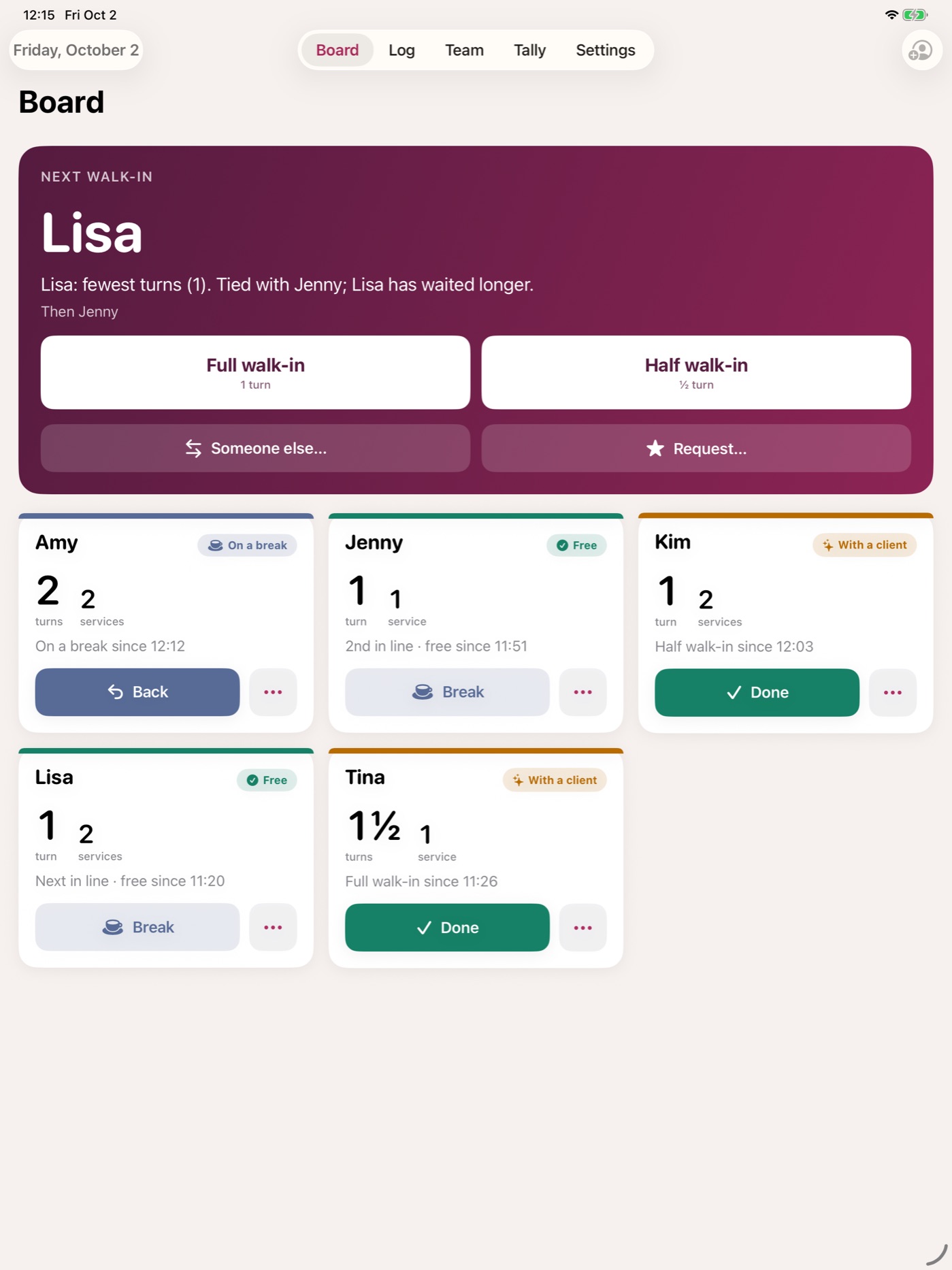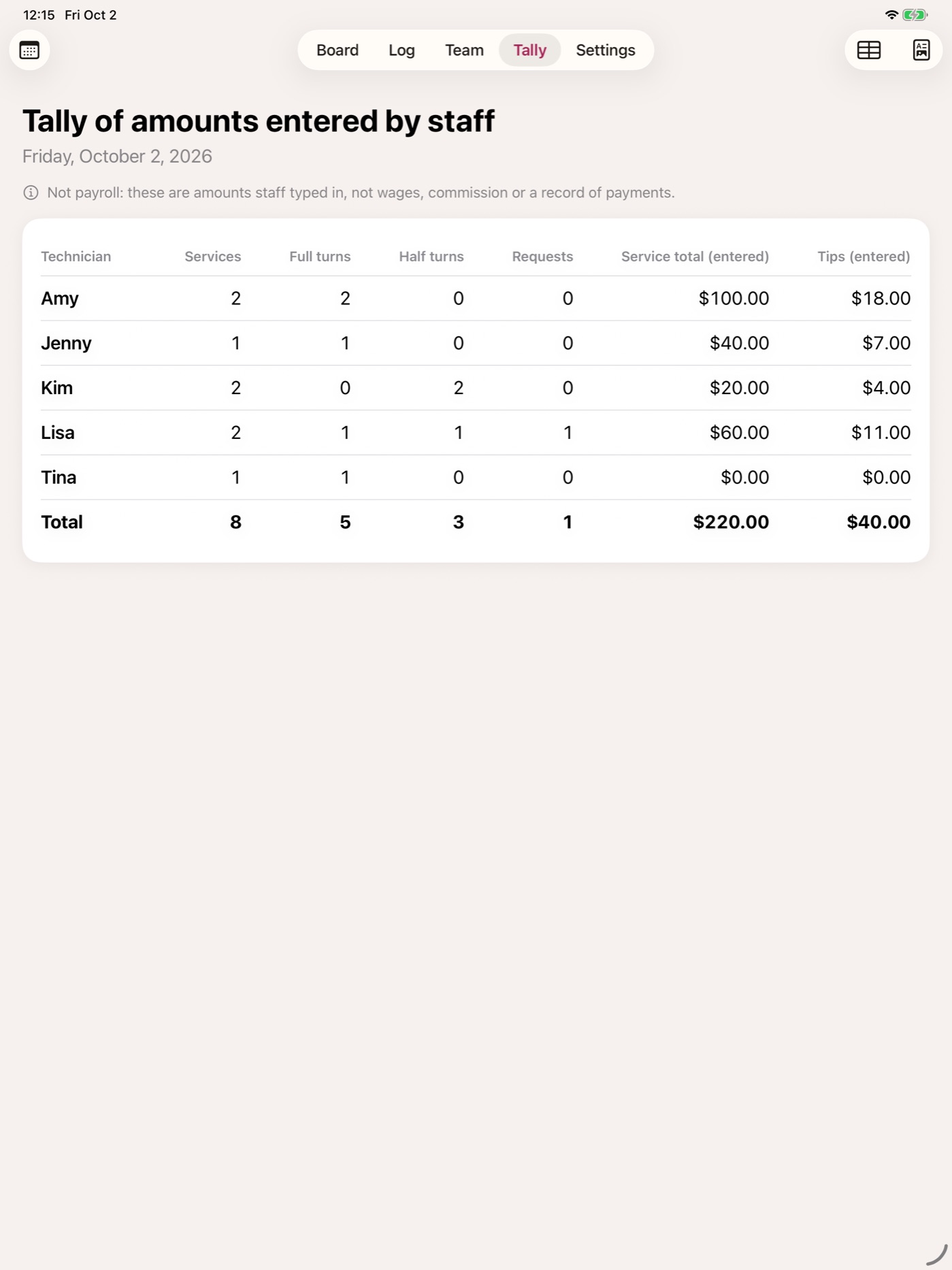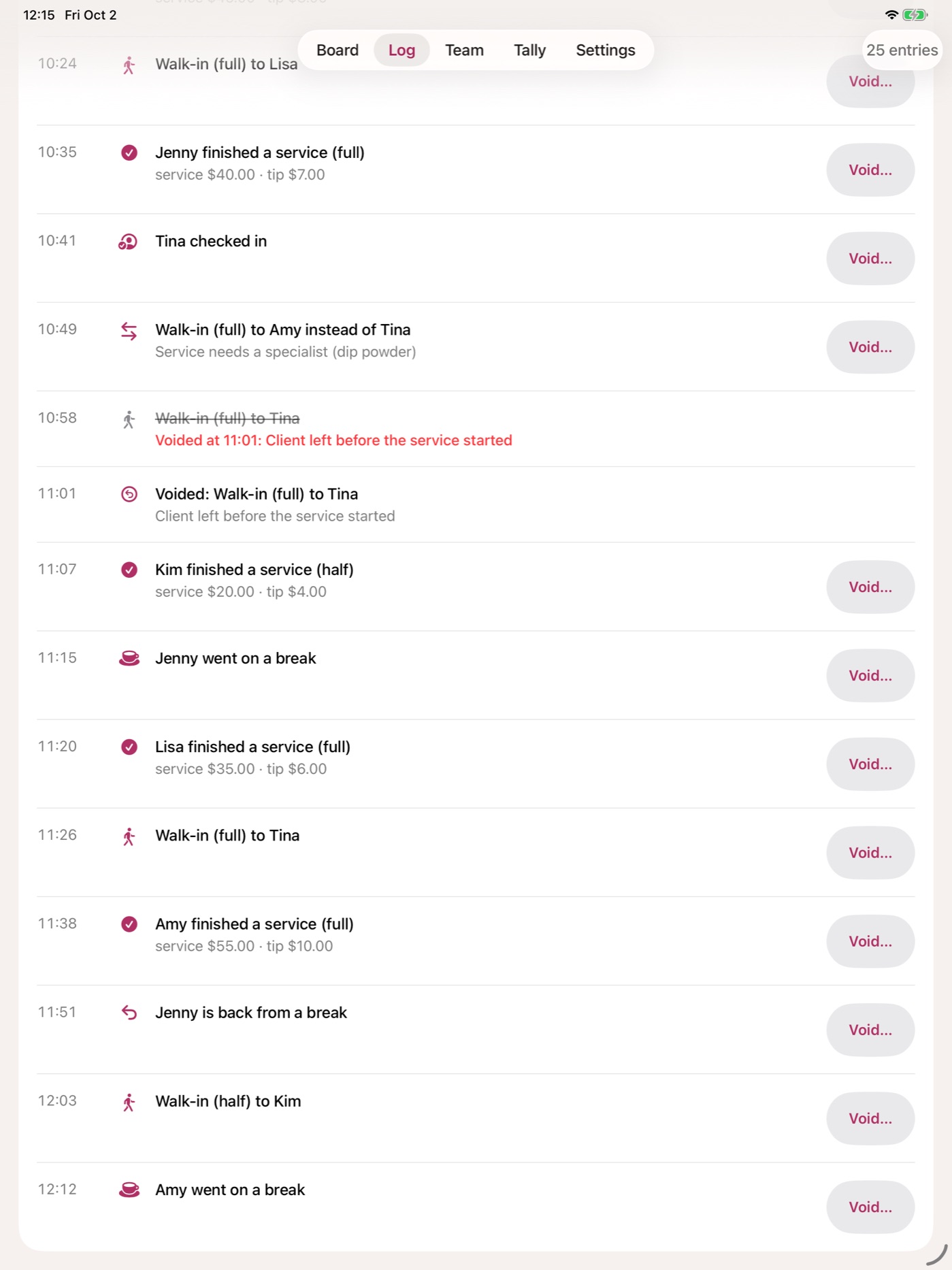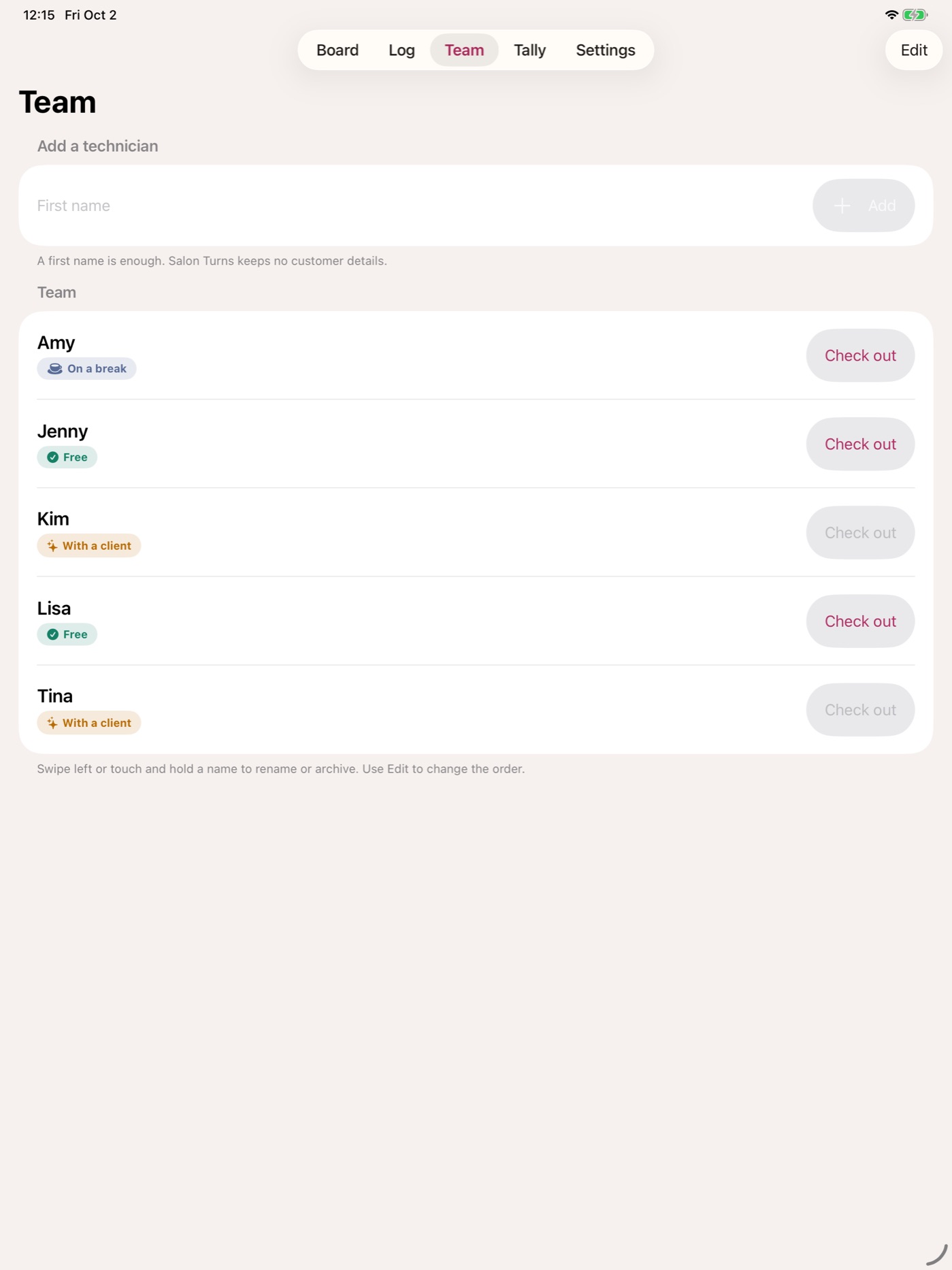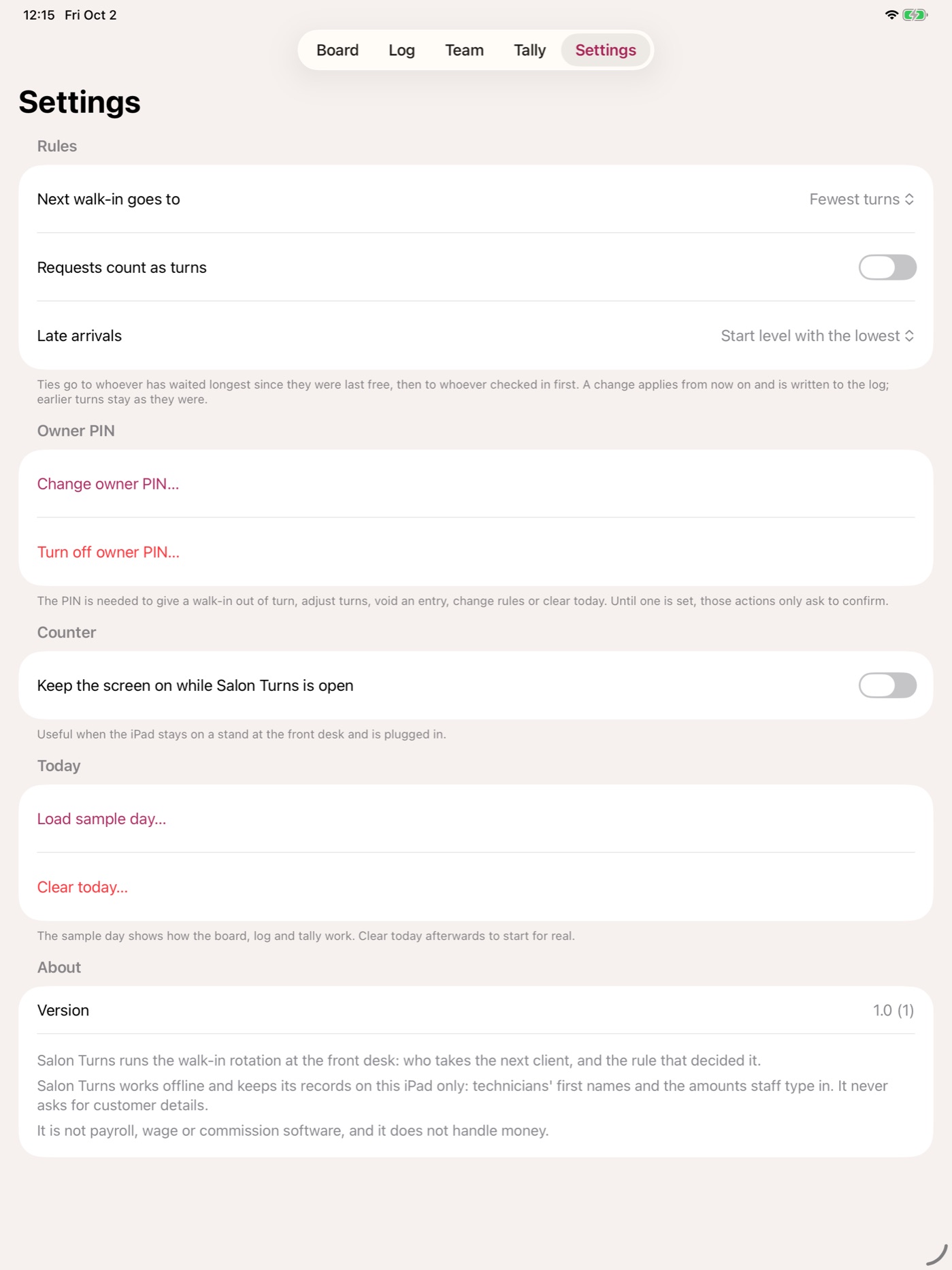
Many nail salons still hand out walk-in clients from a turn list on paper, and that is where the arguments start: who was really next, does a half service count, why did the late arrival get two clients in a row? Salon Turns runs the rotation on the front-desk iPad and, every time, shows the rule that decided it — "Lisa: fewest turns (1). Tied with Jenny; Lisa has waited longer." Full and half services, requests that do not count as turns, breaks and late arrivals all follow the same written rules. Giving a client out of turn, adjusting a count, voiding an entry or changing the rules takes the owner PIN and a reason, and every action goes into a dated log where a correction is struck through, never erased. At closing, a per-technician tally of services and the amounts staff entered exports as CSV or PDF, clearly marked as not payroll. The board is a replay of that log, and the rotation engine is checked against thousands of randomised days — and against deliberately broken copies of itself, to prove the checks would catch a mistake. It keeps no customer details, works offline and contains no networking code. iPad only, in English. Free, with no account and no ads.

What these apps prove
- End-to-end ship: design → Swift/SwiftUI build → App Store review → live for users.
- Operational discipline: versioning, release notes, App Store Connect metadata, and TestFlight workflows.
- Real-world feedback: ratings, reviews, and crash reports inform every update.
No apps match this filter.
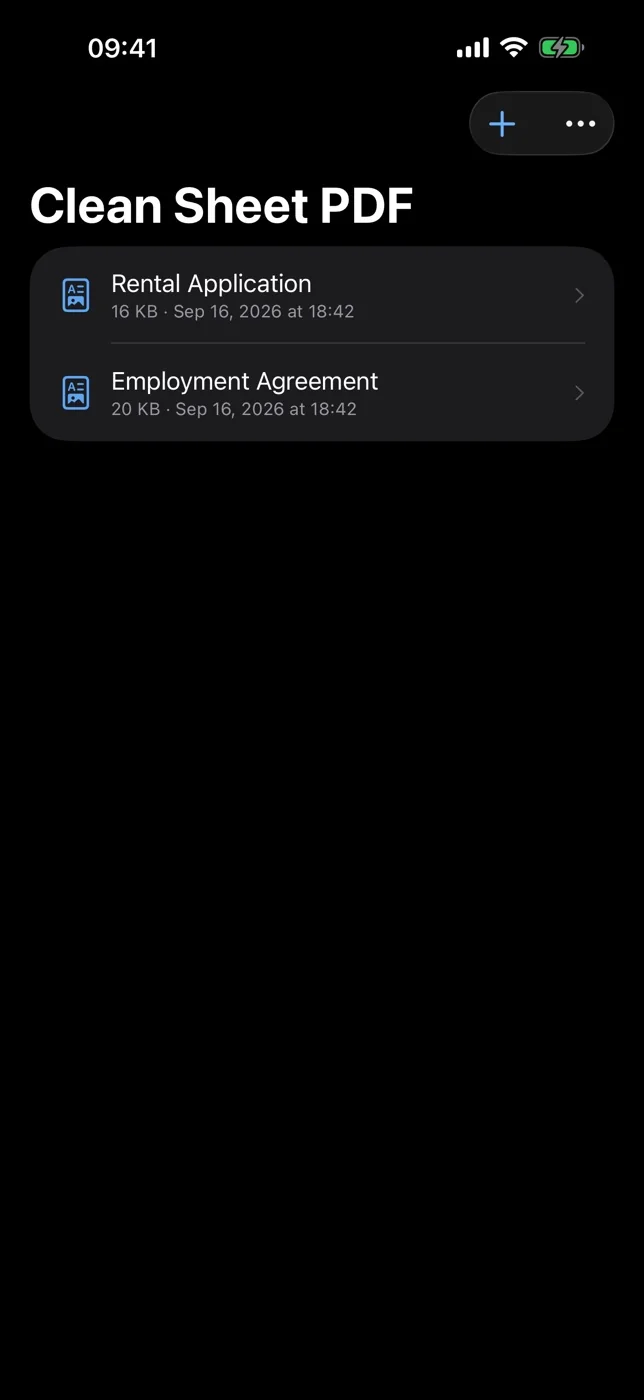
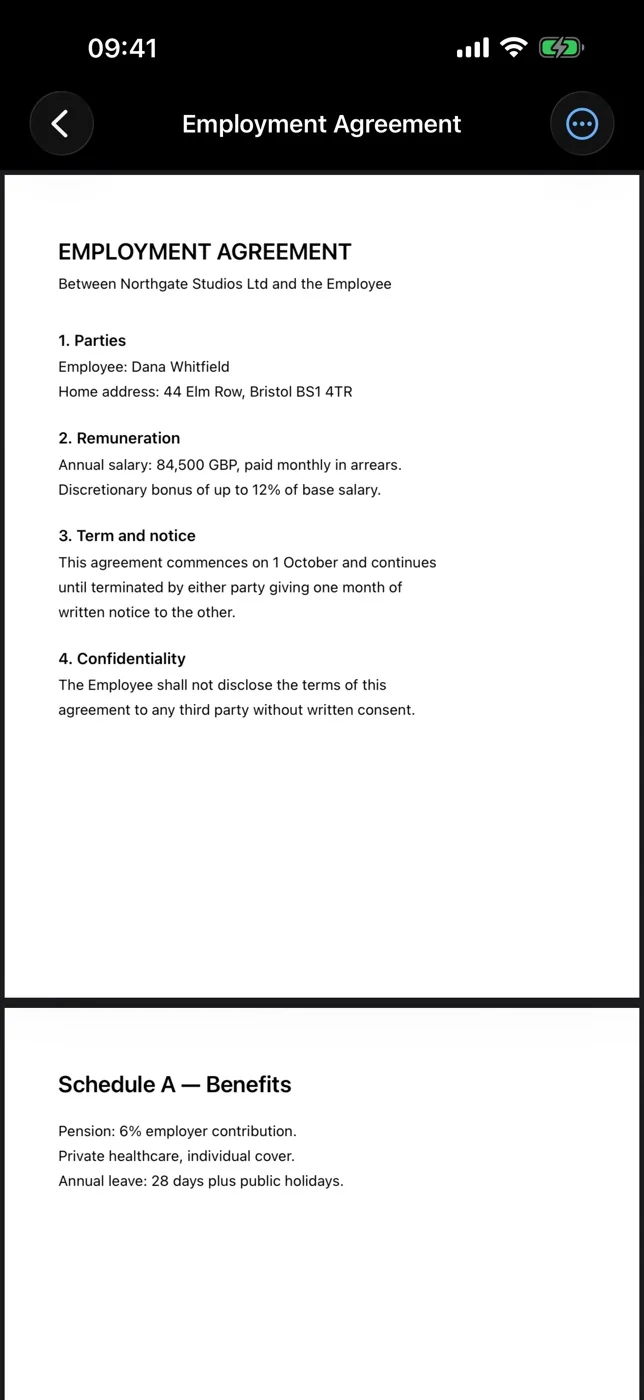
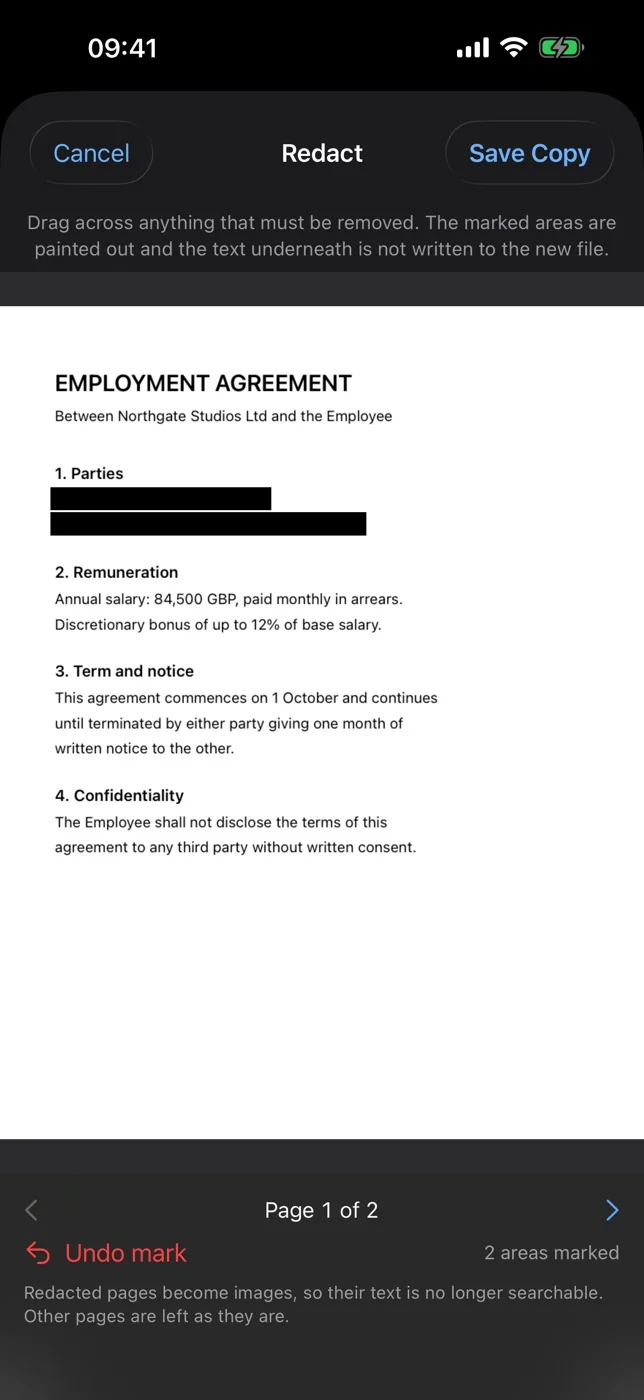
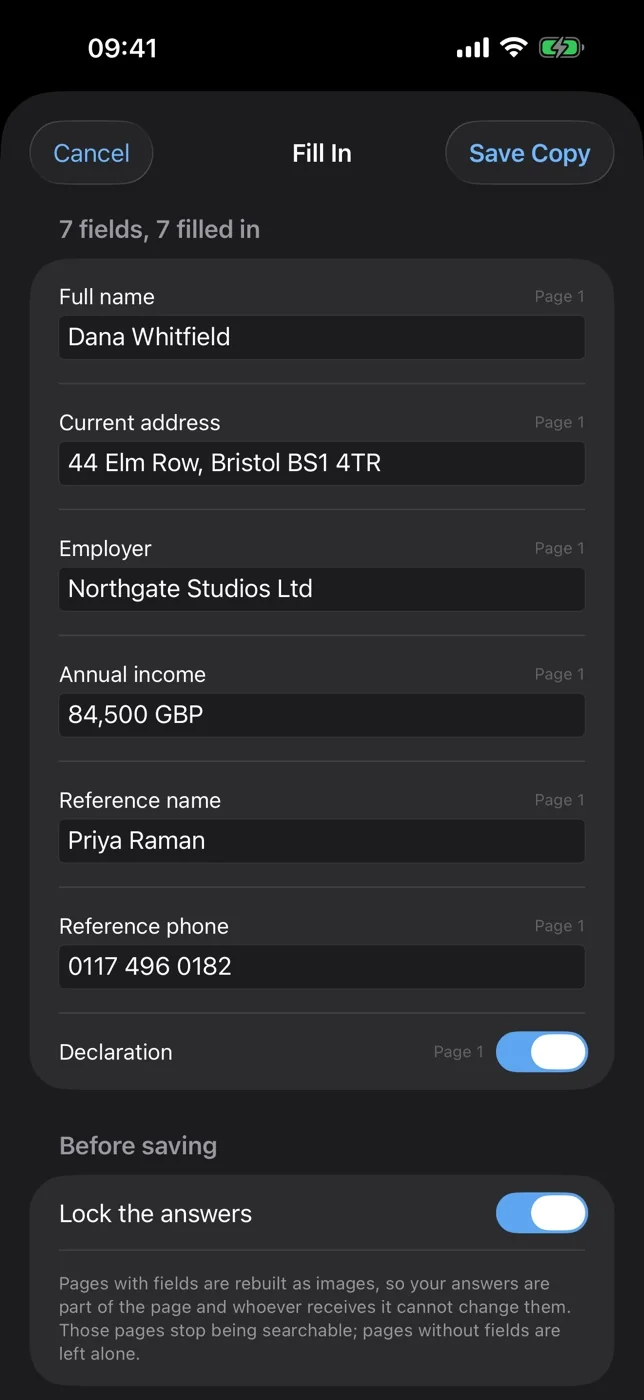
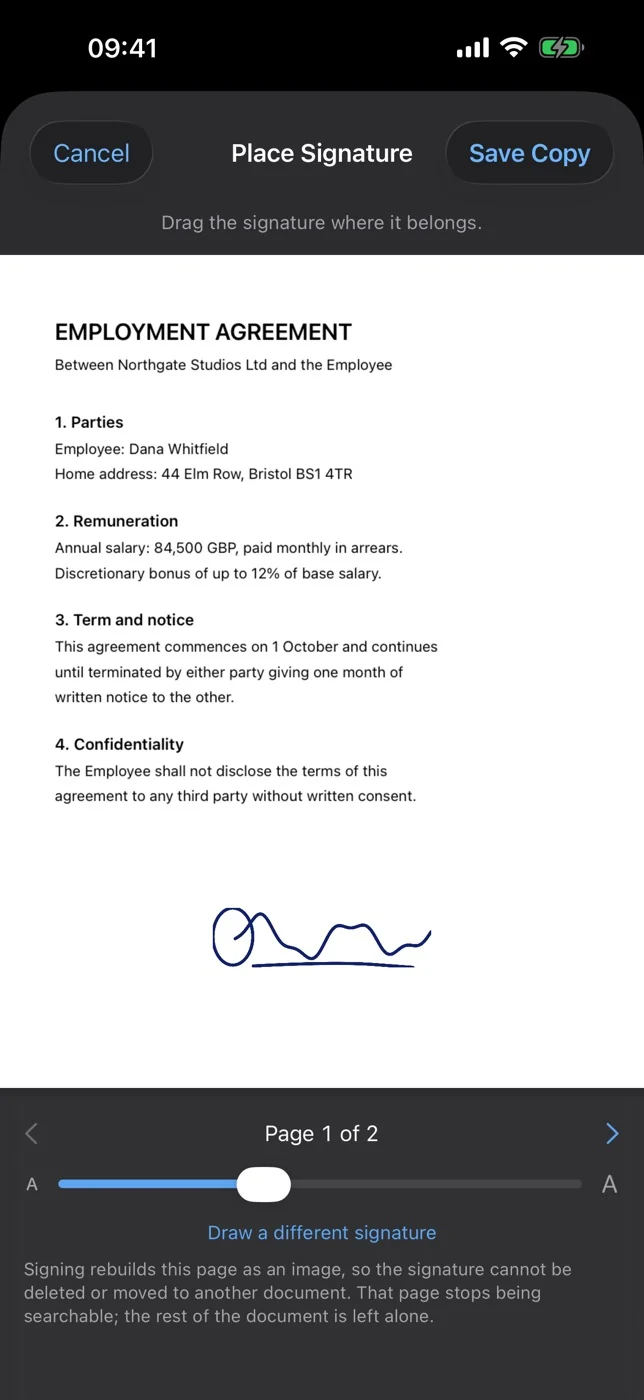
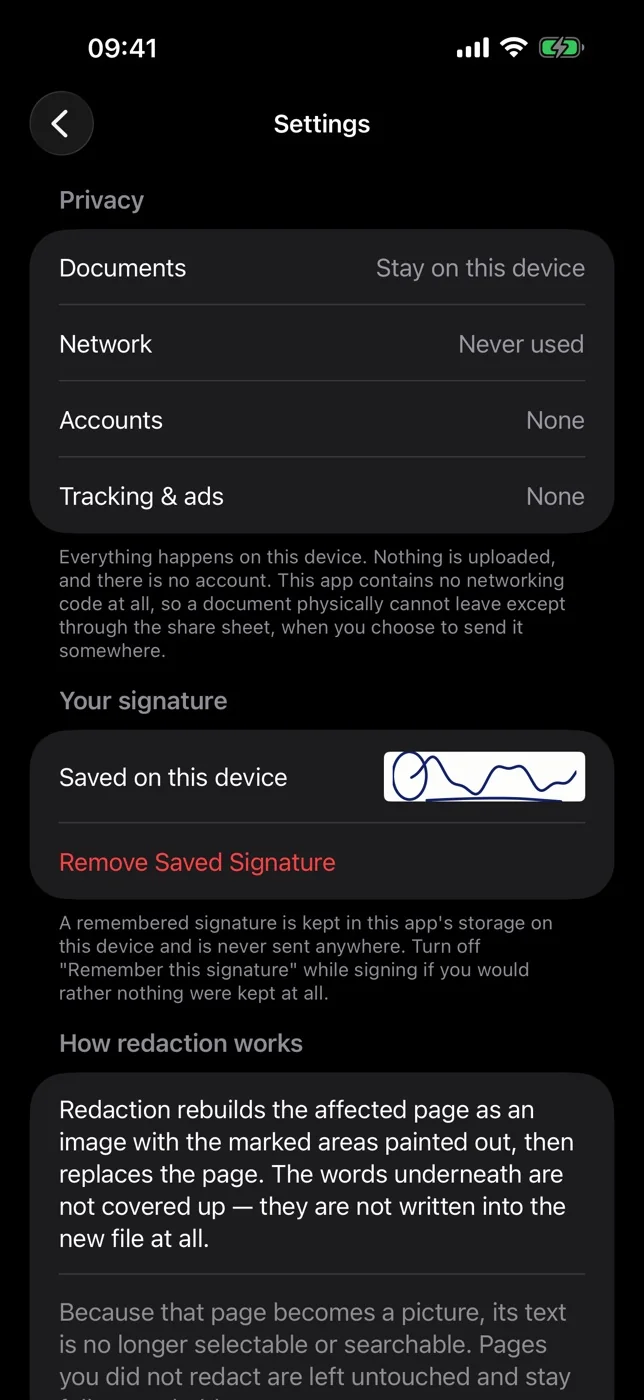
Most PDF apps redact by drawing a black rectangle over the words — and the words stay in the file, where anyone can select, copy or extract them. That mistake has exposed salaries, home addresses and sealed court filings for twenty years. Clean Sheet PDF rebuilds the page instead: the marked area is painted out and the new page is written with no text layer at all, so there is nothing left to recover. The same idea drives the rest of it. Fill in a PDF form and lock the answers, and they are drawn into the page rather than left as editable fields that any tool can read off the file — a filled field's value is invisible to a text search while remaining perfectly readable from the field itself, which is exactly why locking matters. Sign a document and the signature goes into the page, so it cannot be deleted or dragged onto someone else's contract; it is a handwritten signature, and the app says plainly that it is not a cryptographic one. Before saving, it re-reads its own output and refuses to hand over a document it cannot prove came out clean. Only pages that needed rebuilding are rebuilt, so the rest stays searchable. It also merges and reorders PDFs, and exports pages as images or plain text. There is no networking code in the app at all — a build check fails the release if one networking symbol appears — so no account, no uploads and no cloud conversion. Free, no ads, no tracking.
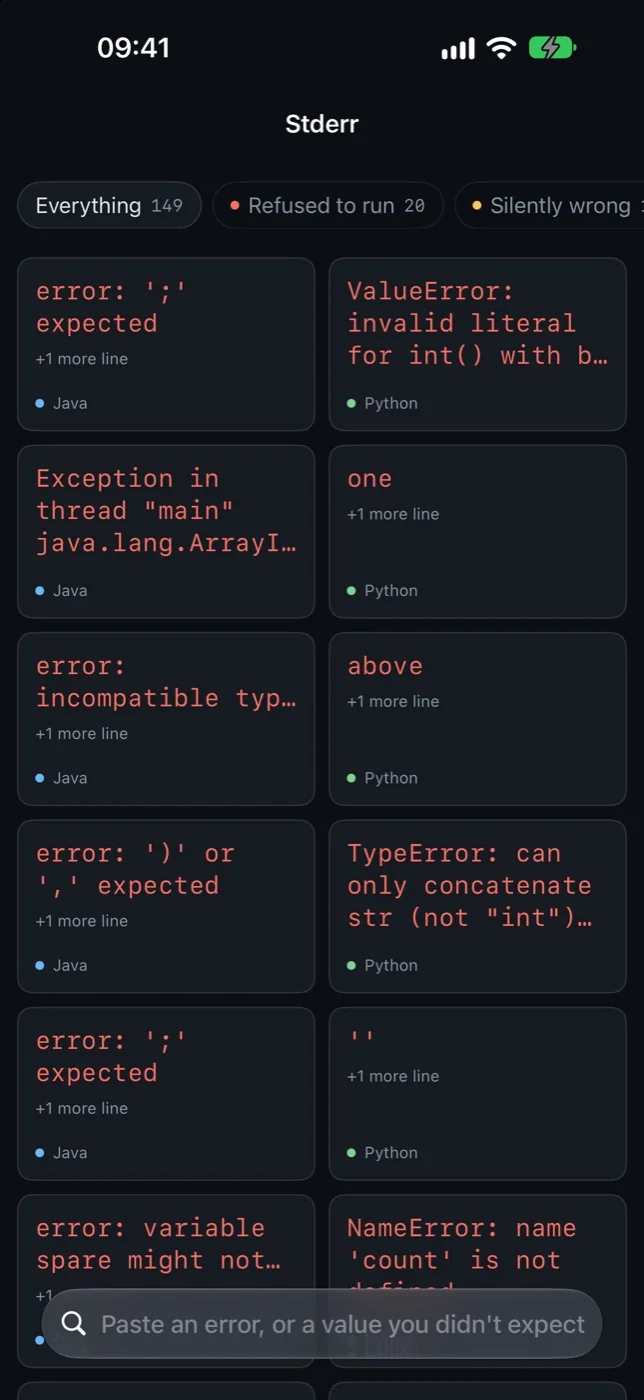
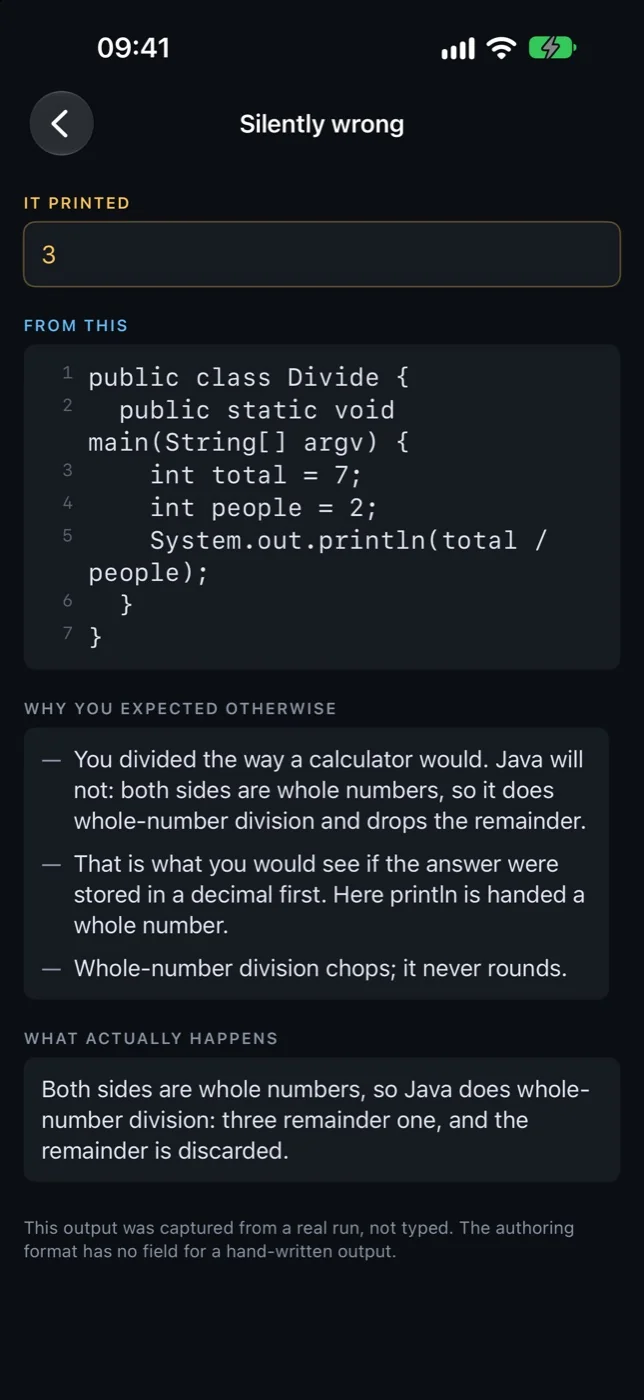
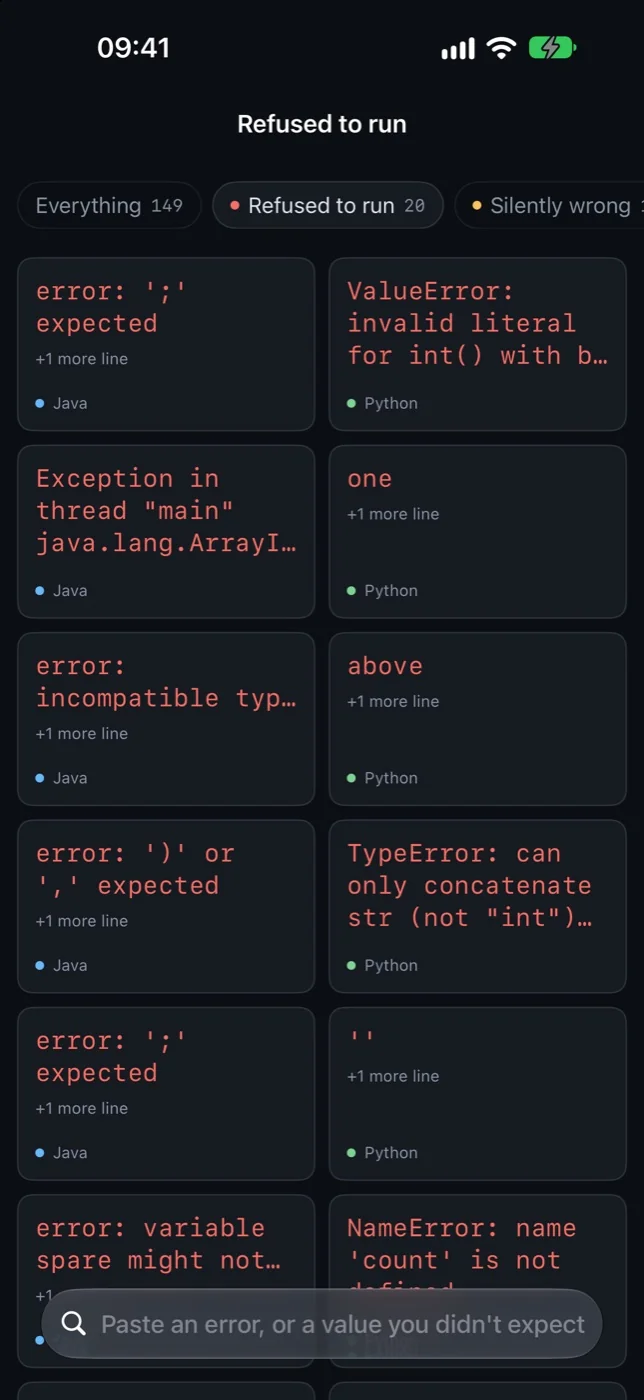
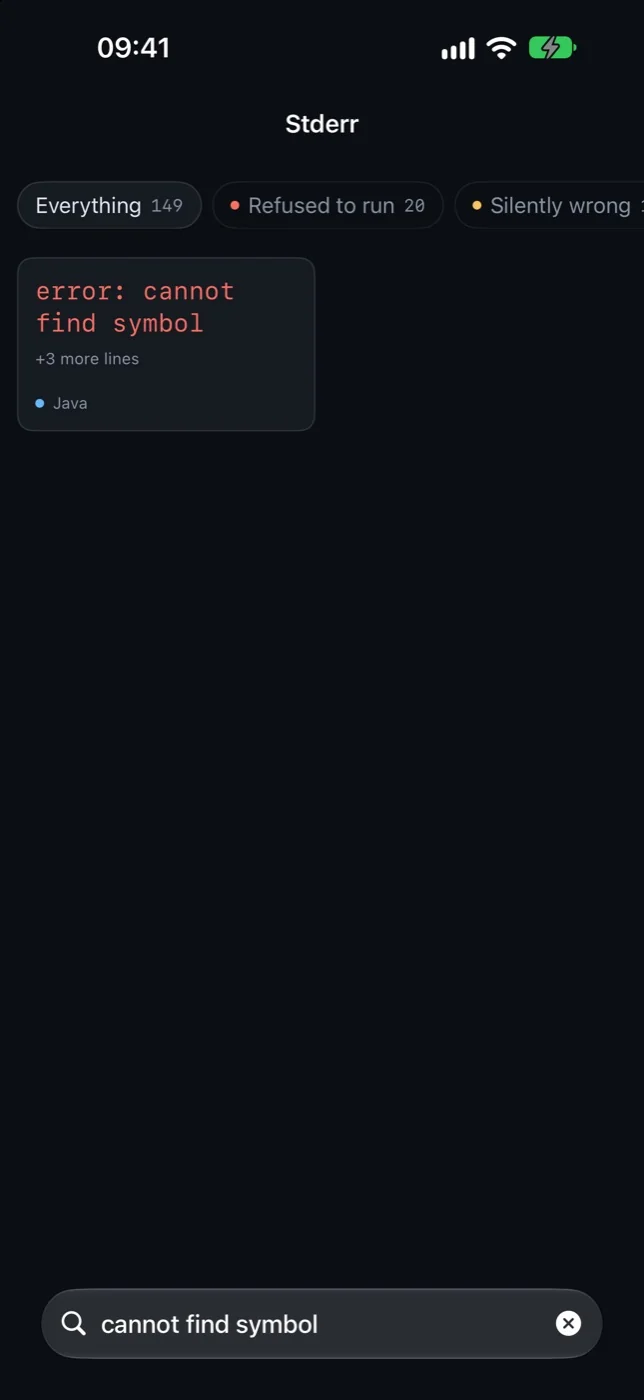
Some bugs announce themselves — a compiler refuses, a traceback prints. The expensive ones do not: the program runs, exits zero, and quietly prints the wrong number. Stderr is a catalogue of both. Each entry is a short Java or Python program, the output it actually produced when it was run, and the belief that makes people write it that way — “you divided the way a calculator would”. You do not work through it; you arrive with an error you are staring at and paste it, because search runs over the captured output rather than over lesson titles. Nothing in it is asserted: every program was compiled and run on real Java and Python installations before shipping, and the authoring format has no field for a hand-written output, so a plausible-looking wrong one cannot be introduced by mistake. Free, offline, and with no networking code at all.
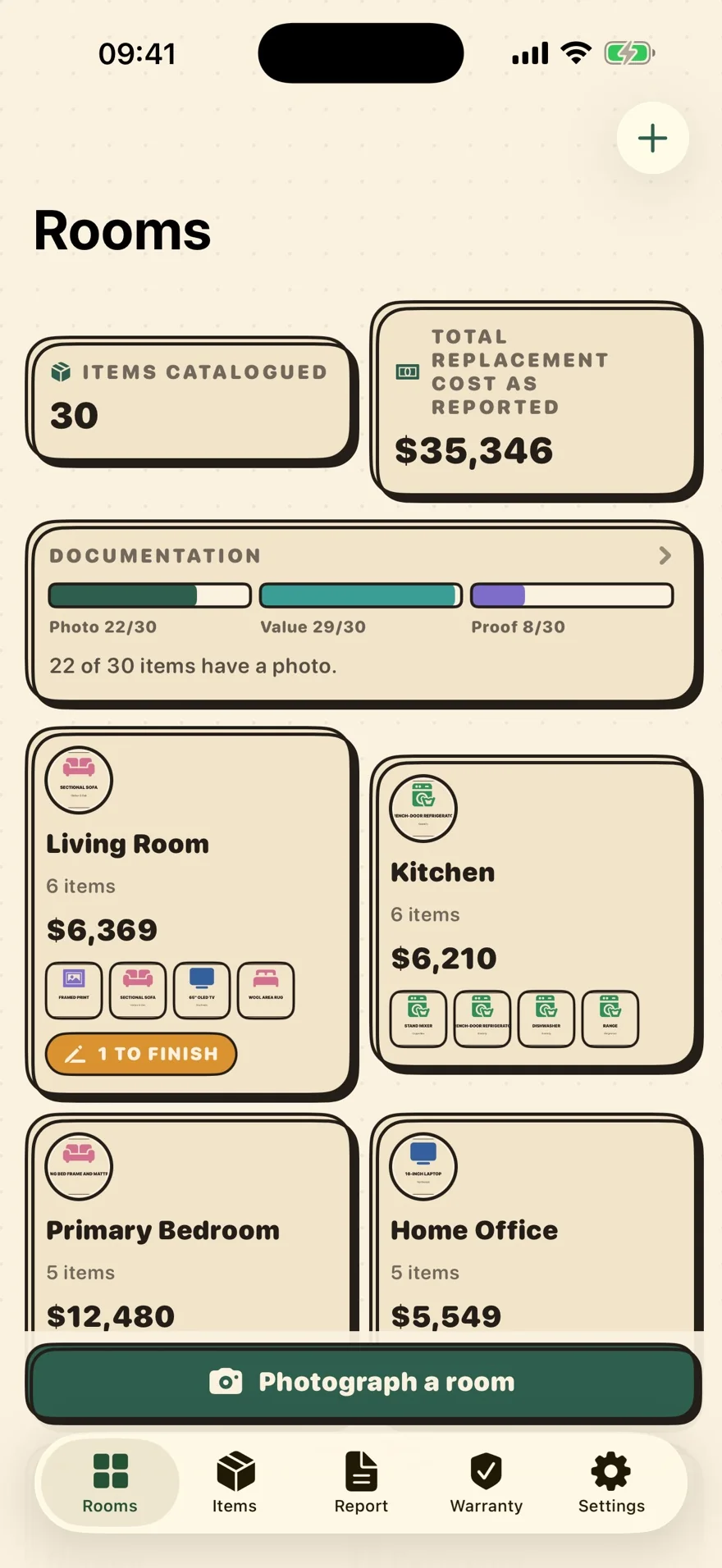
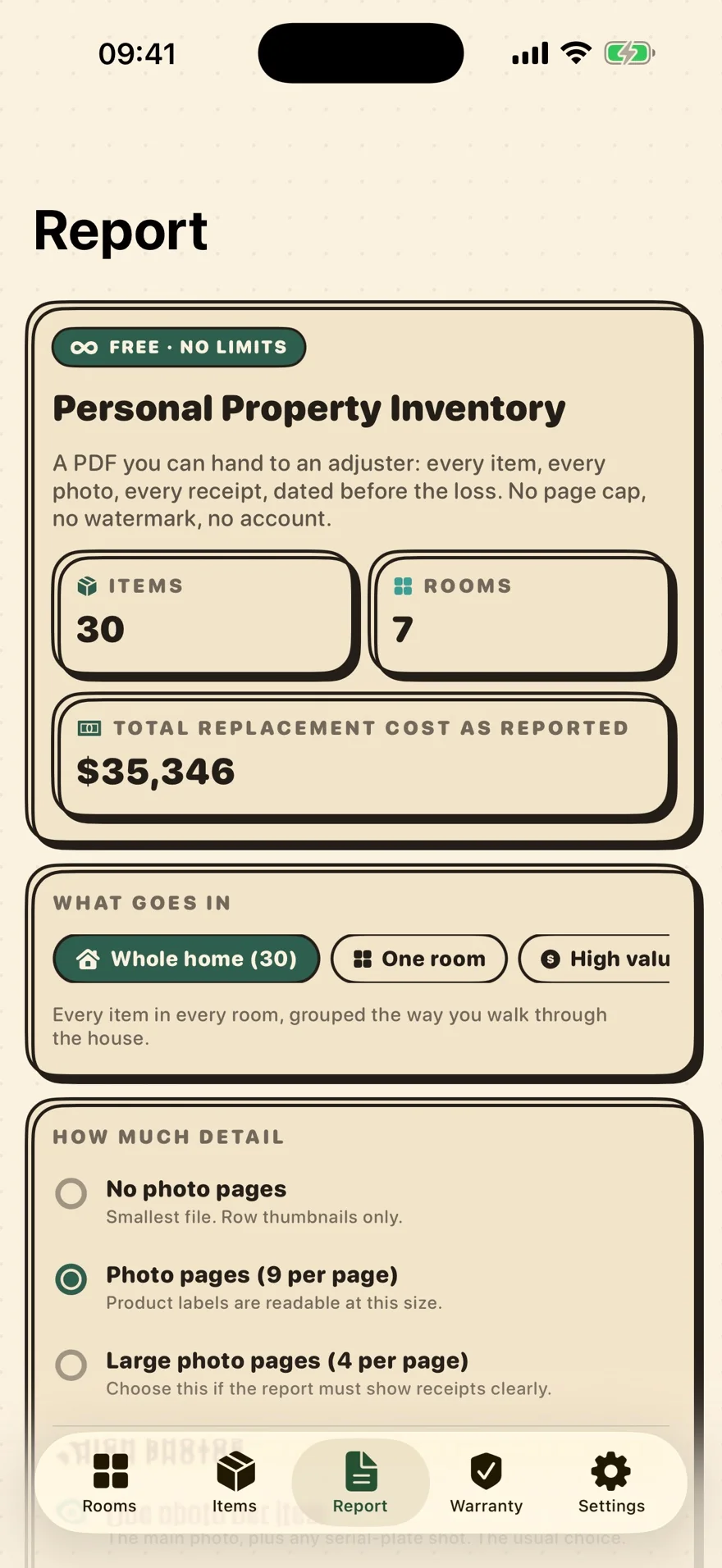
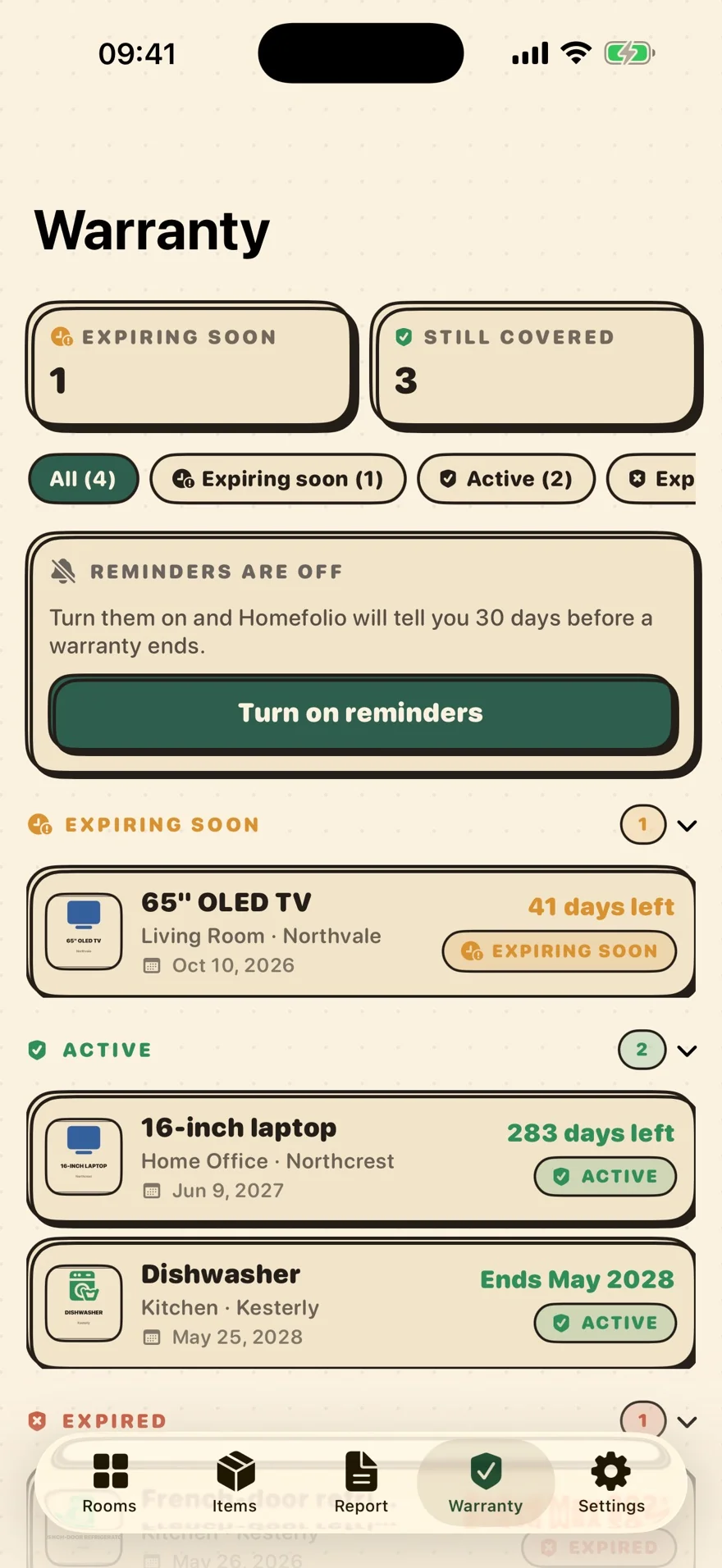
Photograph what you own, room by room, before you ever need to prove it. Homefolio keeps each item's photos, value, receipt, serial number and warranty date, then exports a claim-ready Personal Property Inventory PDF you can hand to an insurance adjuster — every item, every photo, no page cap and no watermark. Warranty reminders arrive before coverage lapses. Universal for iPhone and iPad, syncing through your own iCloud. No account, no server, no ads, and every export is free.
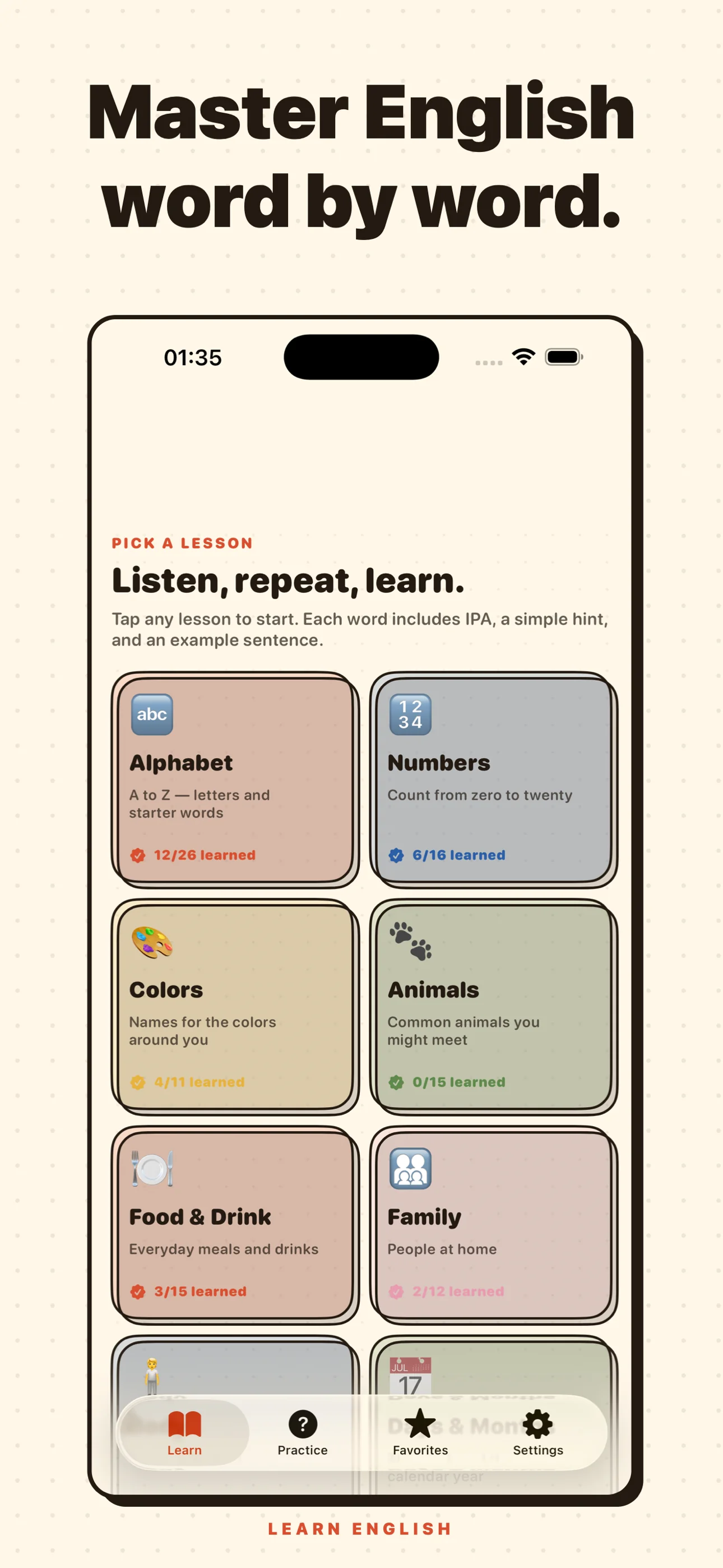
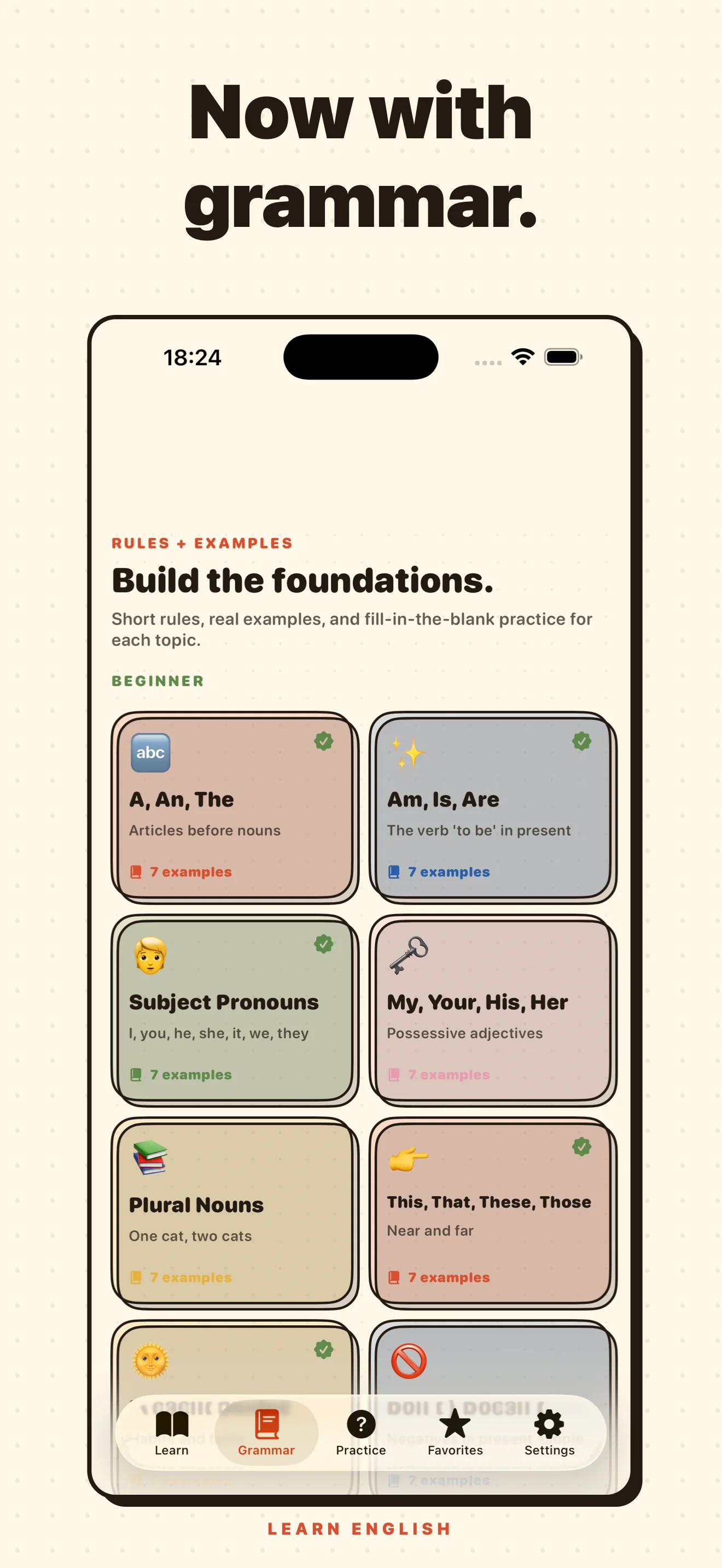
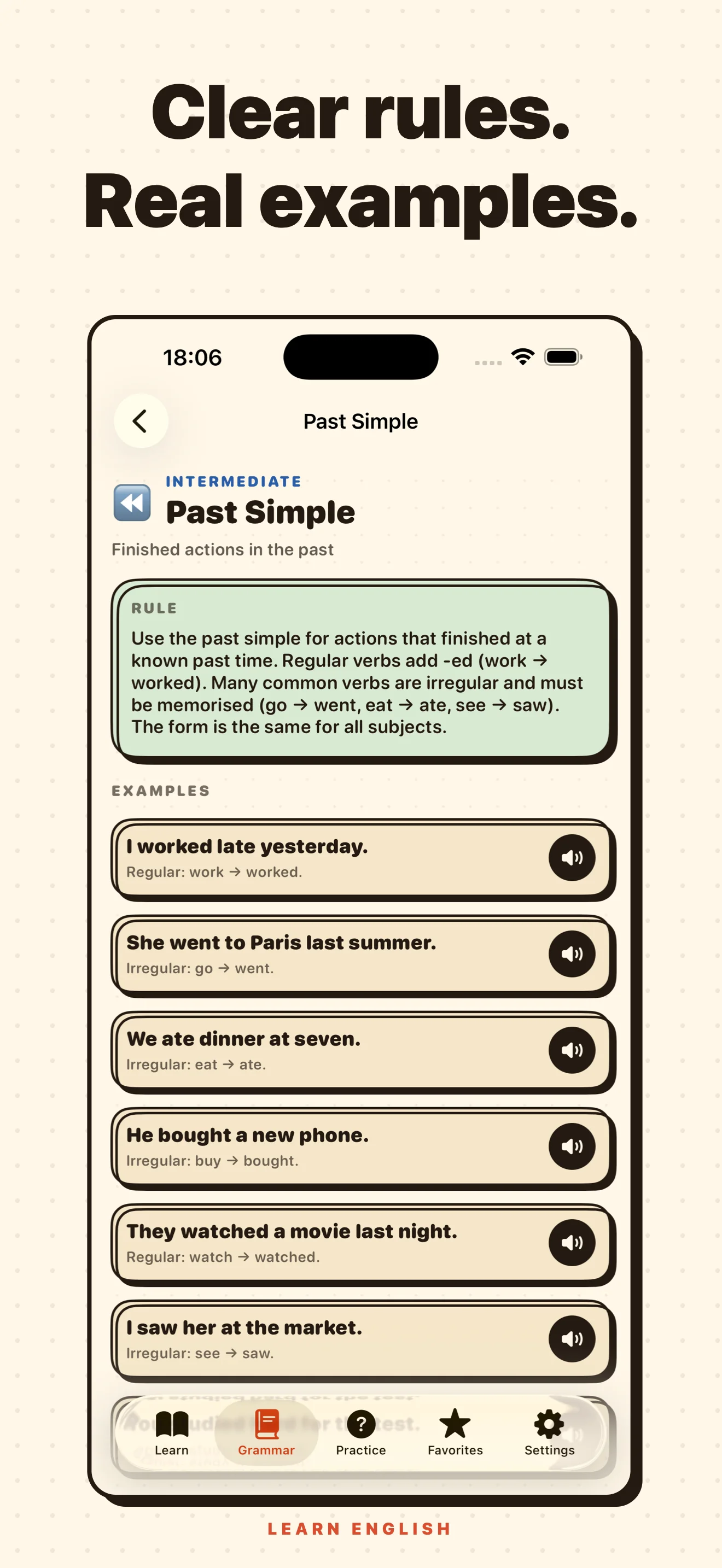
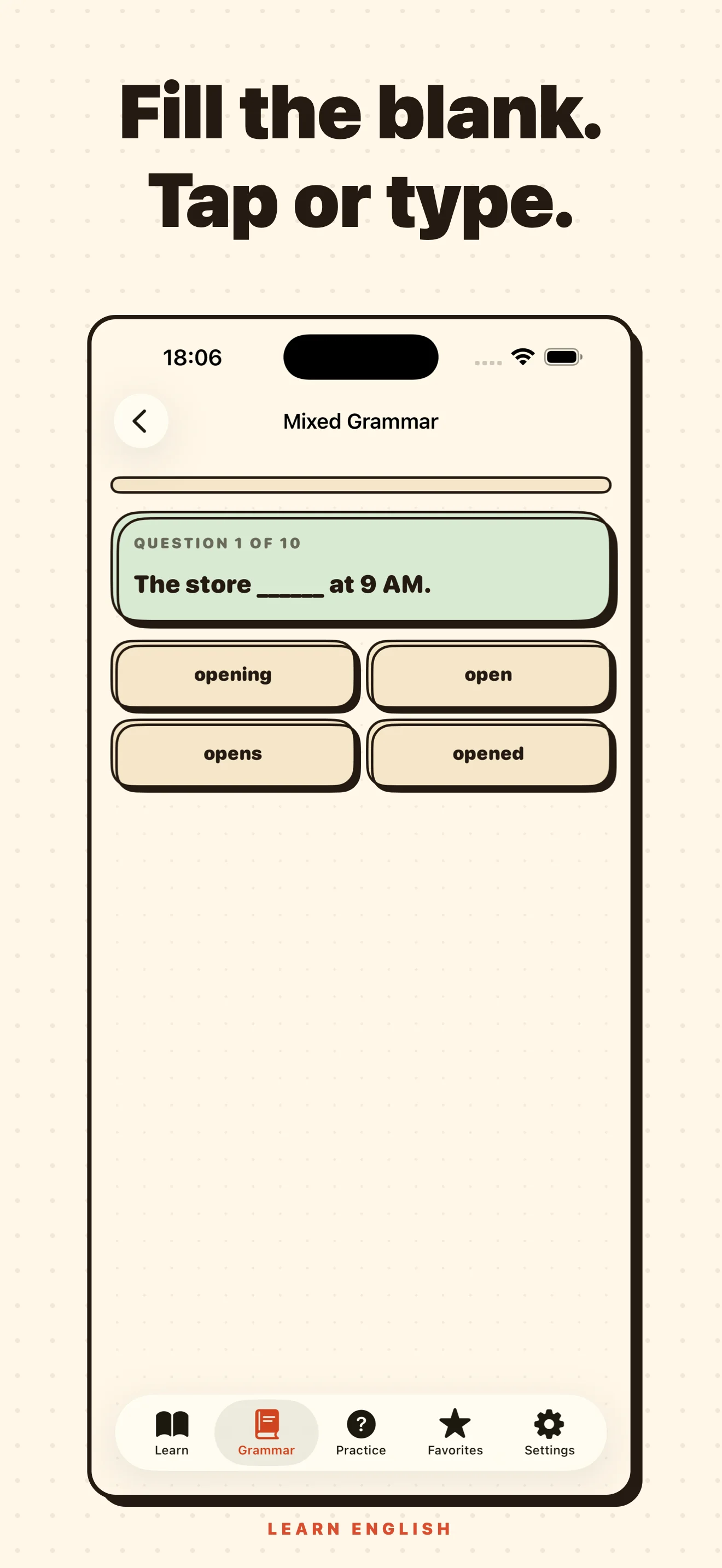
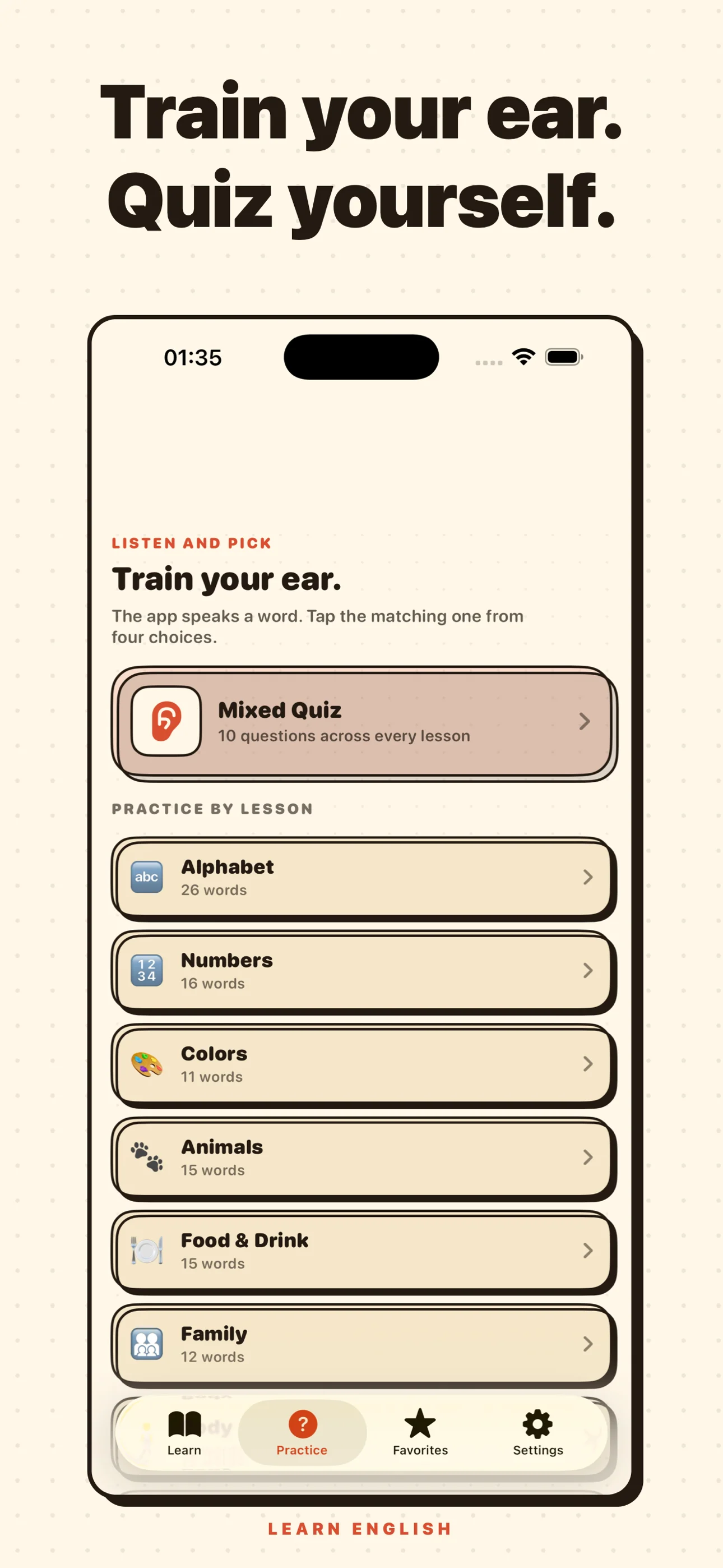
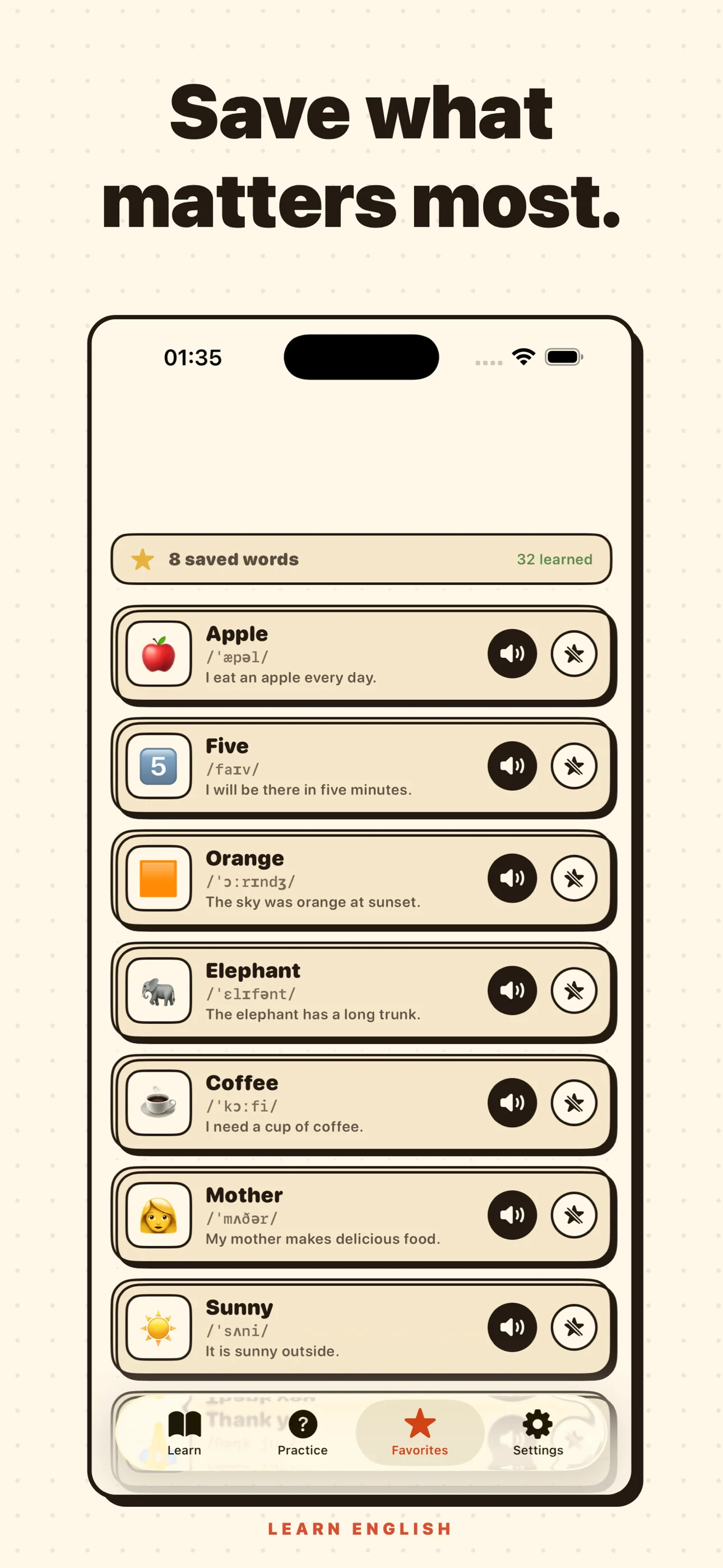
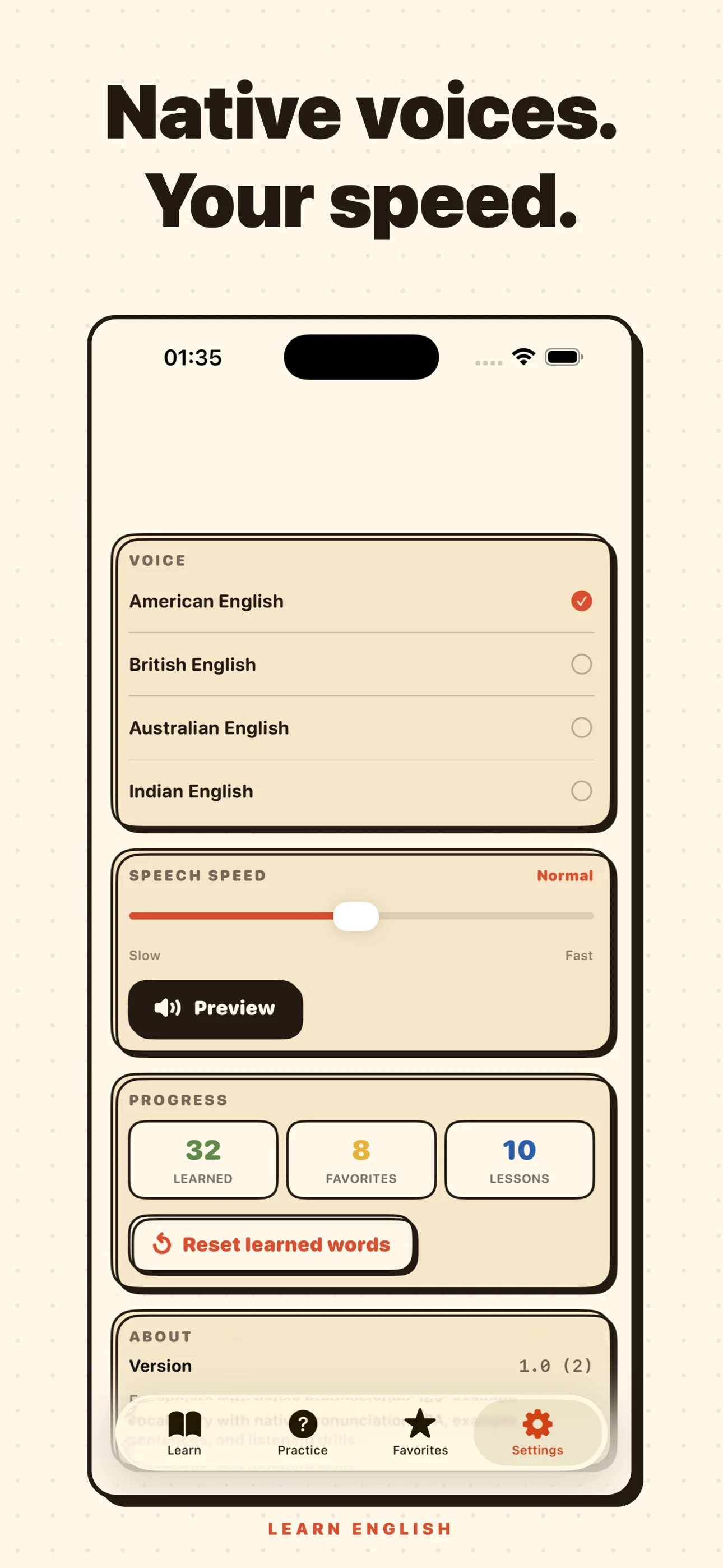
Vocabulary and grammar trainer for adult ESL learners. 10 themed lessons cover 140+ words with native pronunciation, IPA, and example sentences, plus 20 grammar topics with rules, examples, and fill-in-the-blank drills (tap or type). Listen-and-pick quizzes, favorites, and four accents (US / UK / AU / IN). Fully offline, no accounts, no tracking.
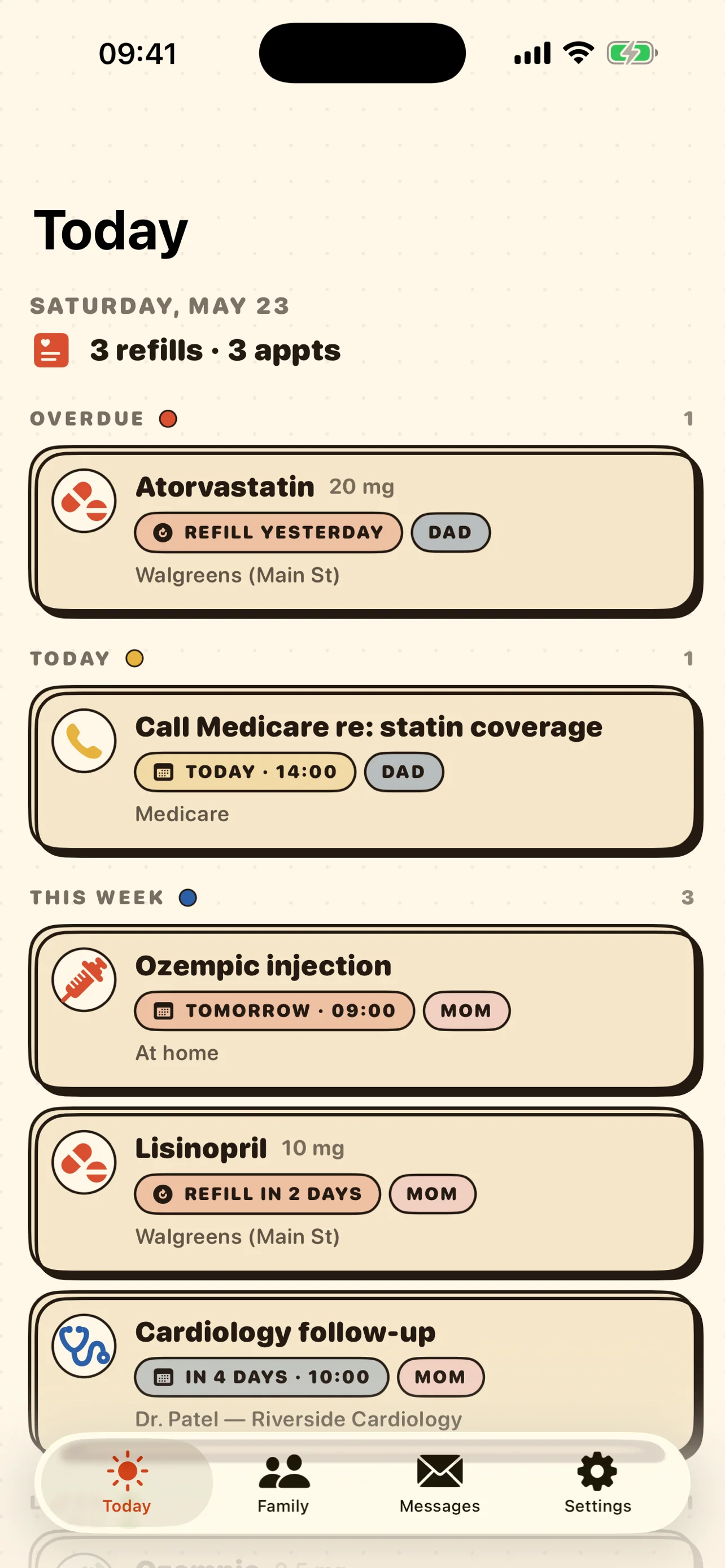
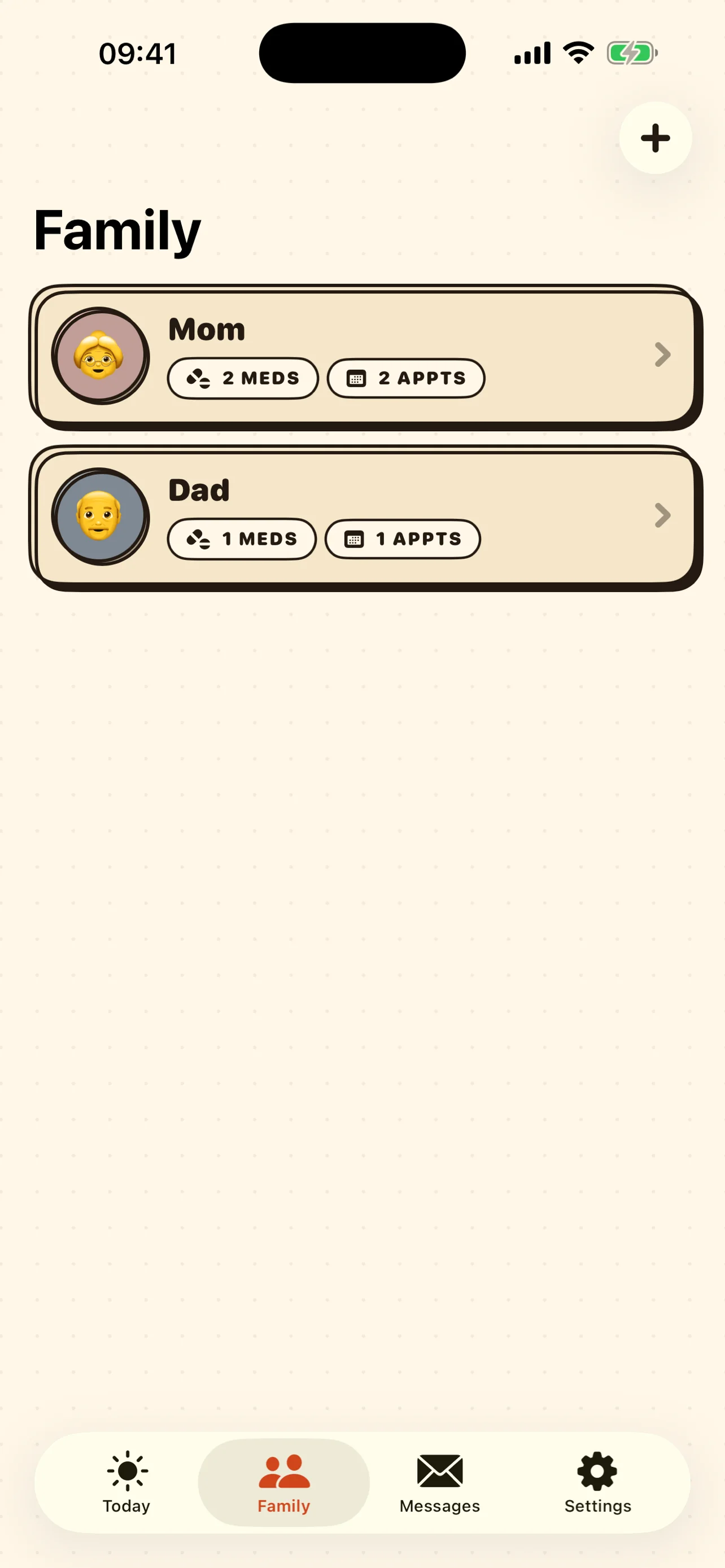
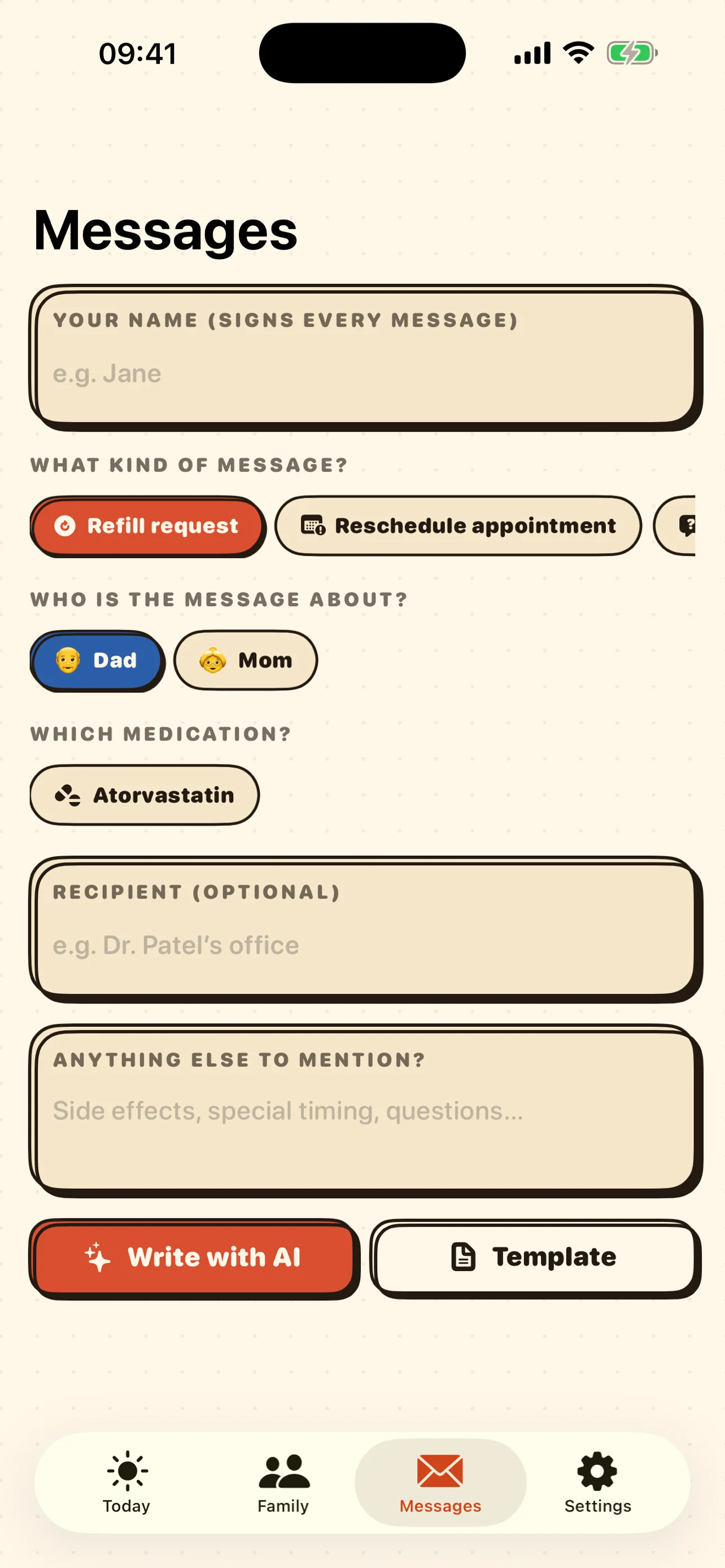
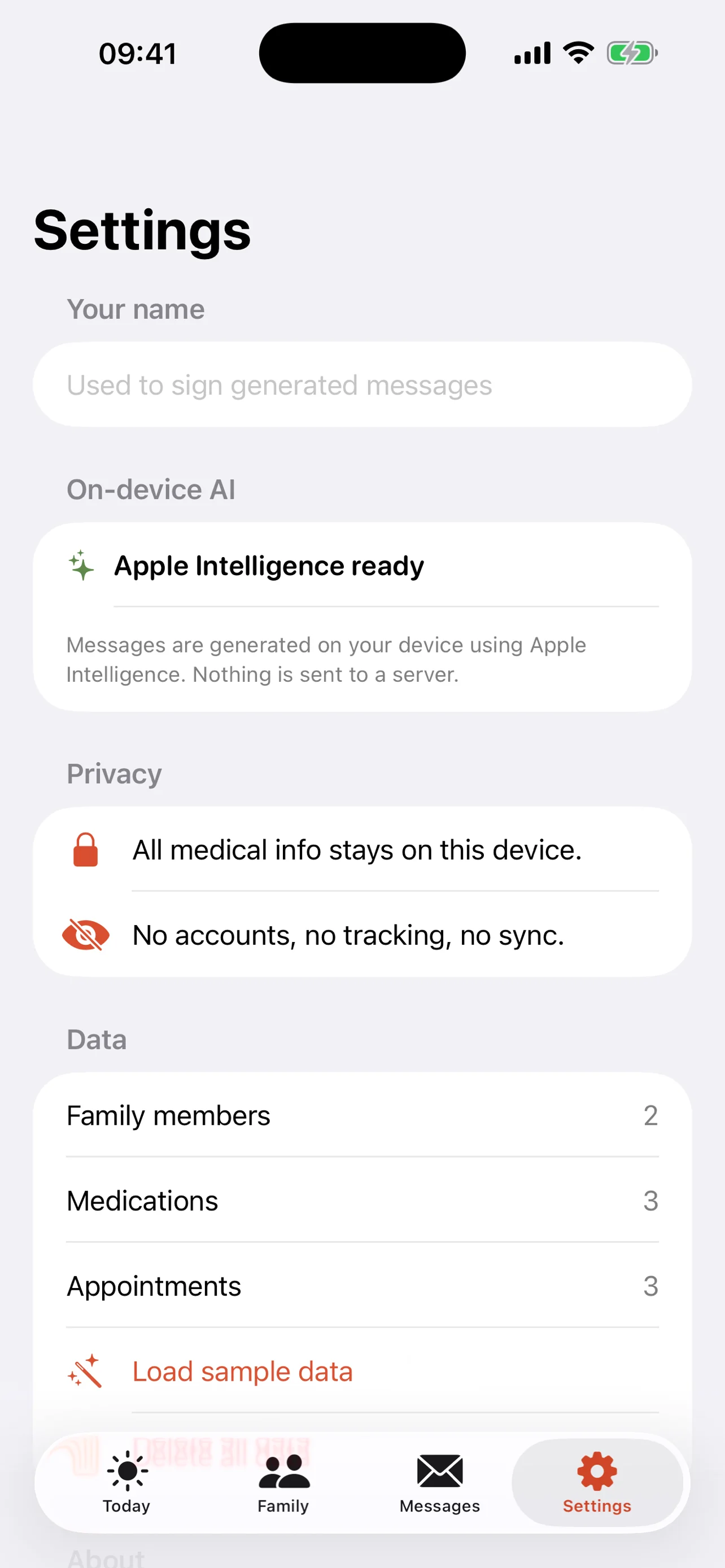
The calm caregiver app for medications and appointments. Track refills, injections, doctor visits, and insurance calls for the whole family — then draft polite messages to clinics or pharmacies with Apple Intelligence running entirely on device. No accounts, no cloud, no tracking.
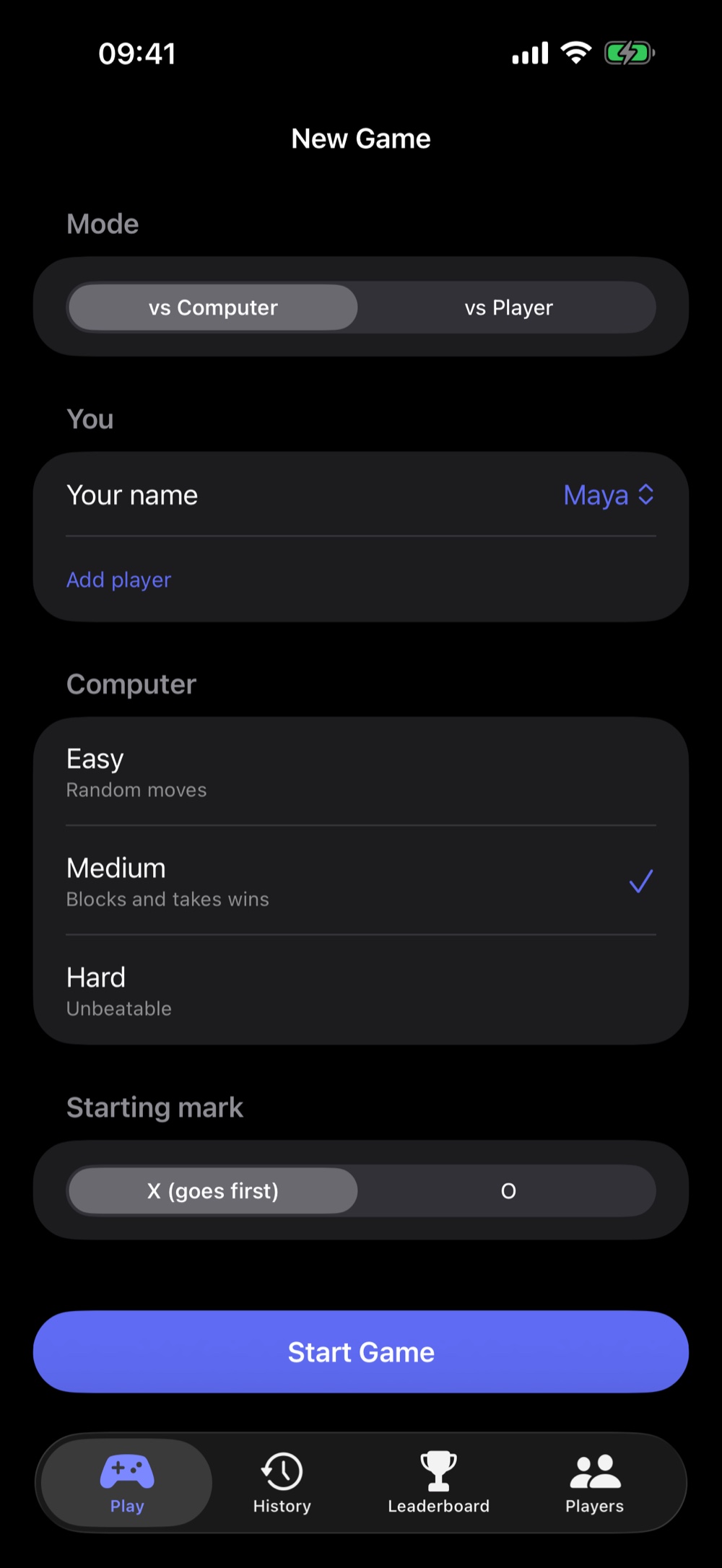
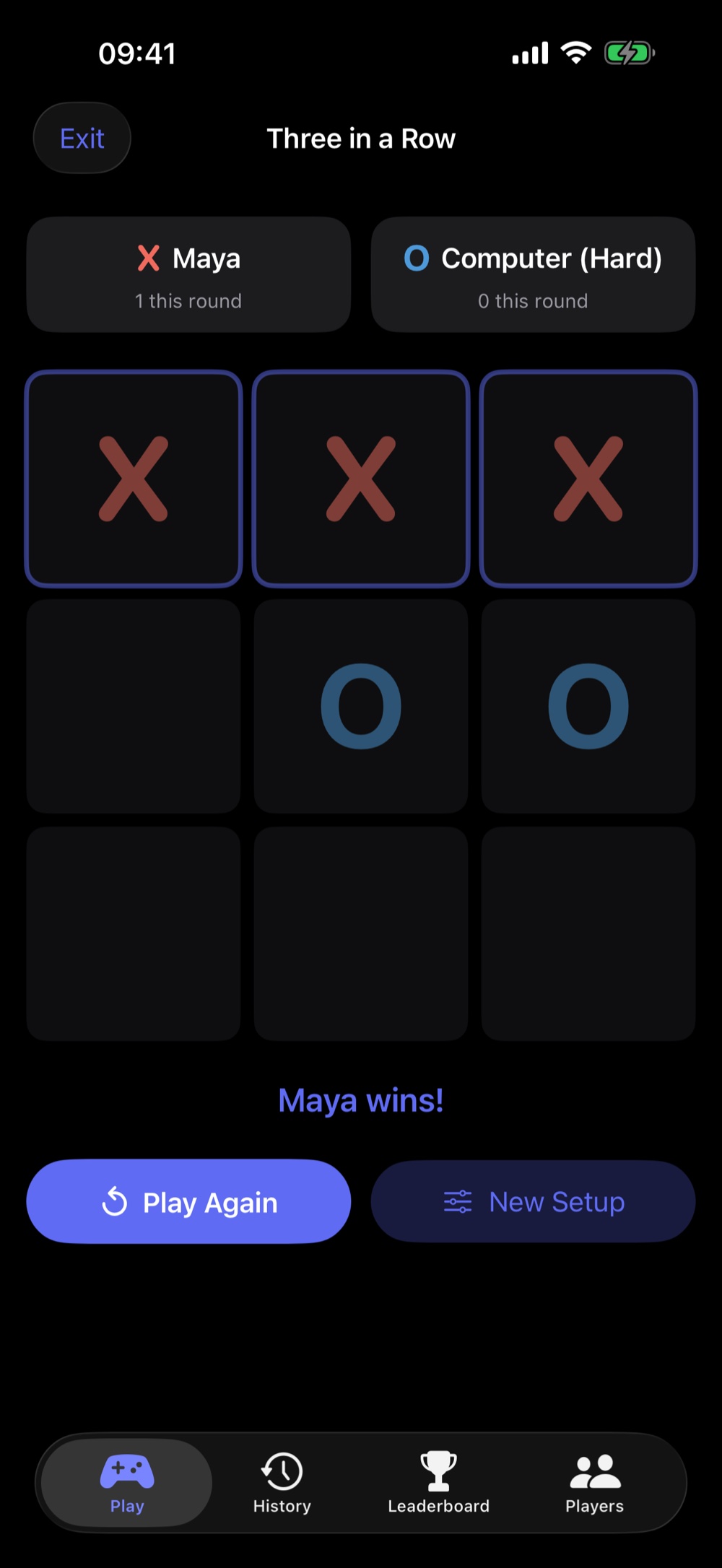
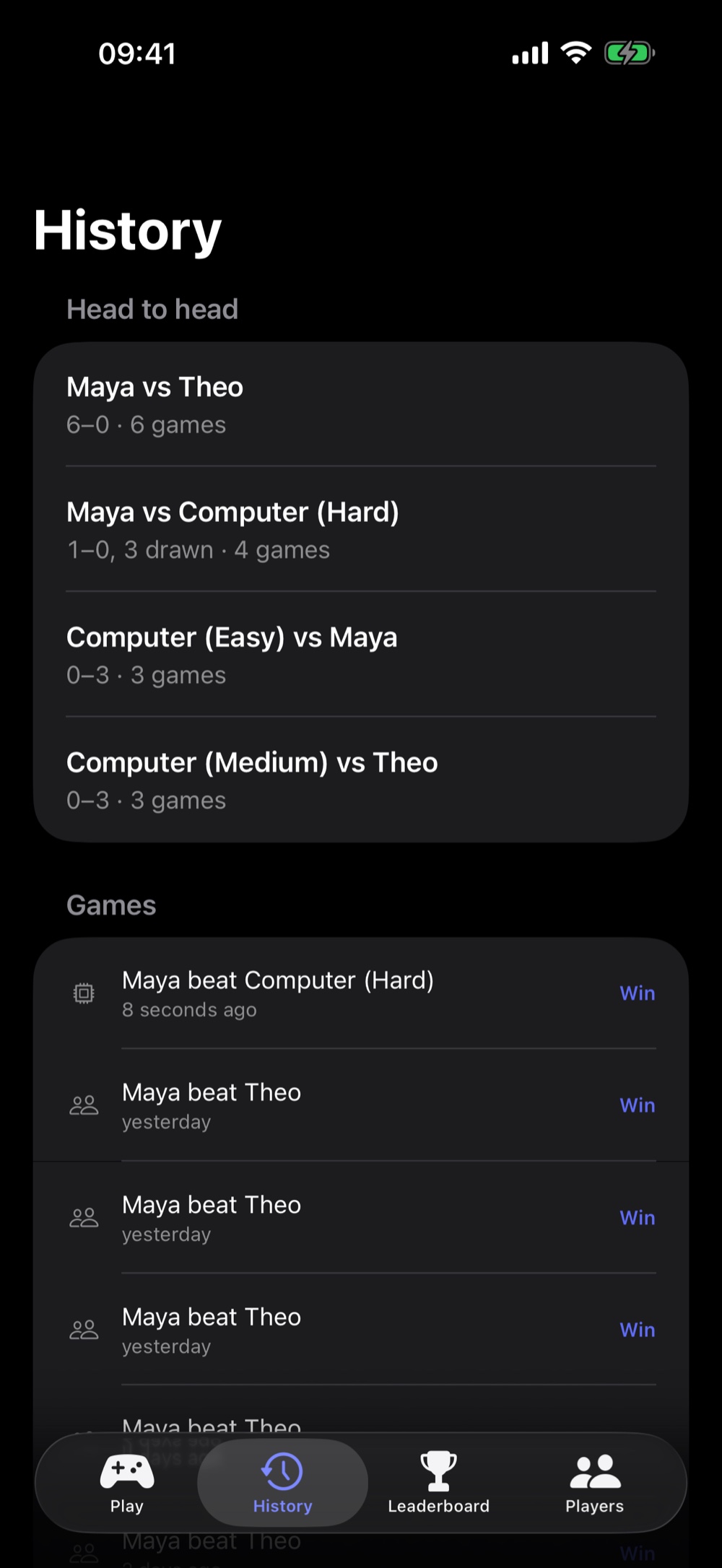
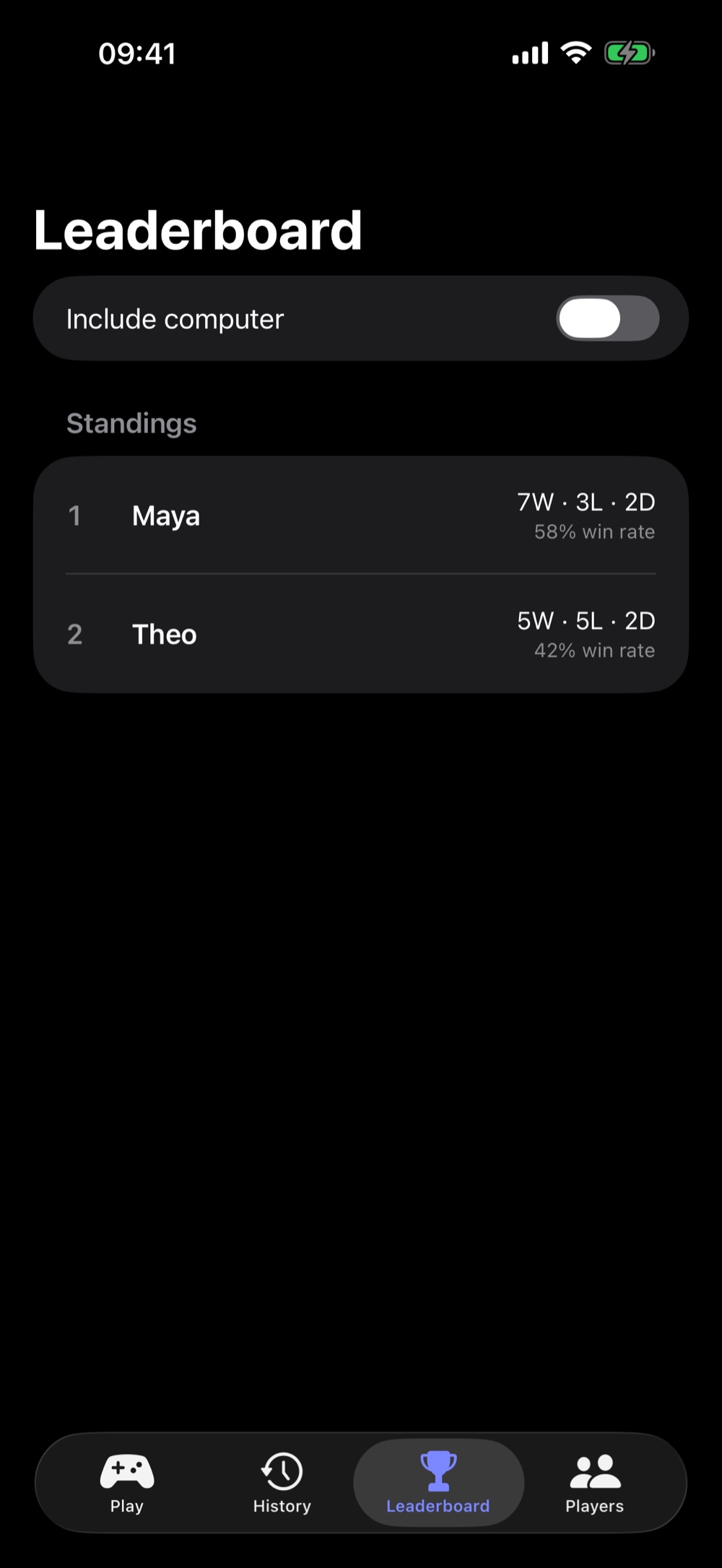
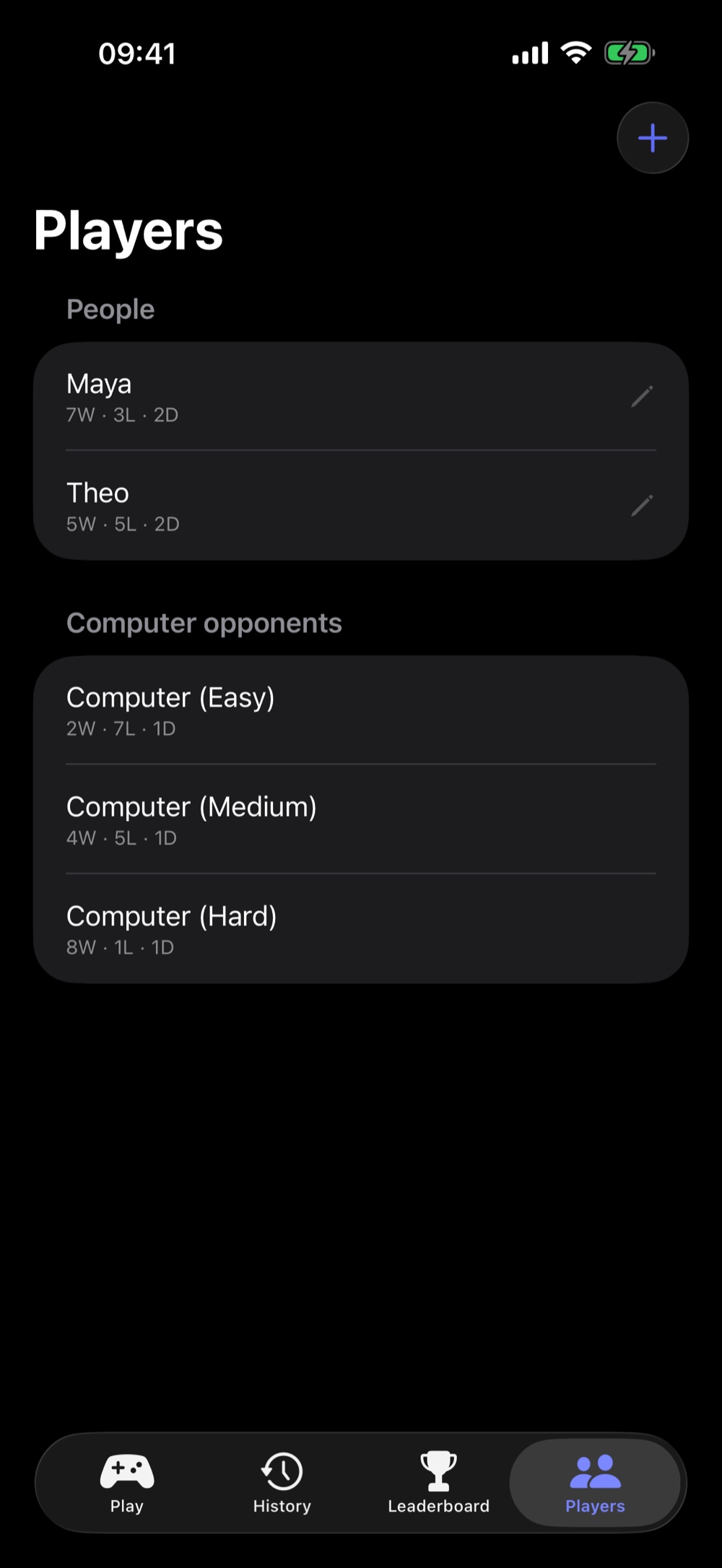
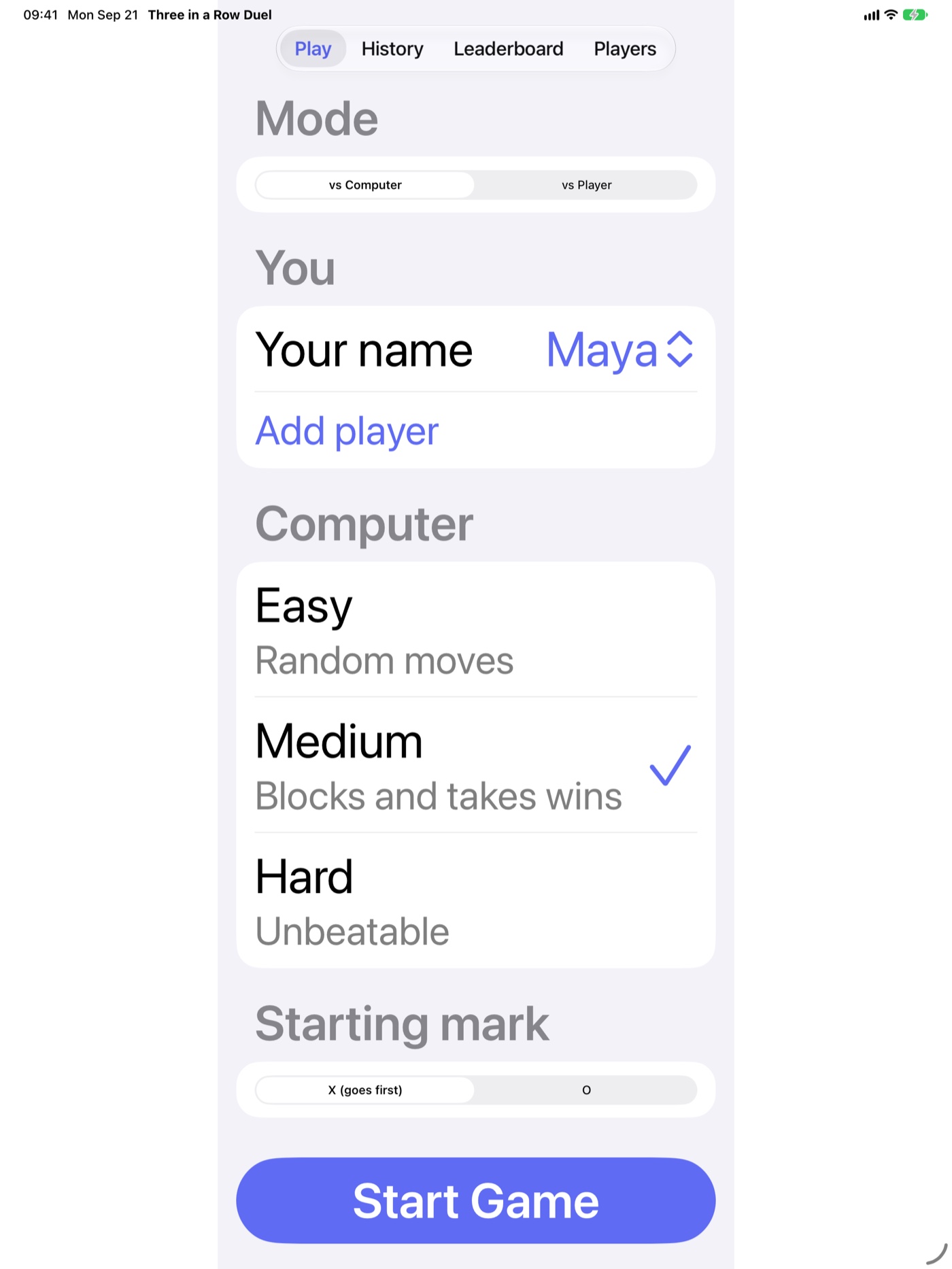
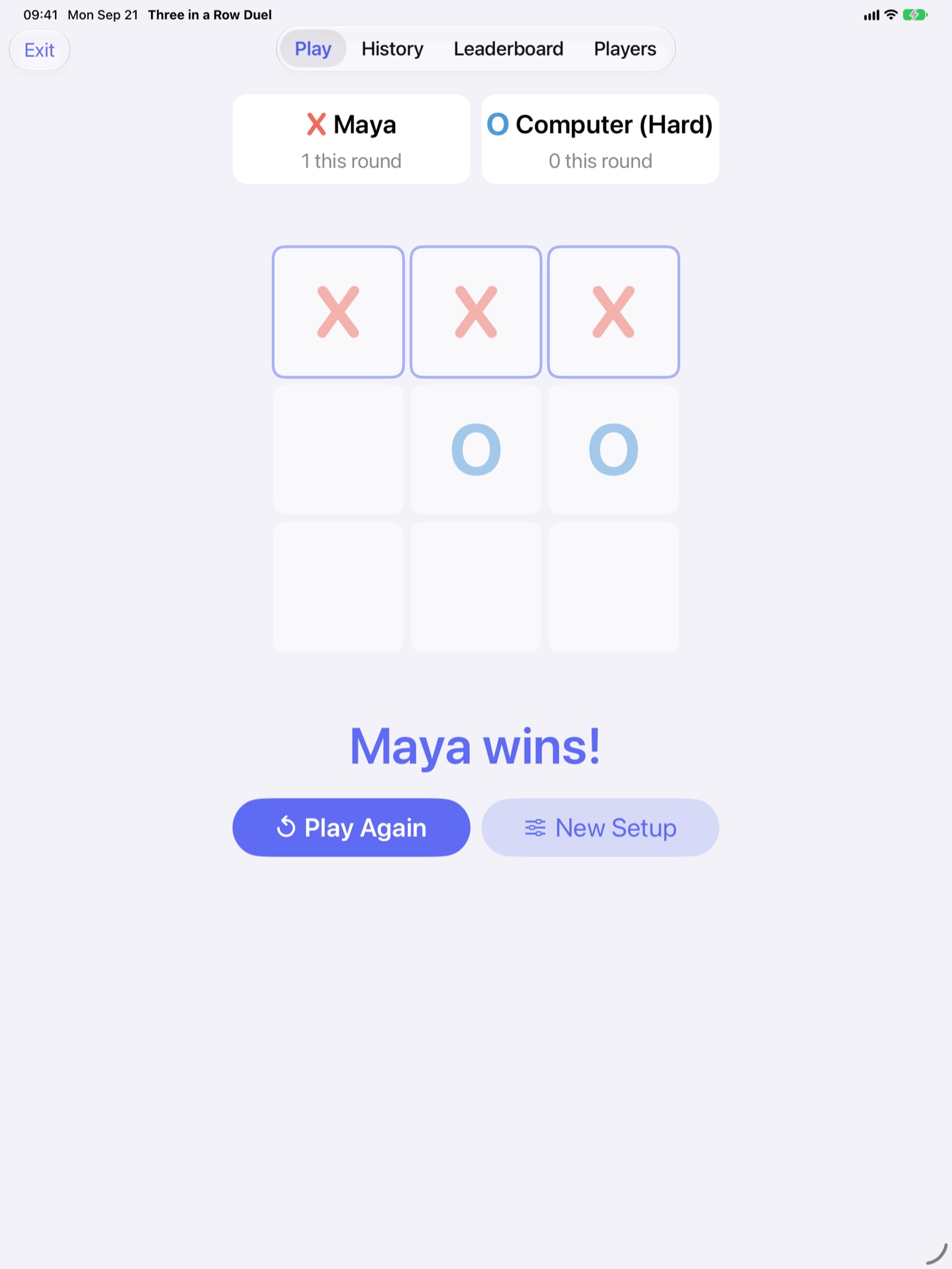
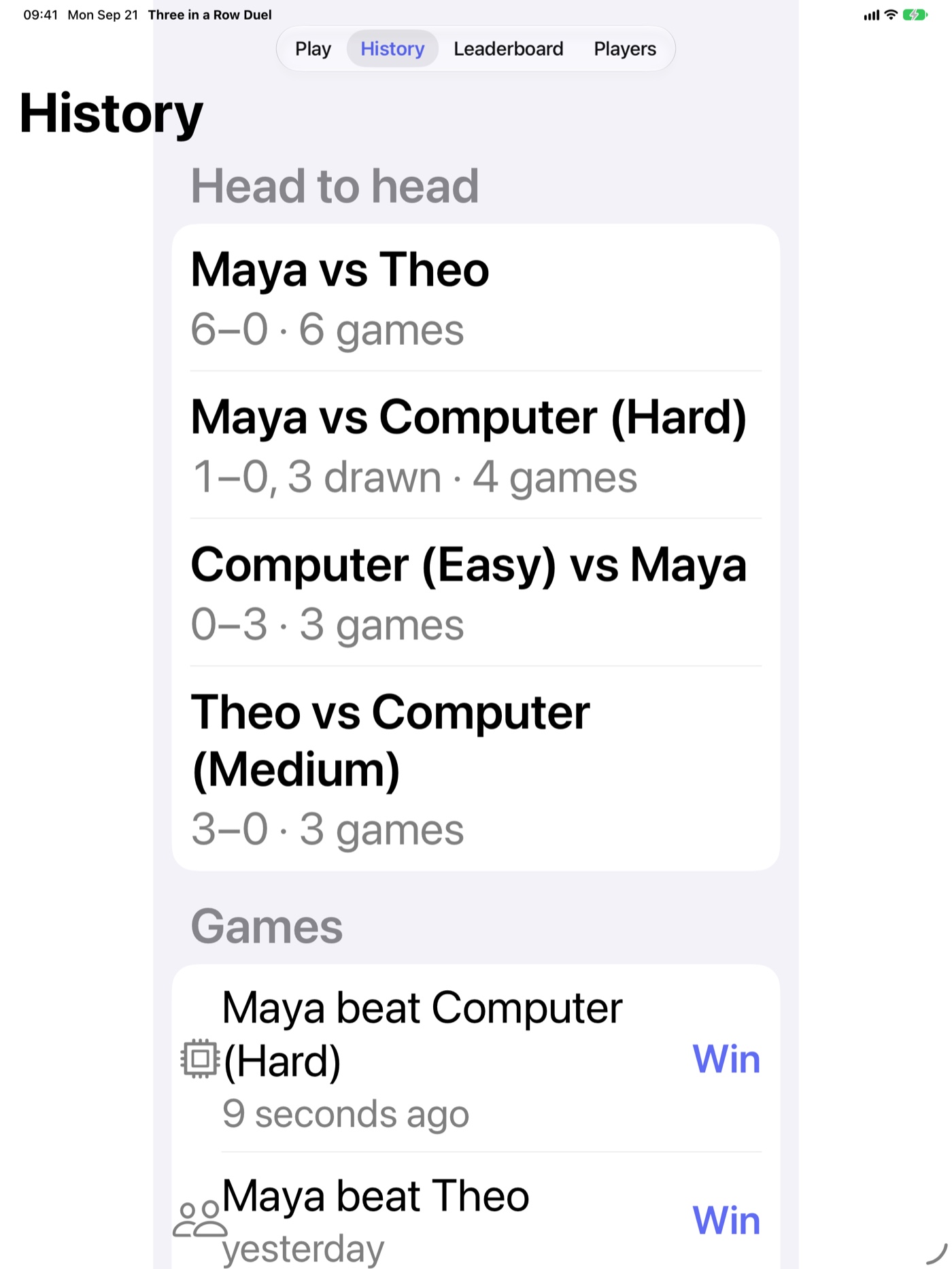
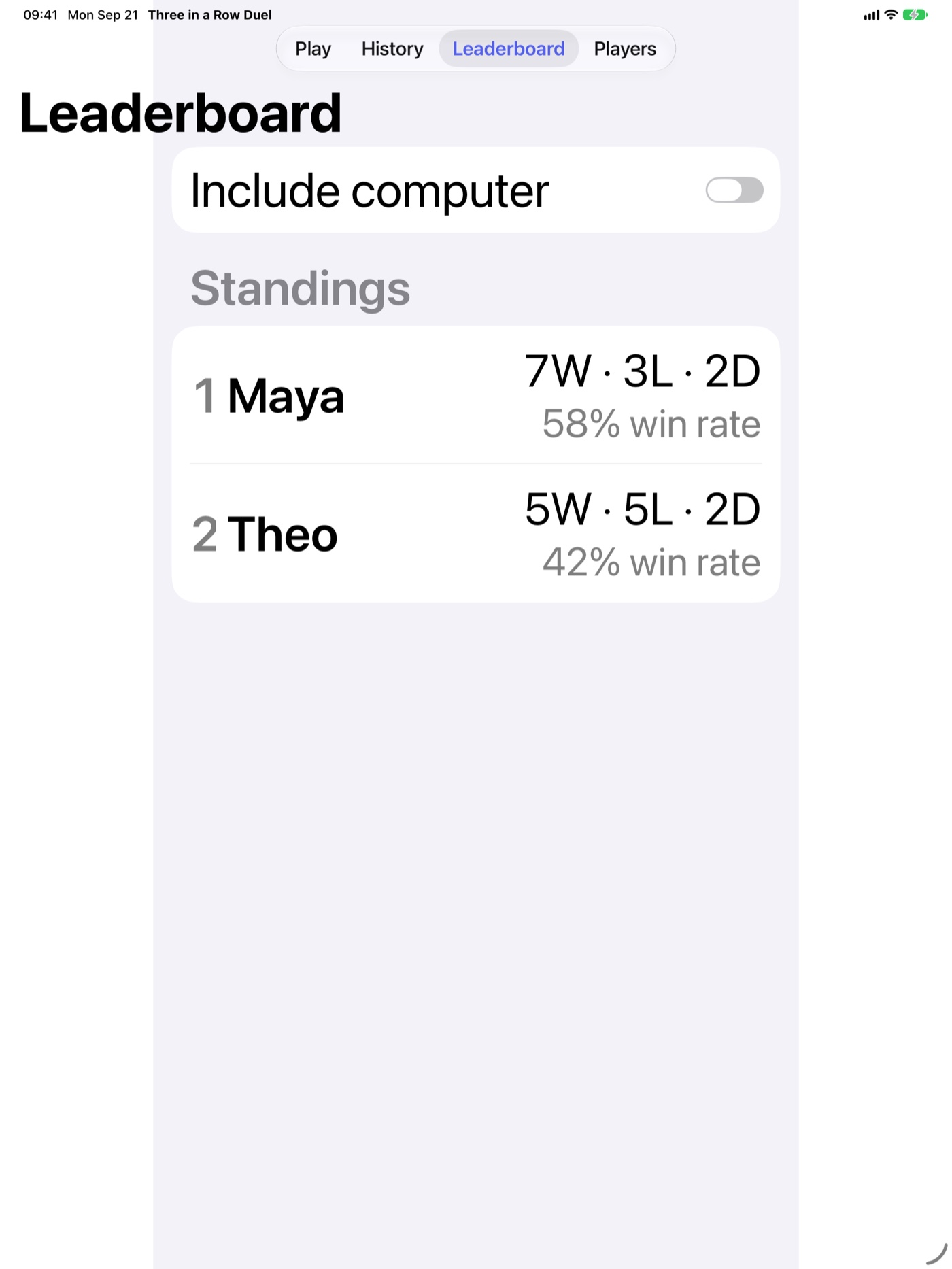
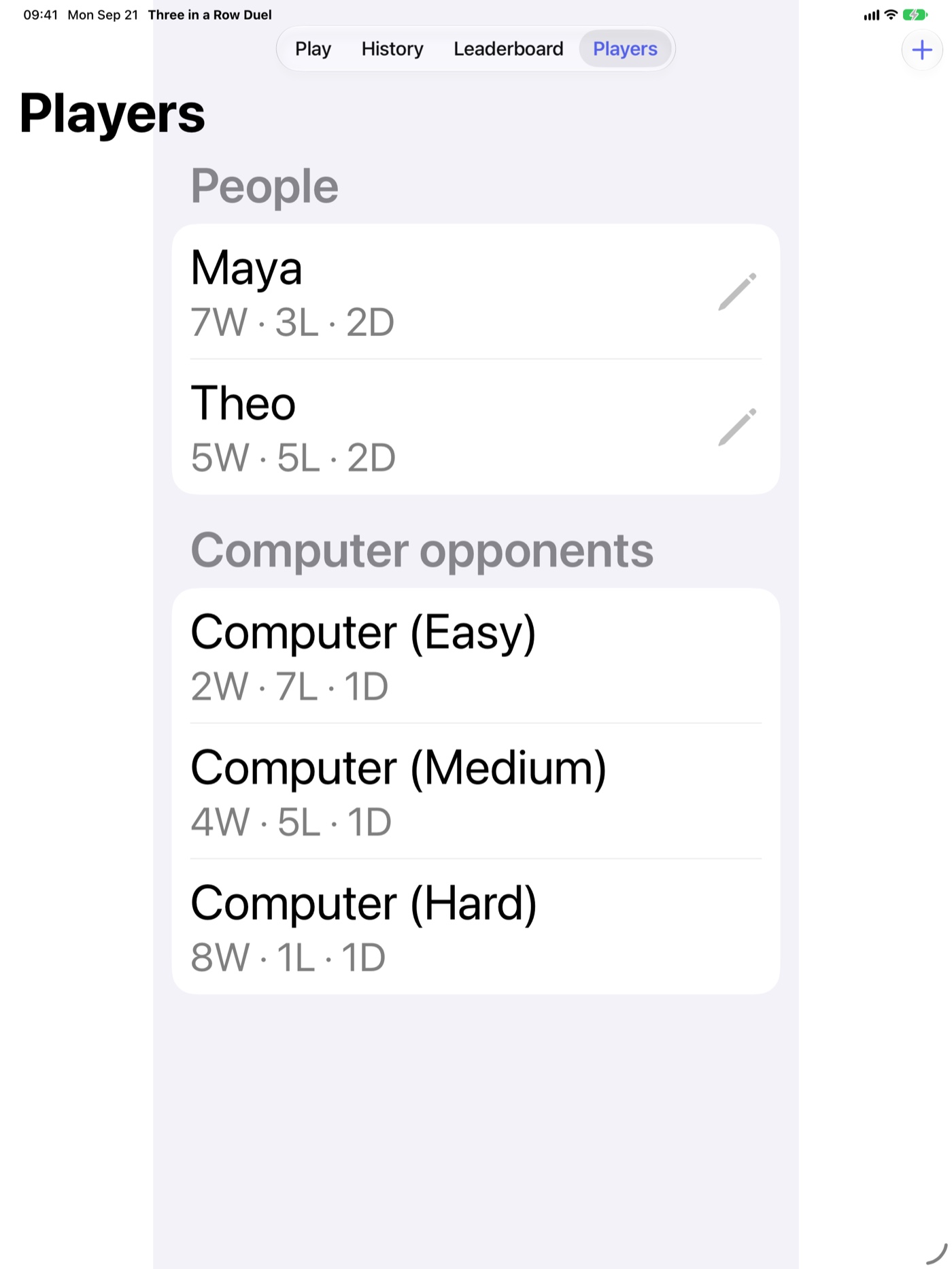
The classic 3-in-a-row, done right. Pass-and-play on one device or face the computer at Easy, Medium, or Unbeatable (full minimax search). Named players, persistent leaderboard with wins / losses / draws / win rate, and a clean modern design. No accounts, no ads, no tracking.
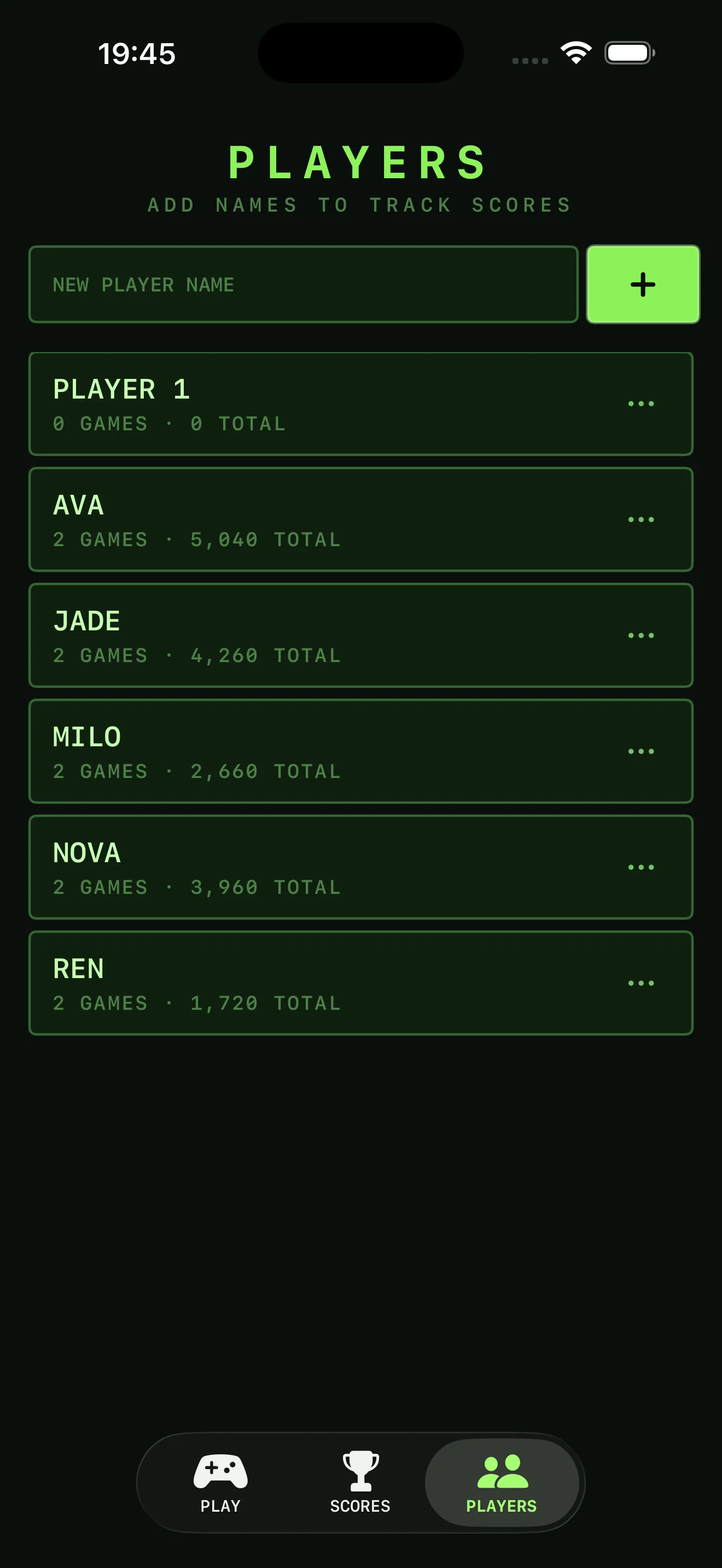
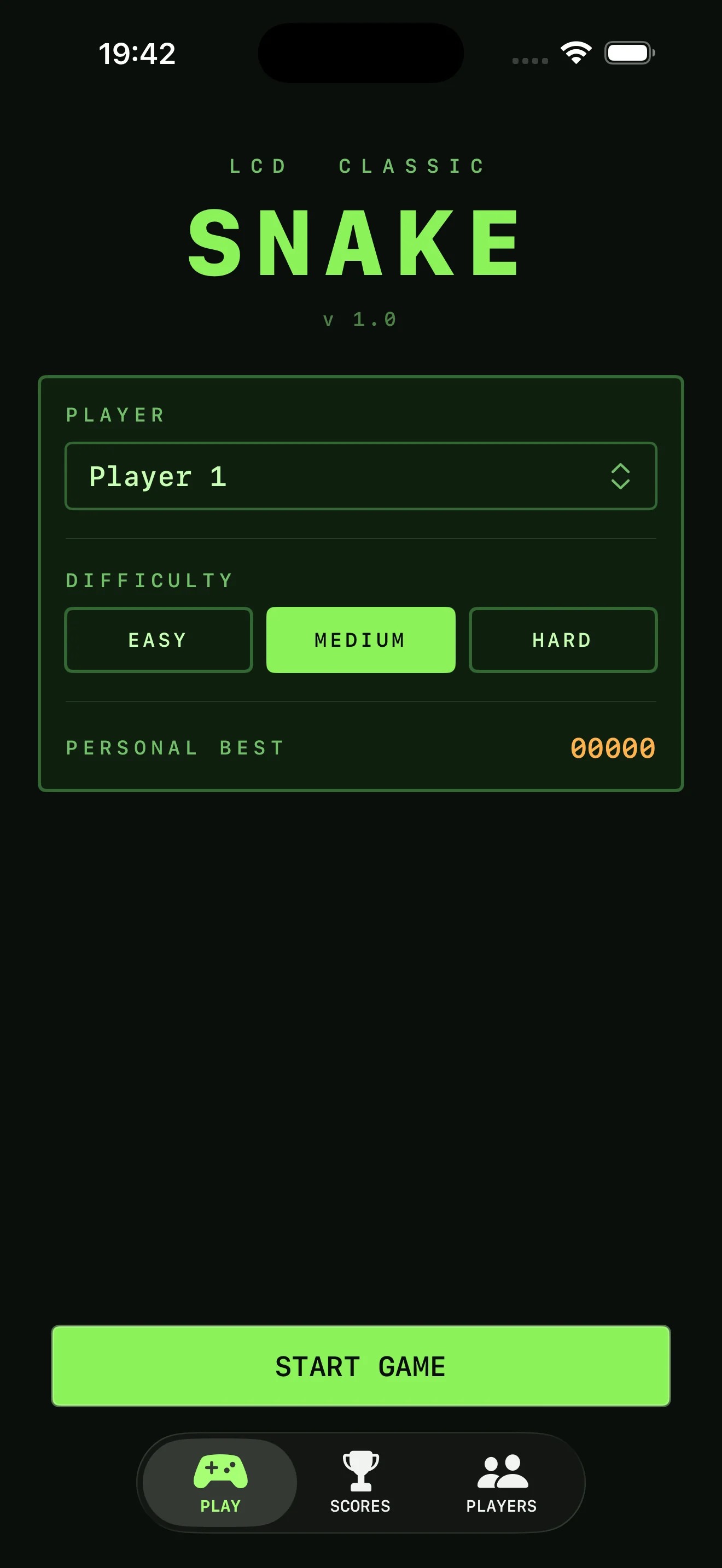
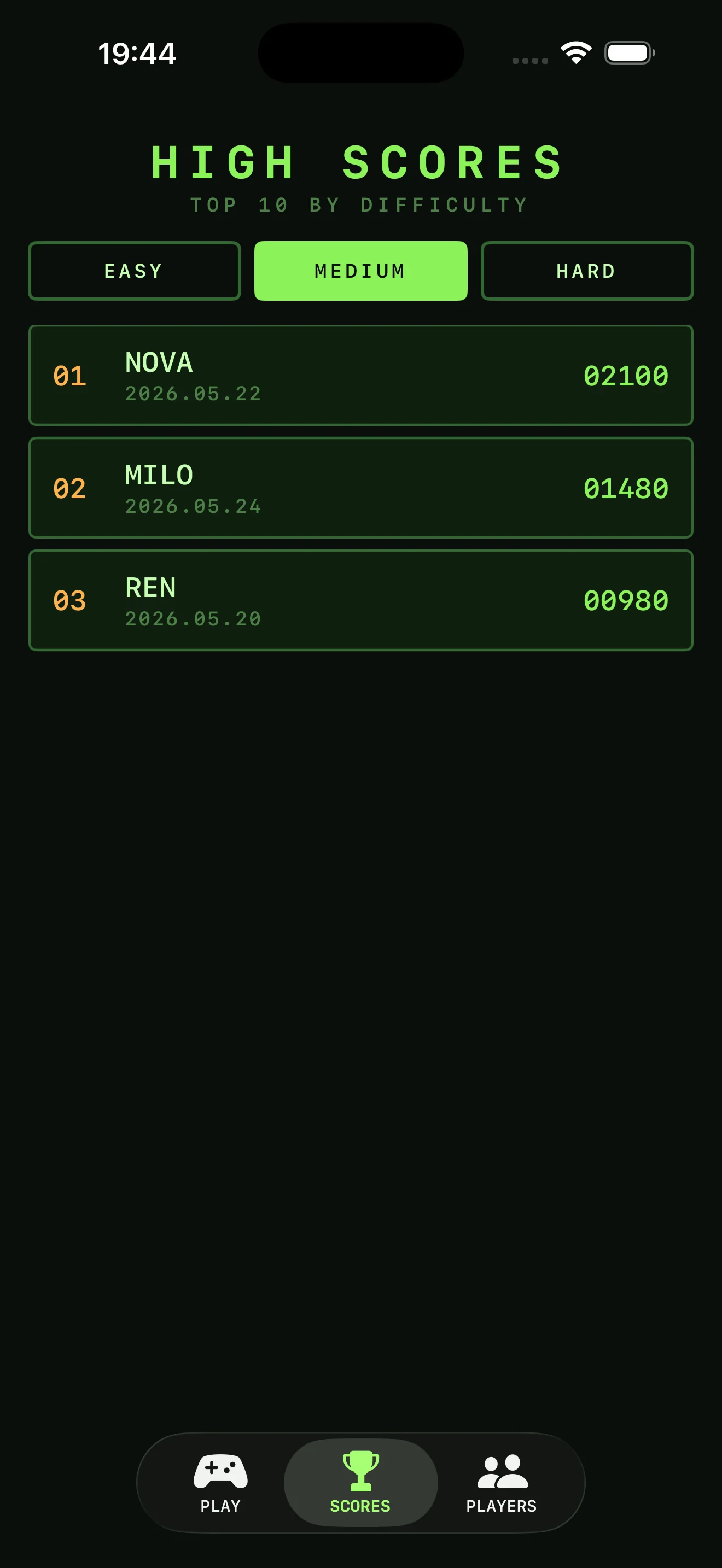
The classic snake game with a retro LCD soul. Swipe to steer on a 20x20 grid; pick from three difficulties (Easy, Medium, Hard) with their own scoring. Persistent per-difficulty leaderboard keeps each player's top-10 with the name as it was at the time. Green-on-black handheld aesthetic, no ads, no tracking.
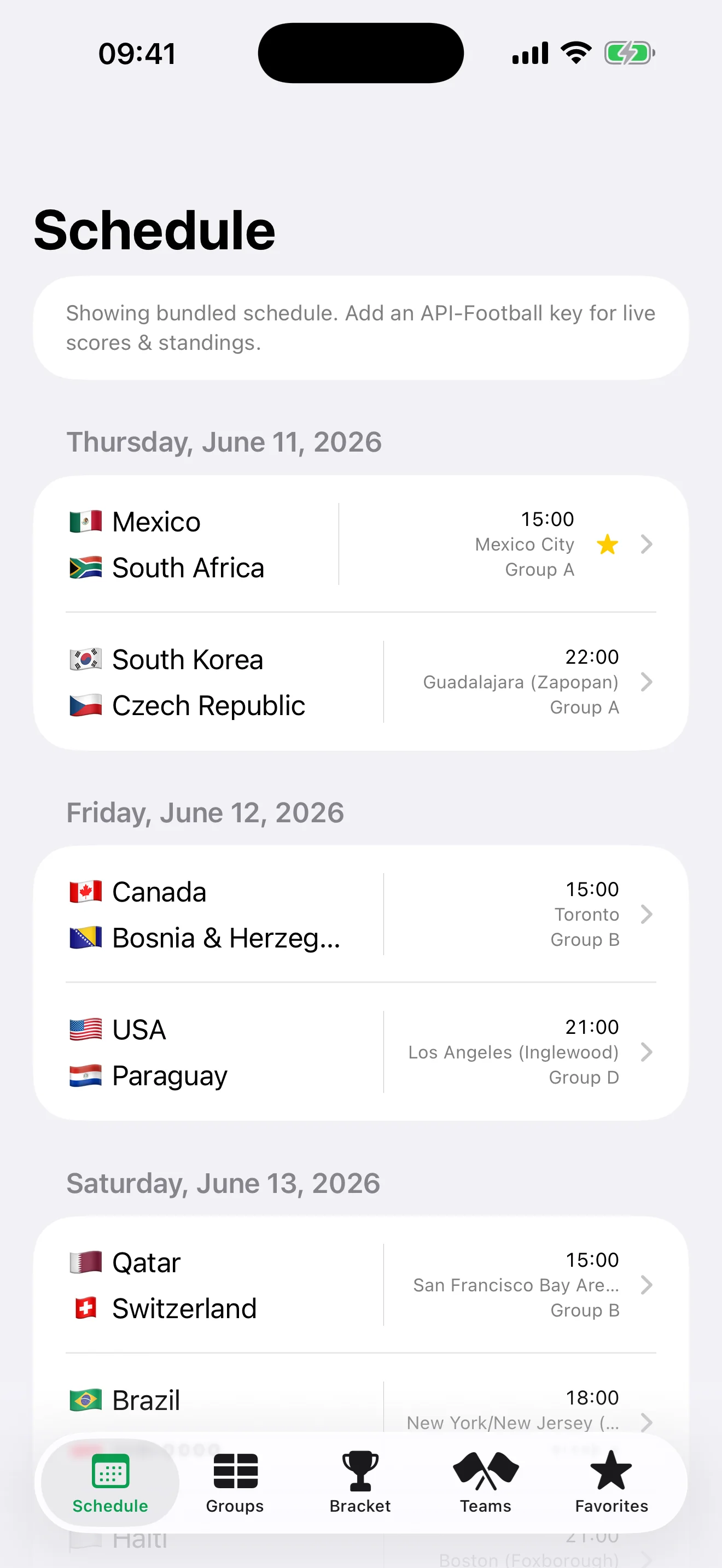
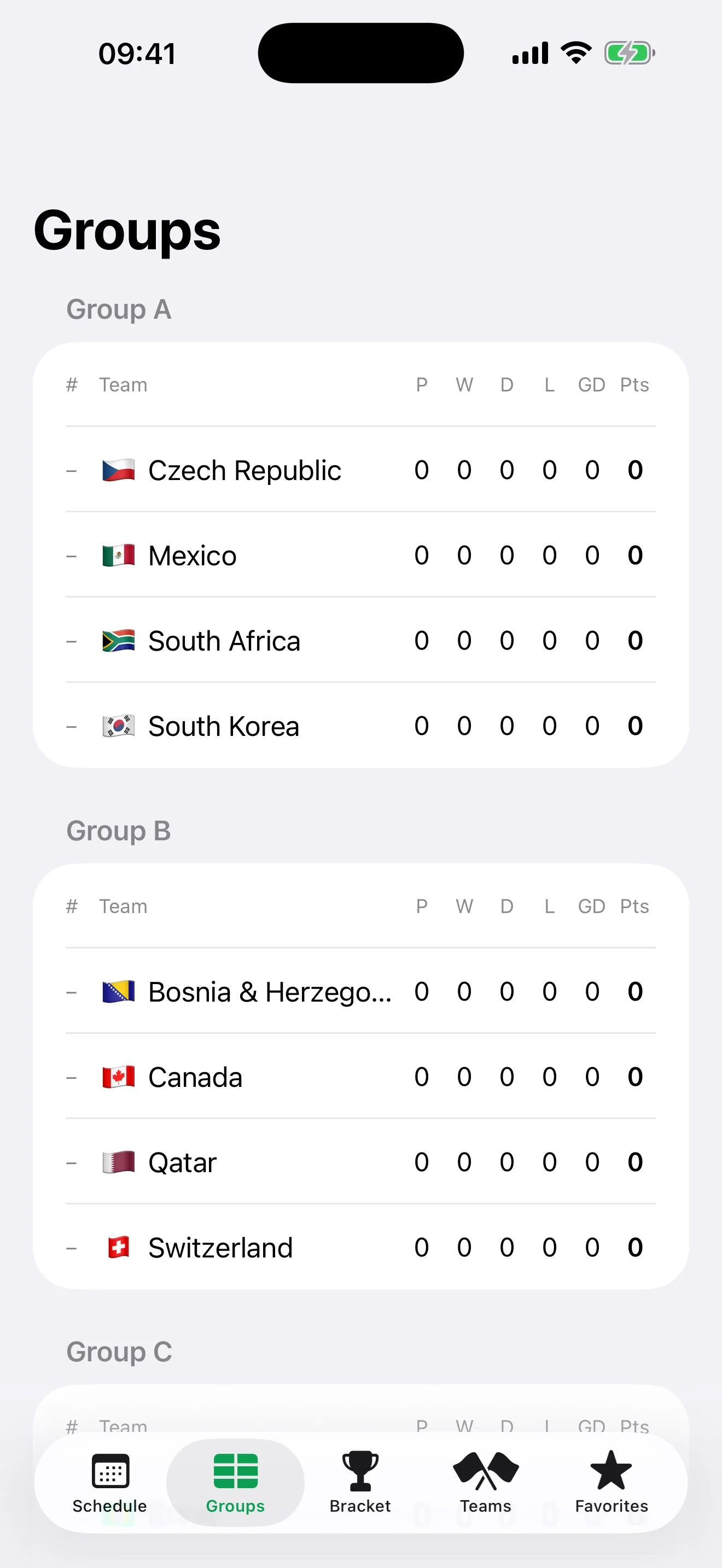
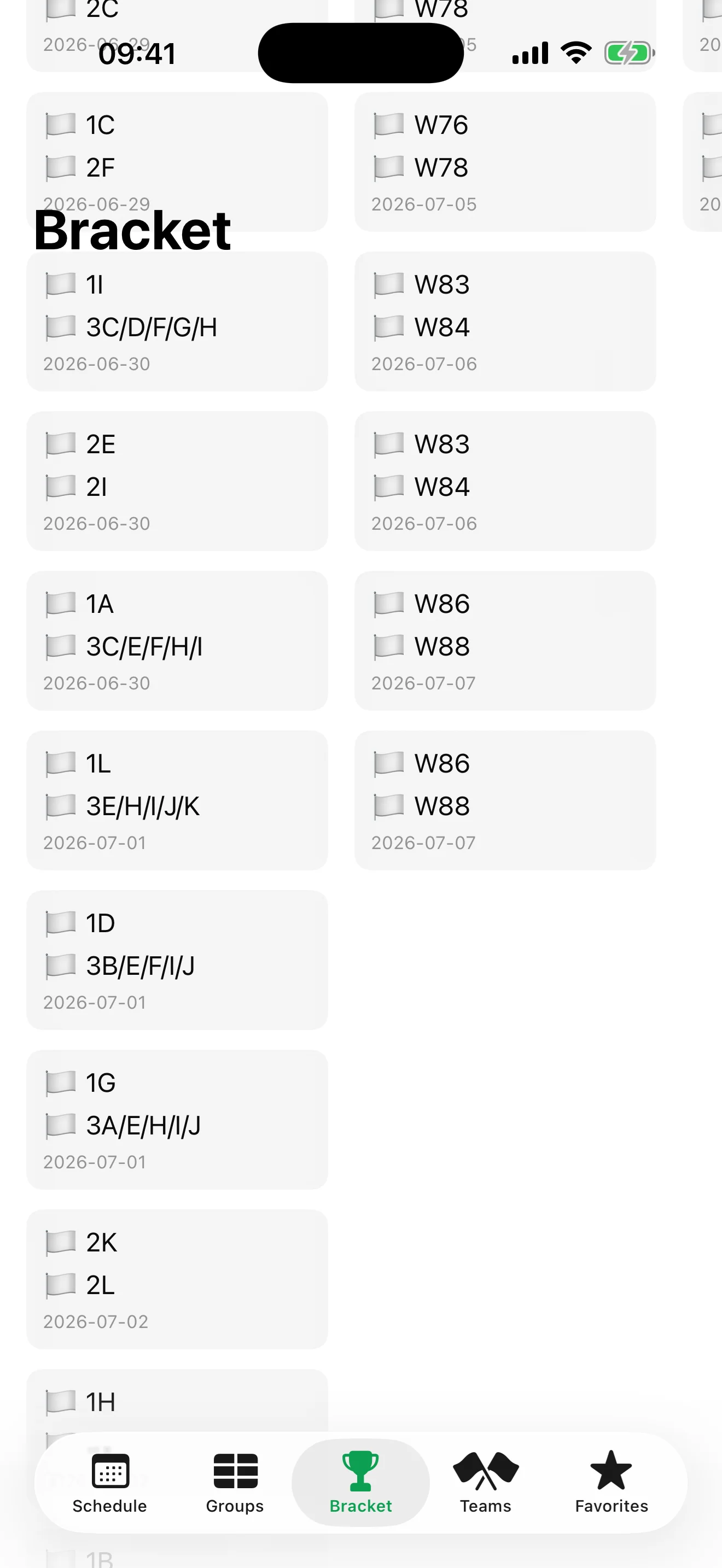
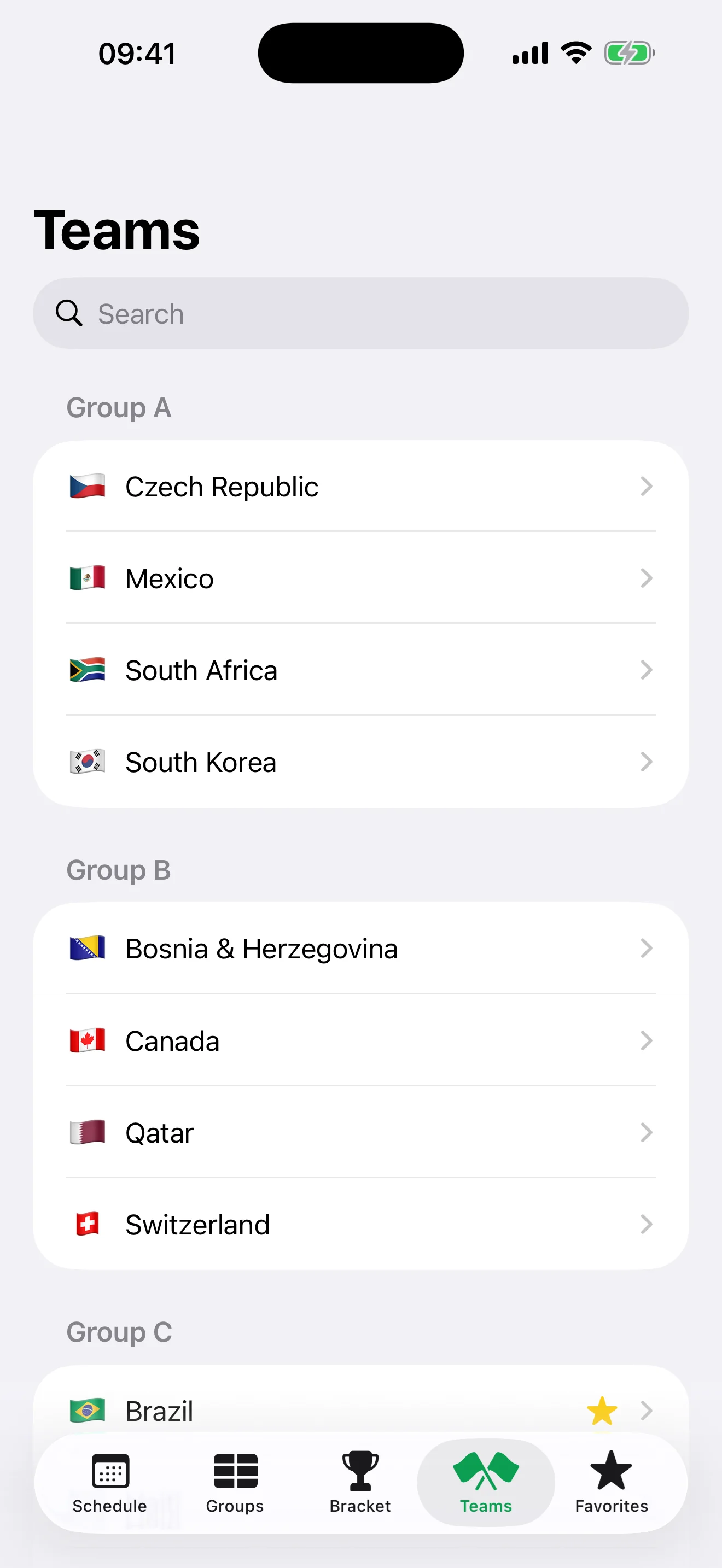
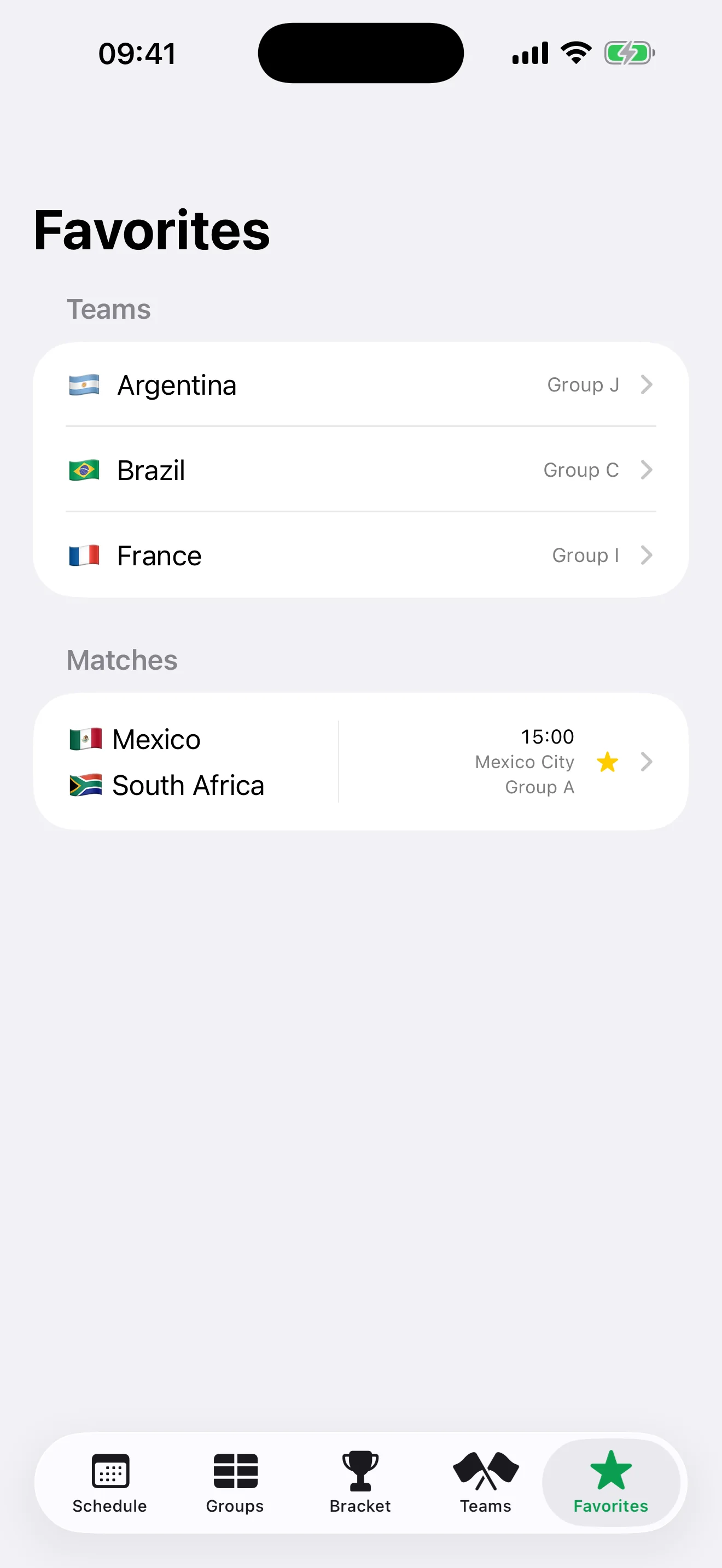
Companion for the 2026 international soccer tournament: the full 104-match schedule in your local time, live scores and group standings, the knockout bracket, team pages, and kickoff reminders for the matches you follow. Live data is served through a custom Cloudflare Worker proxy that caches at the edge, so it stays fast no matter the crowd. Works offline on a bundled schedule; no accounts, no tracking.
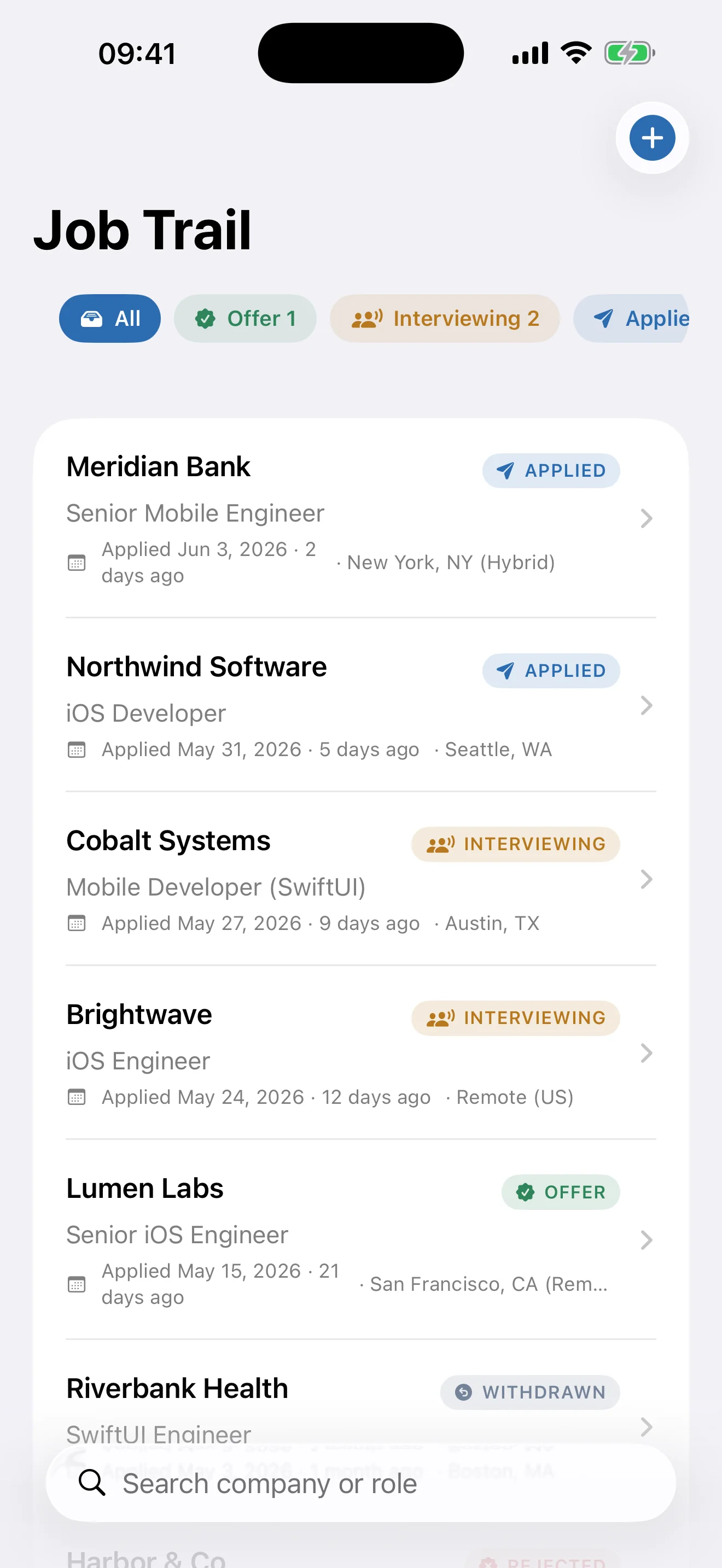
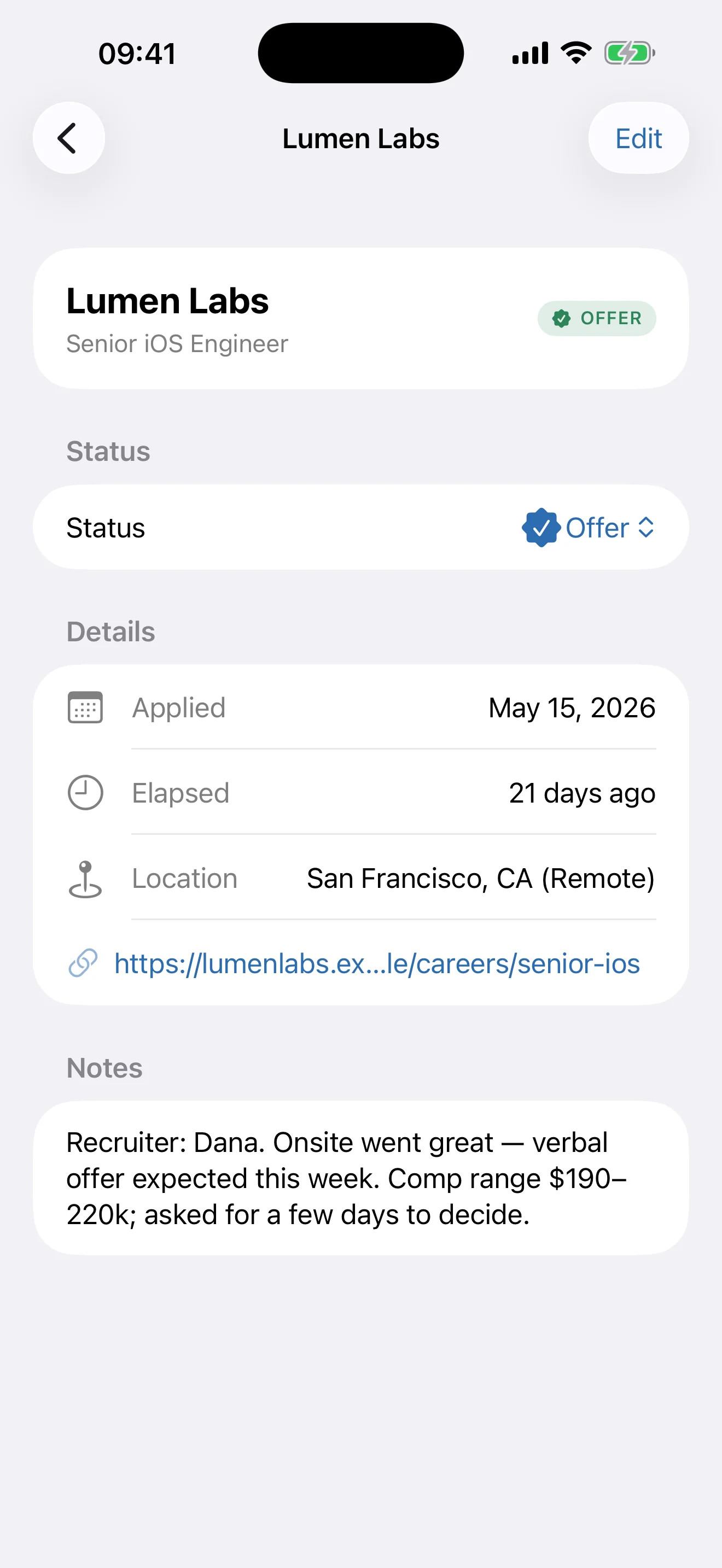
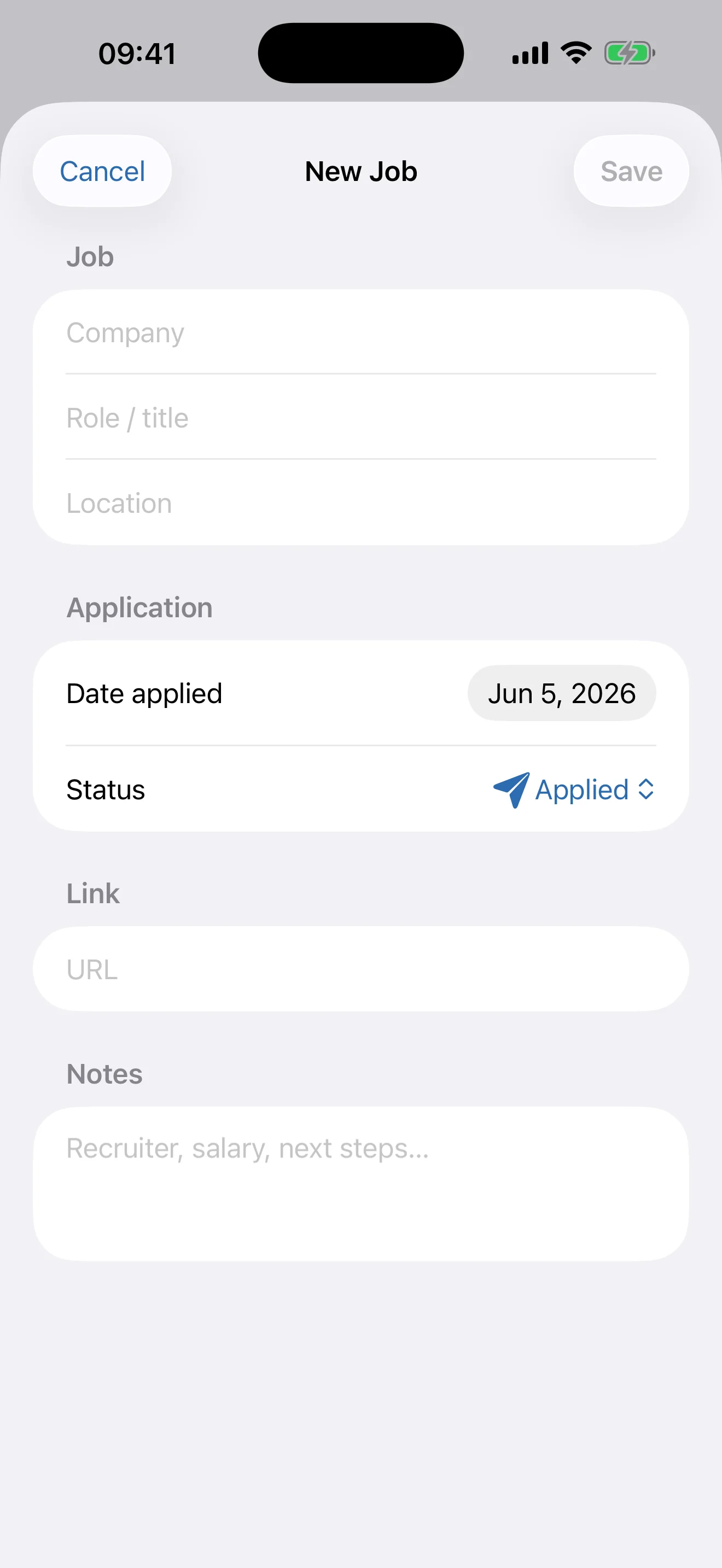
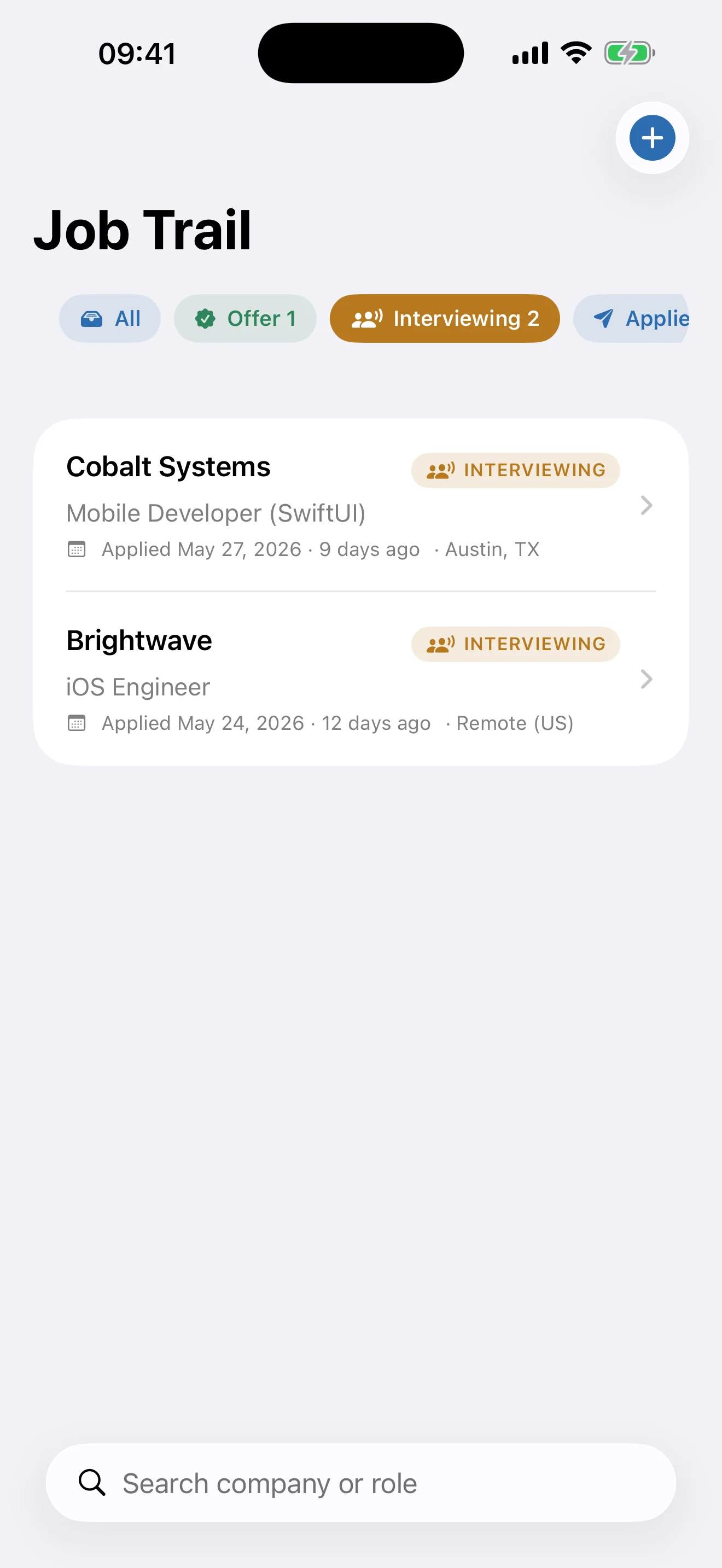
A clean, private way to track every job application in one place — company, role, location, date applied, the posting link, and notes — moving each through Applied, Interviewing, Offer, Rejected, and Withdrawn. Color-coded status filters and search keep your whole pipeline in view. Everything is stored on device with SwiftData: no accounts, no ads, no tracking.
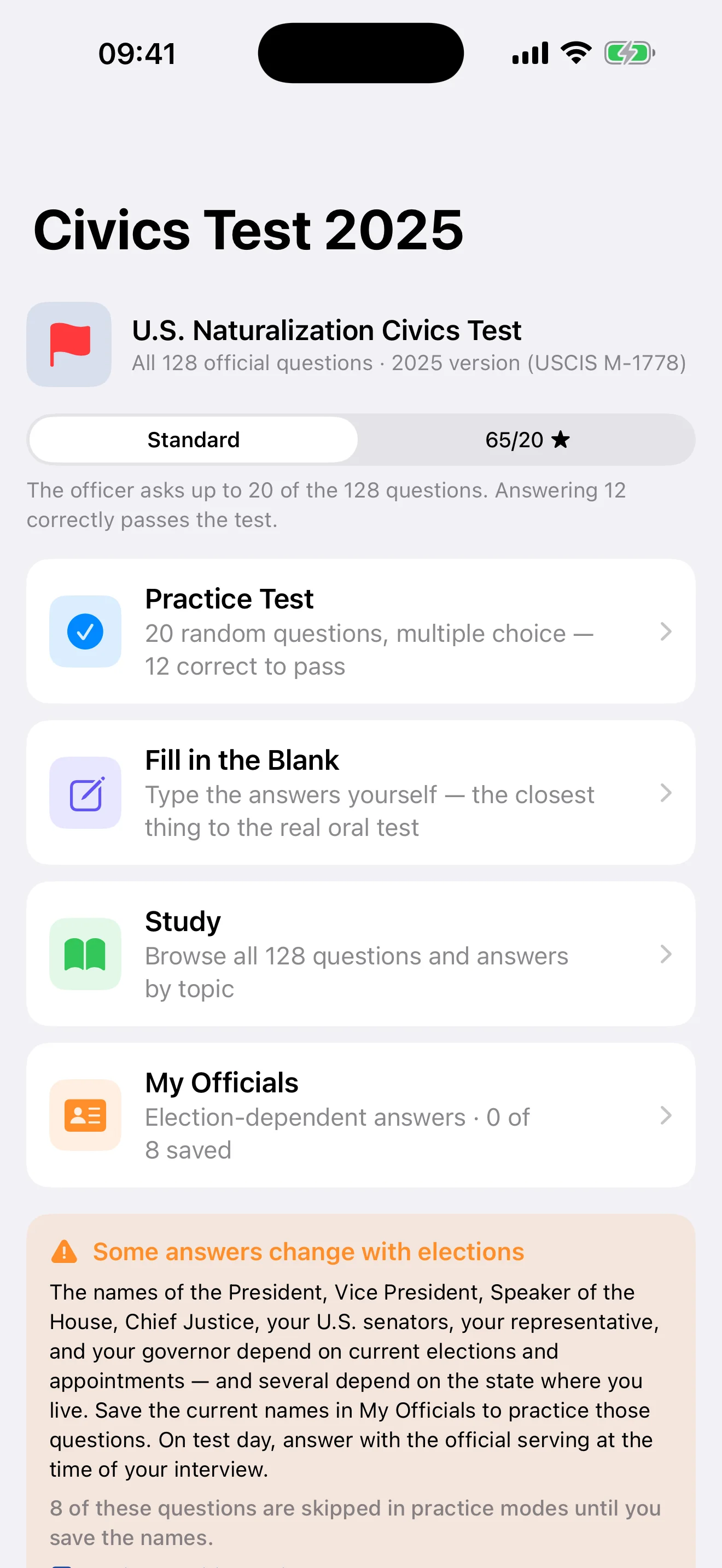
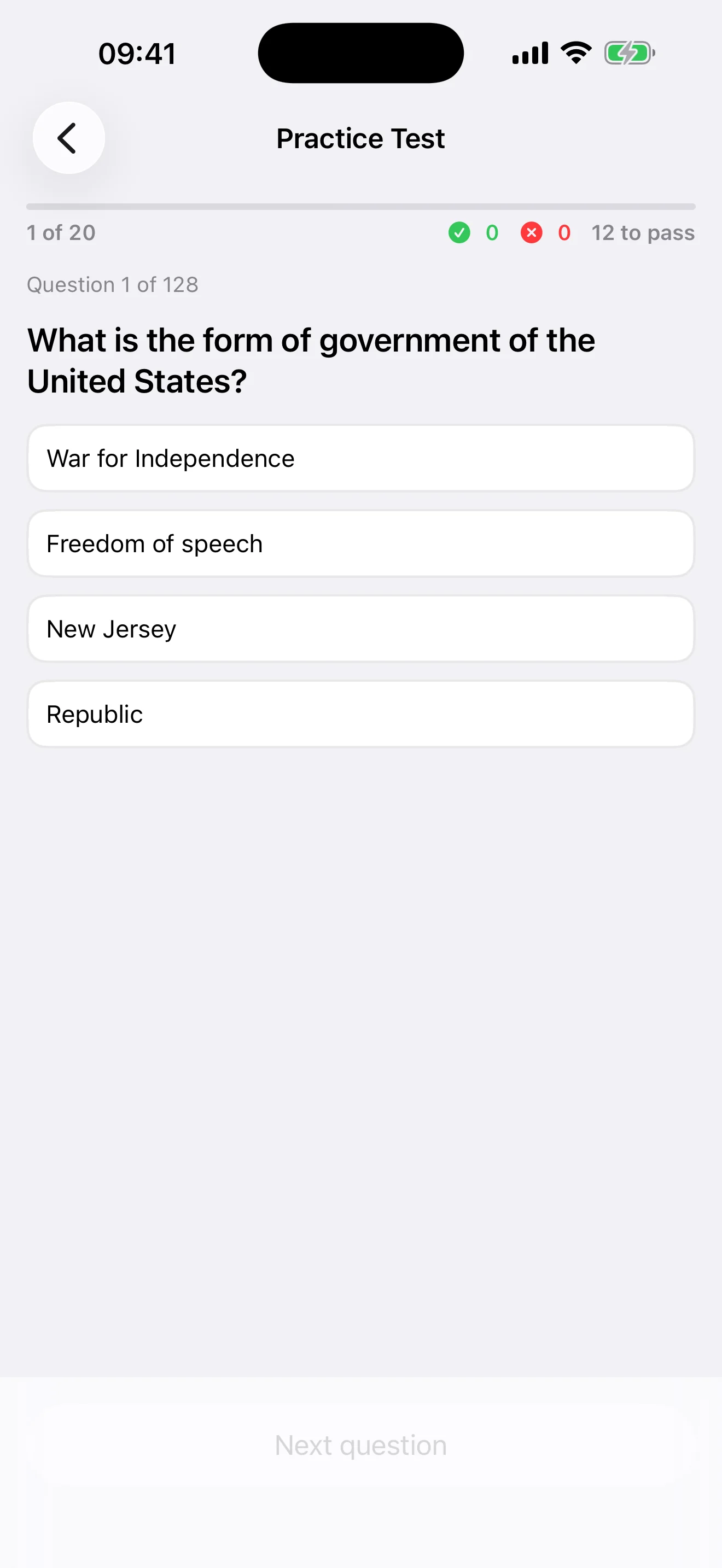
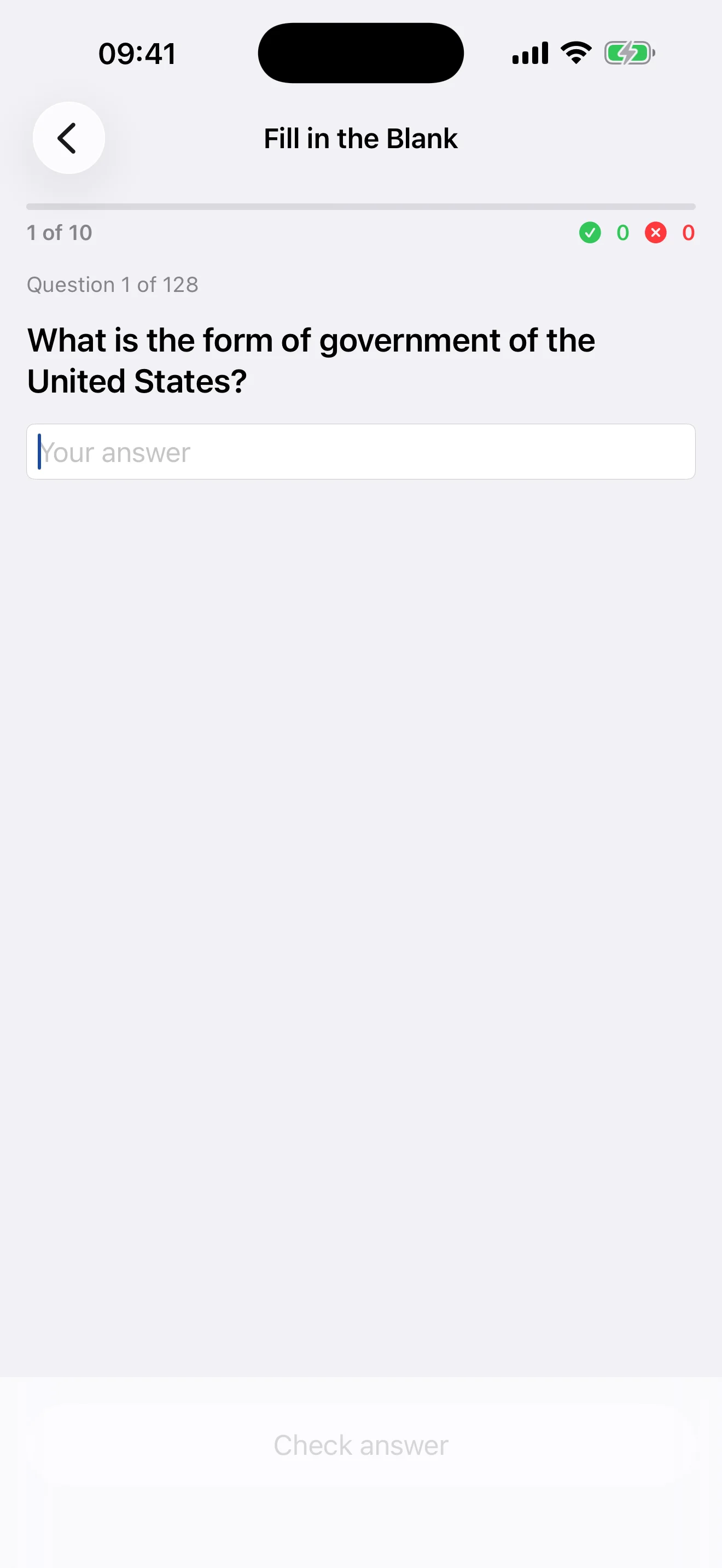
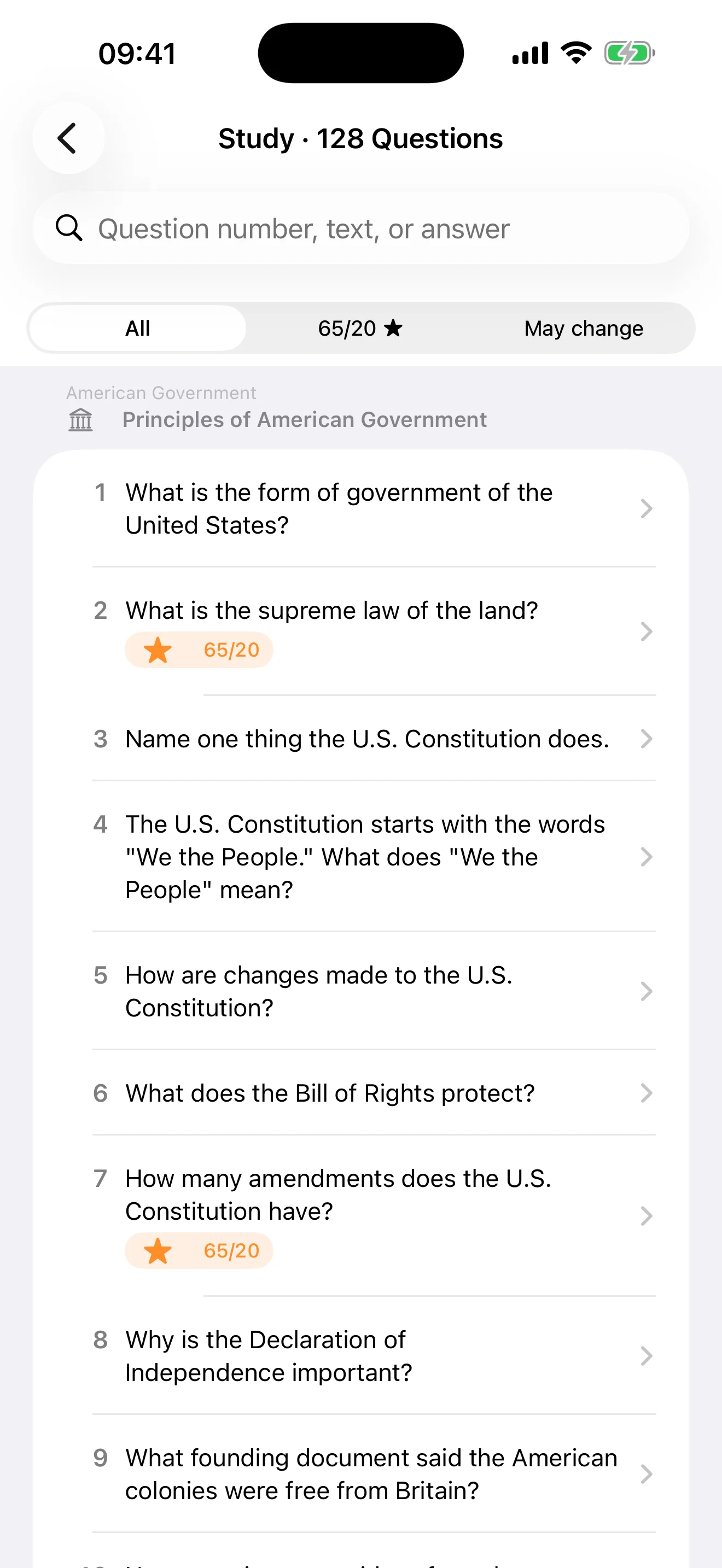
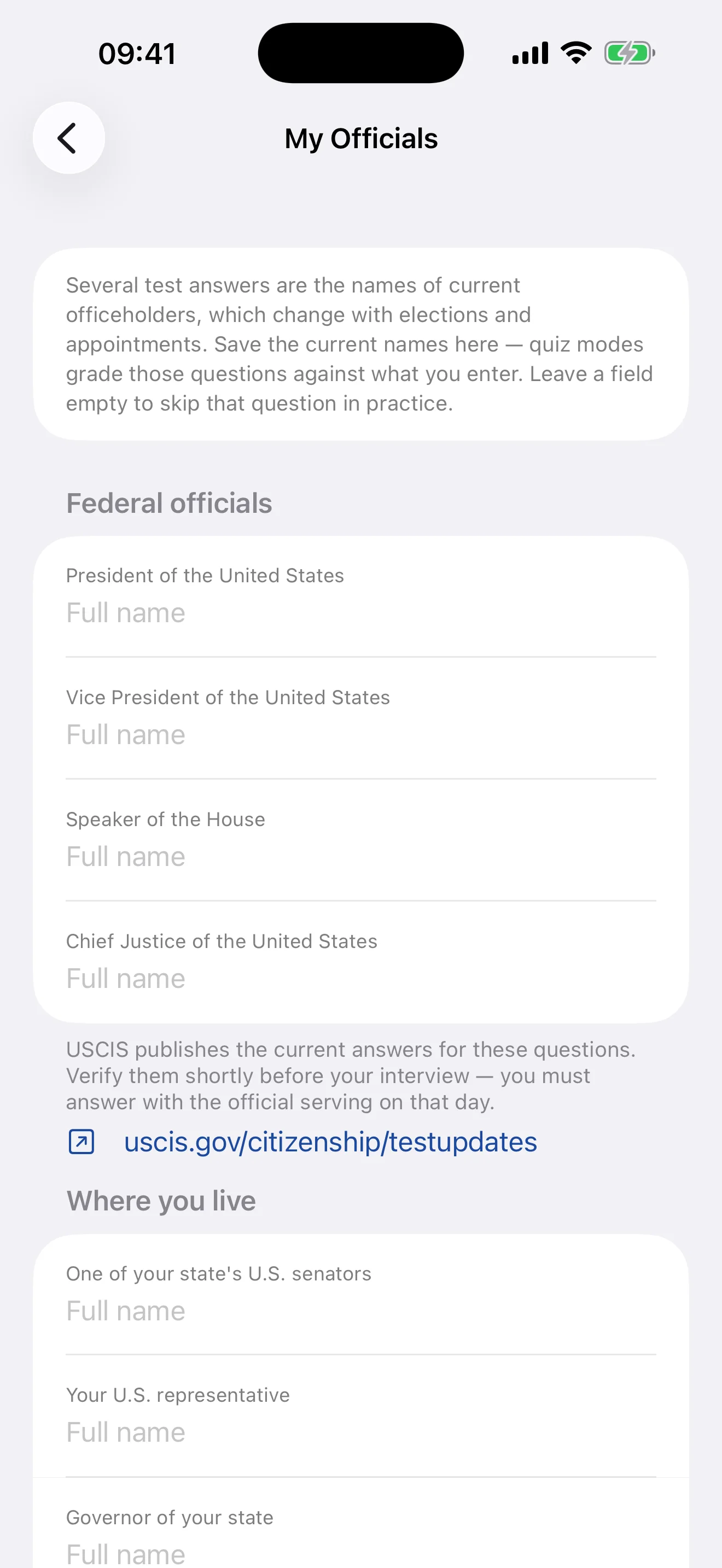
All 128 official USCIS questions and answers for the 2025 civics test. A practice test that mirrors the real interview — 20 questions, 12 to pass, ends early once the result is decided — plus fill-in-the-blank with forgiving oral-style grading, the 65/20 senior list, and My Officials for the answers that change with elections. Fully offline, no accounts, no tracking.
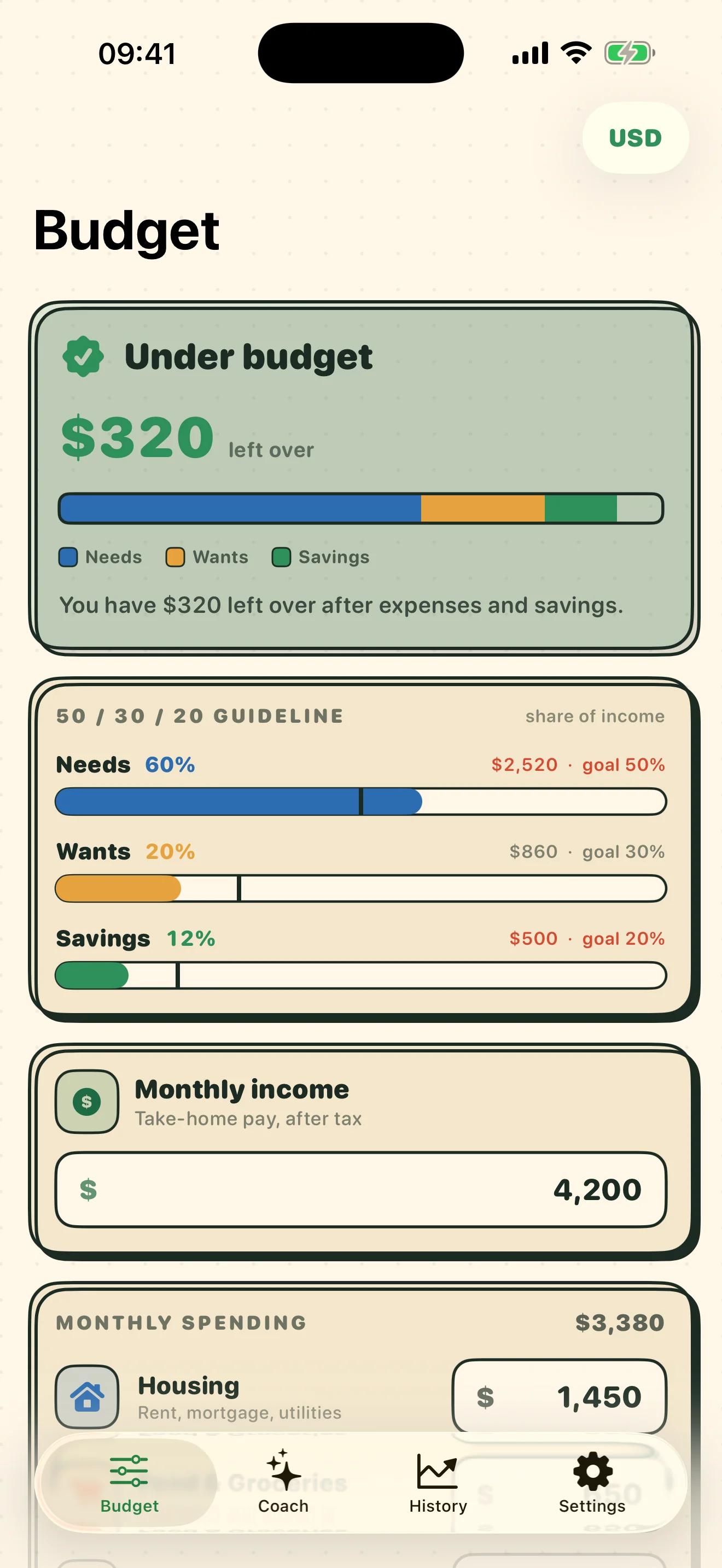
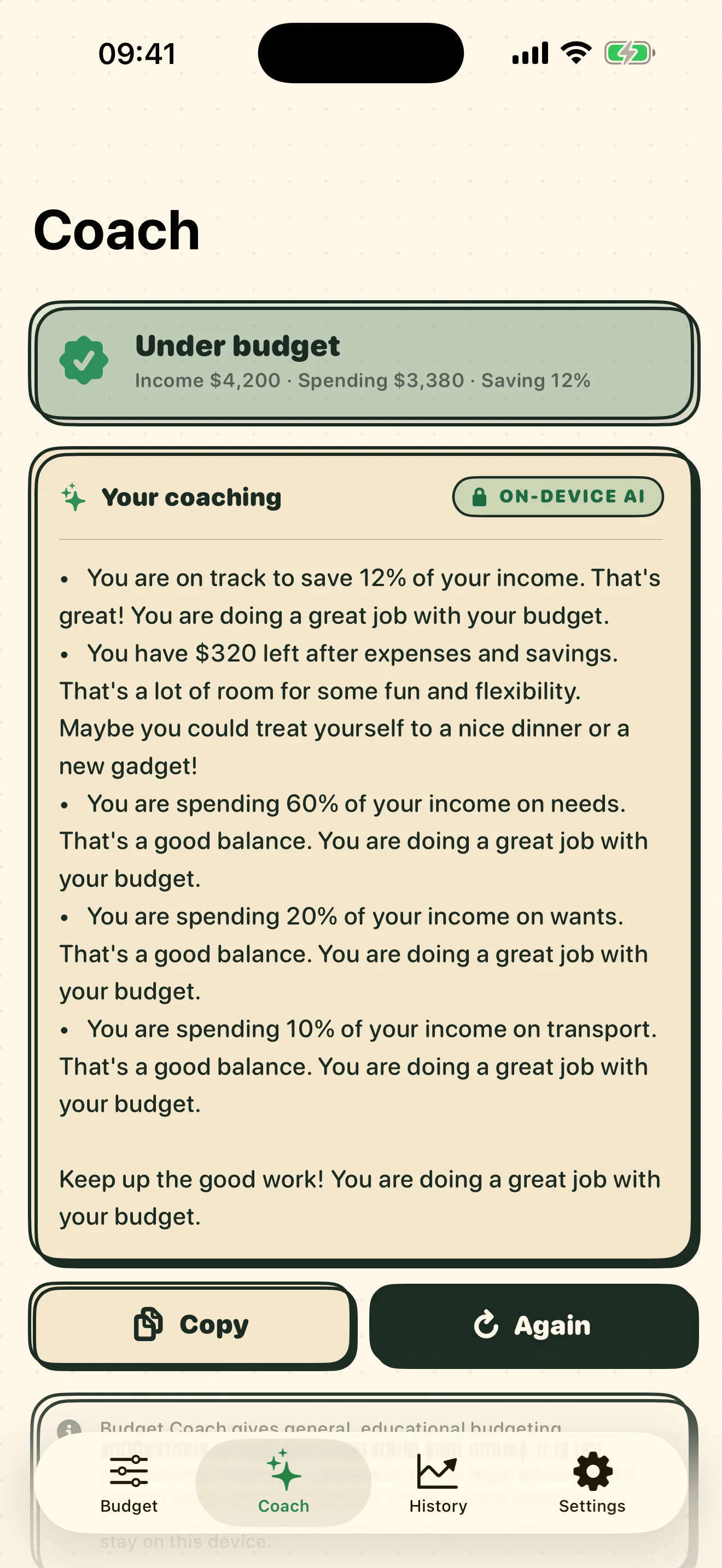
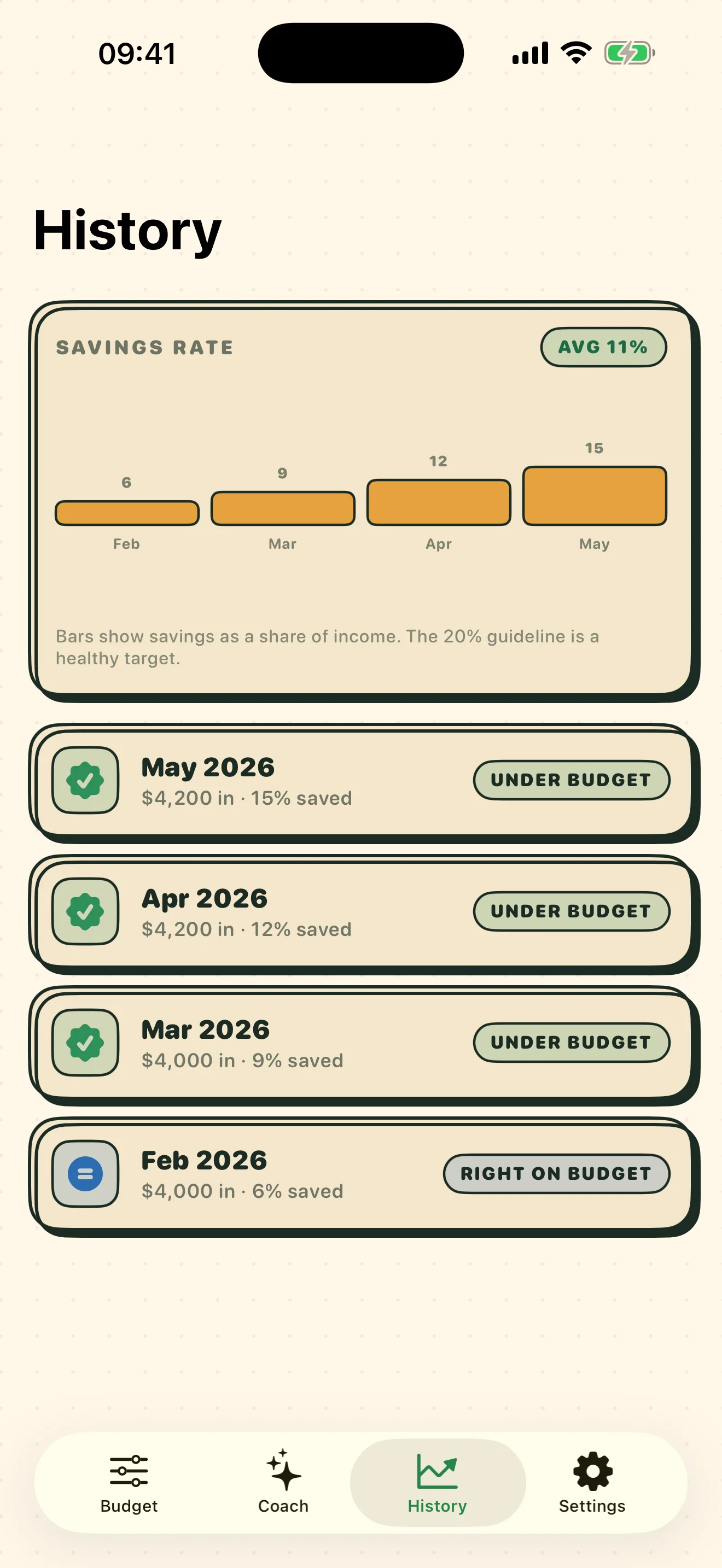
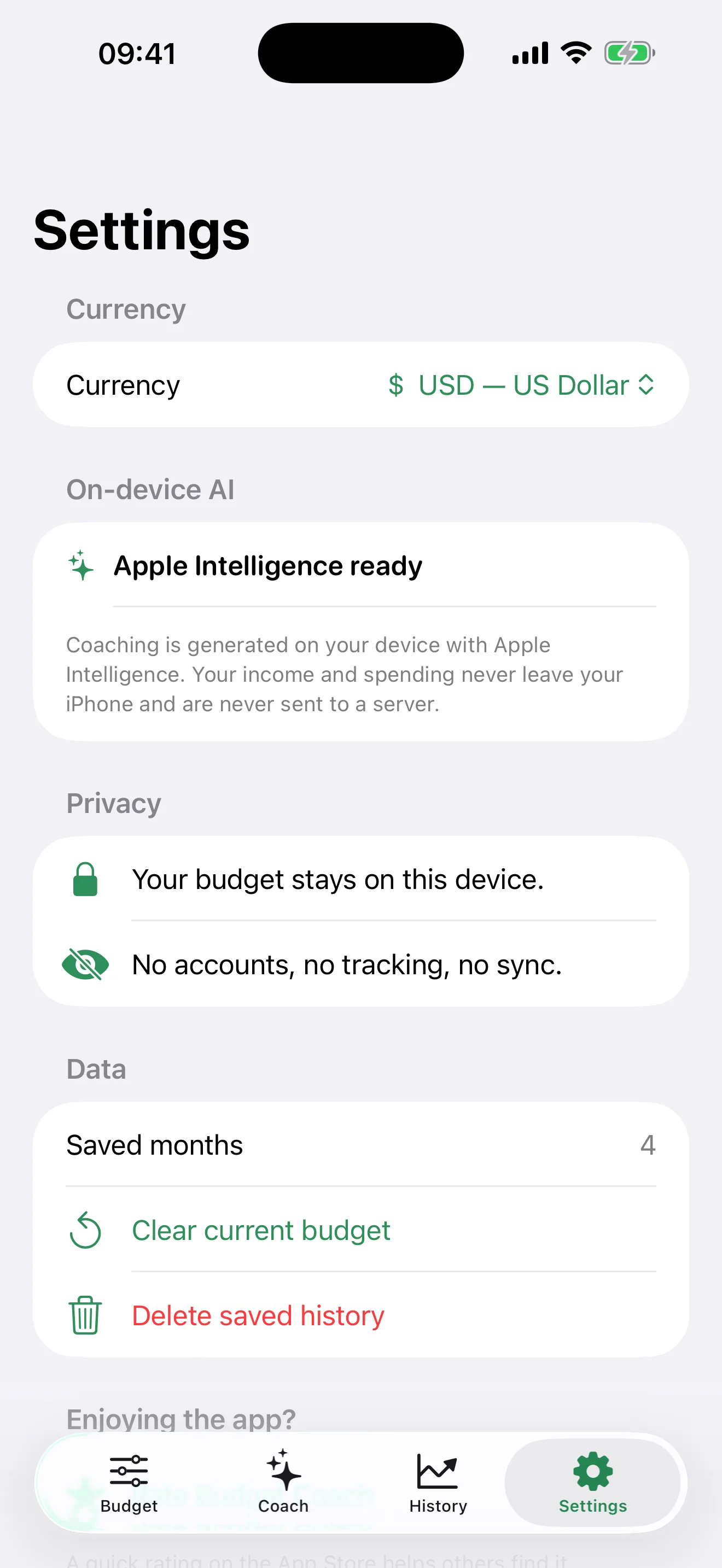
Turns your monthly income and spending into a clear 50/30/20 view — Needs, Wants, and Savings — and tells you instantly whether you're under or over budget. Tap "Coach me" for 3–5 specific tips generated on device with Apple Intelligence (clean rule-based tips when it isn't available). Save monthly snapshots to watch your savings rate trend. Fully offline, no accounts, no tracking.
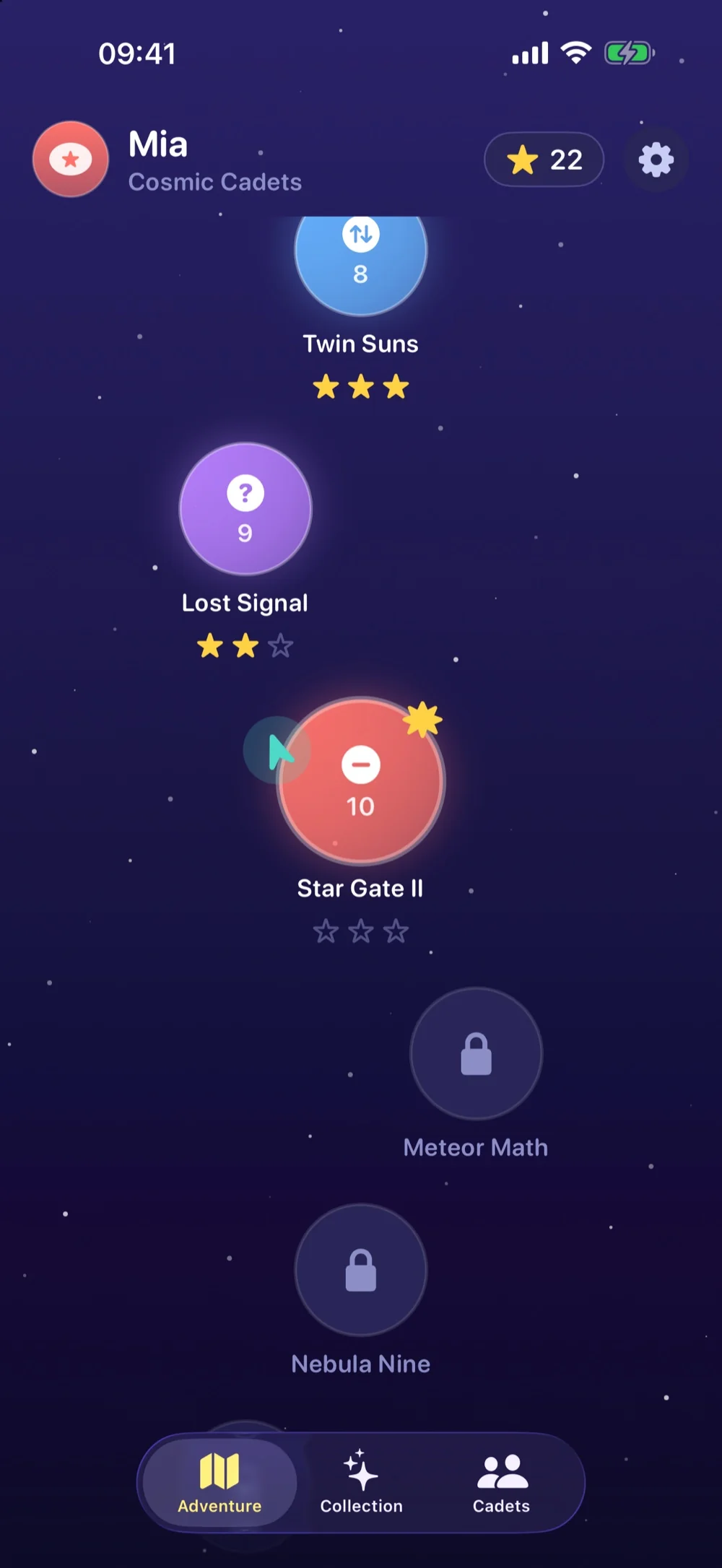
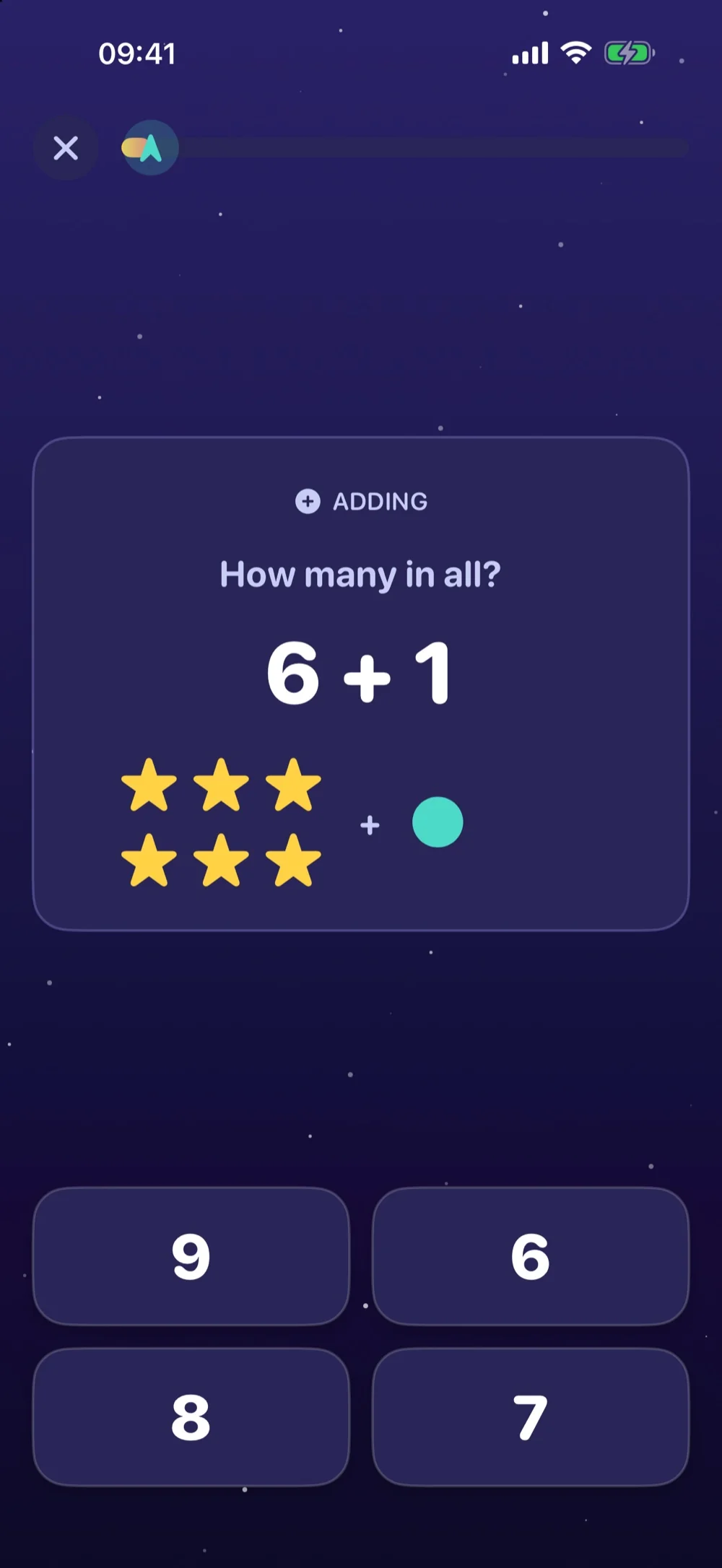
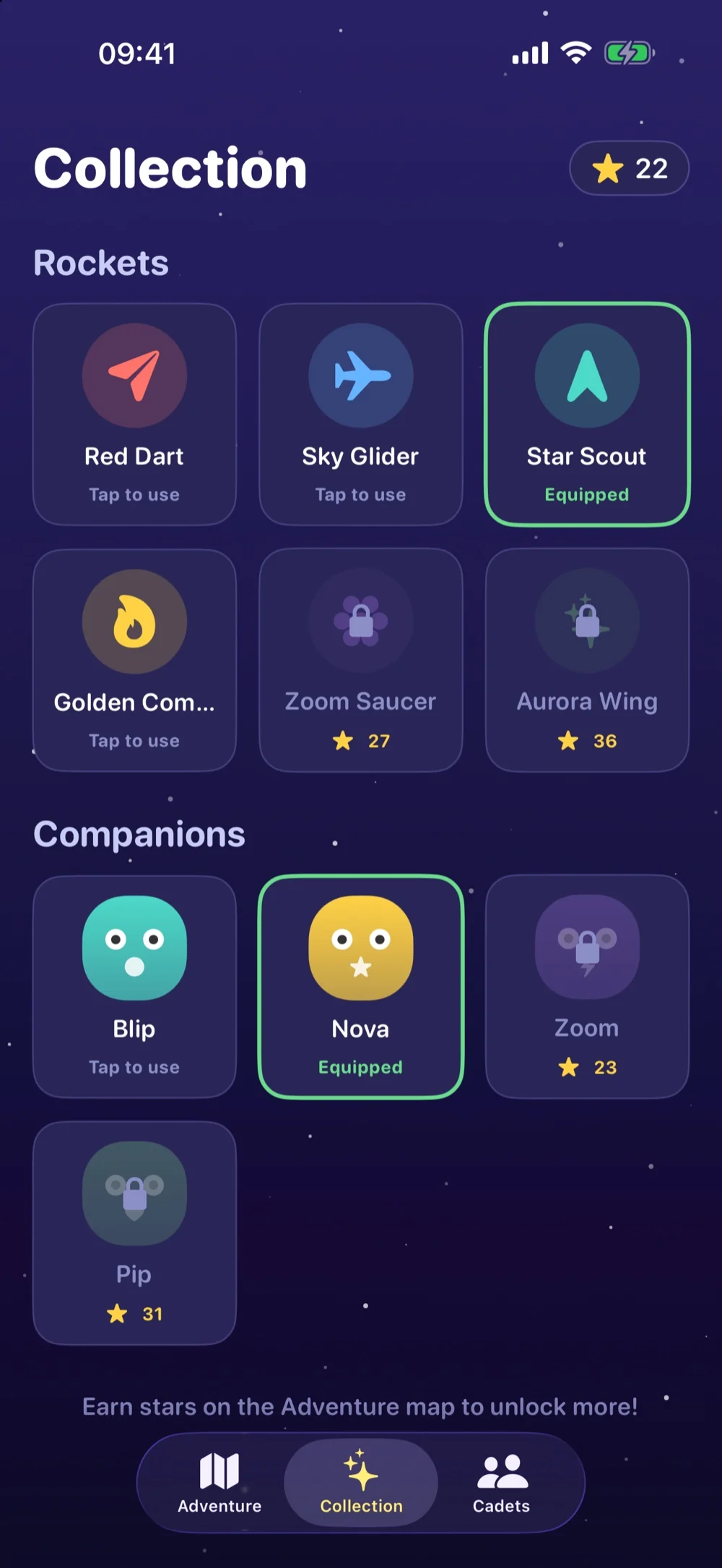
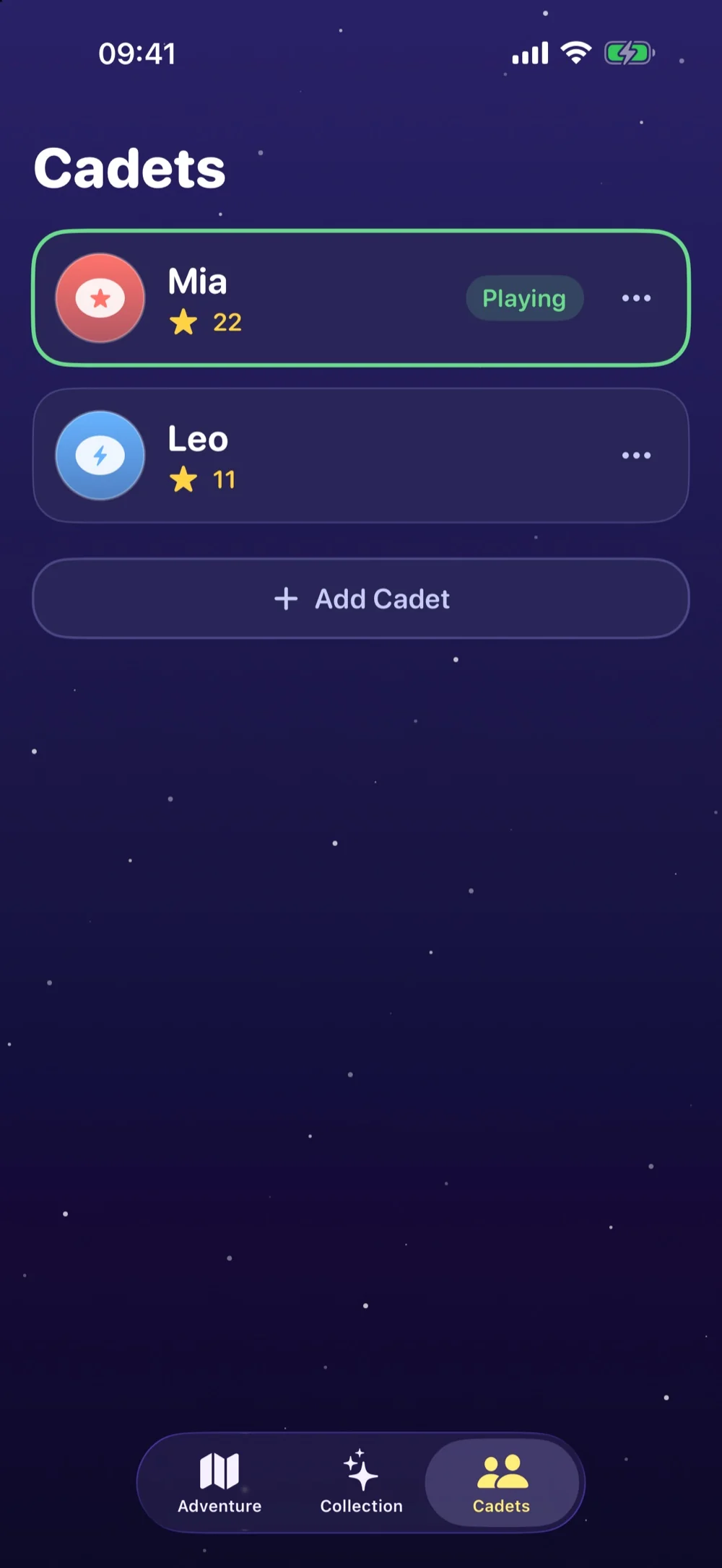
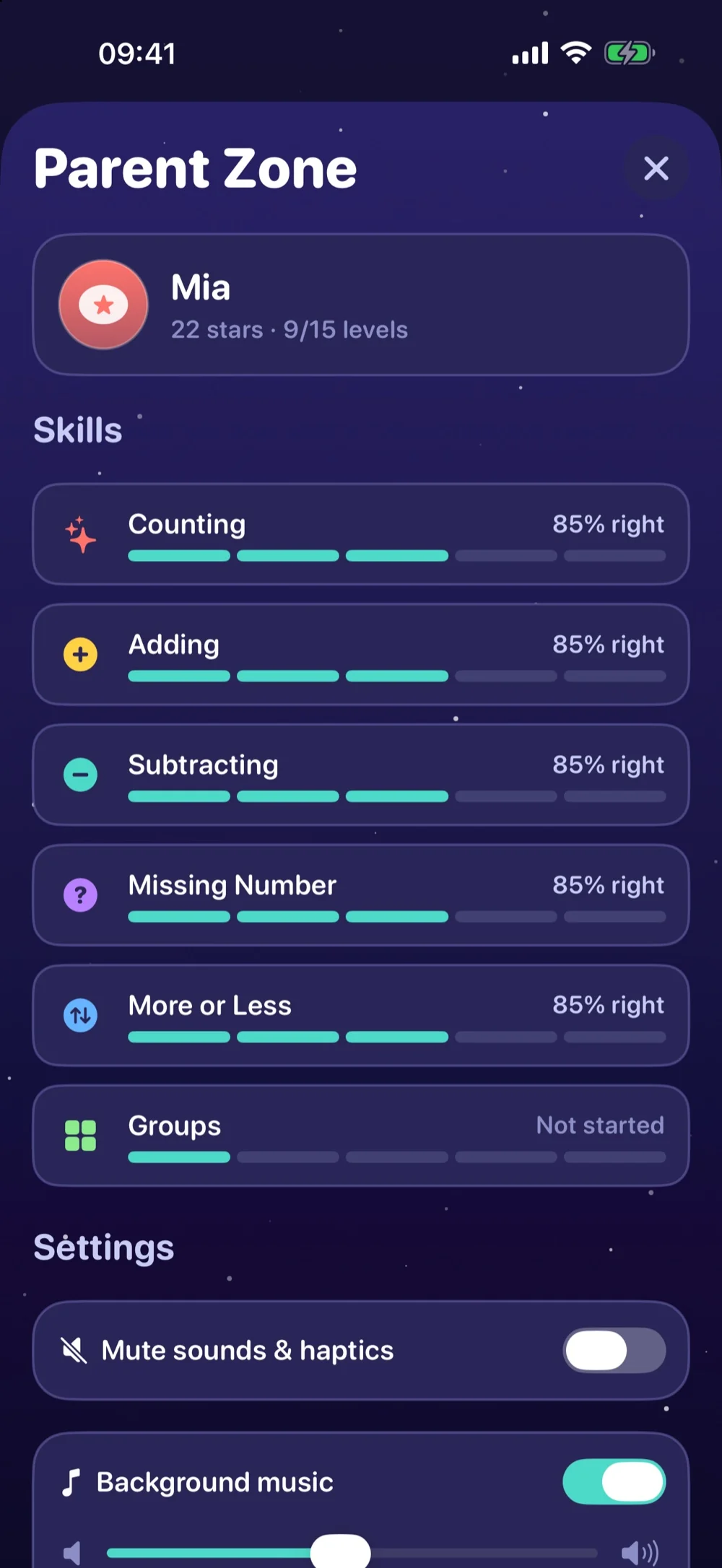
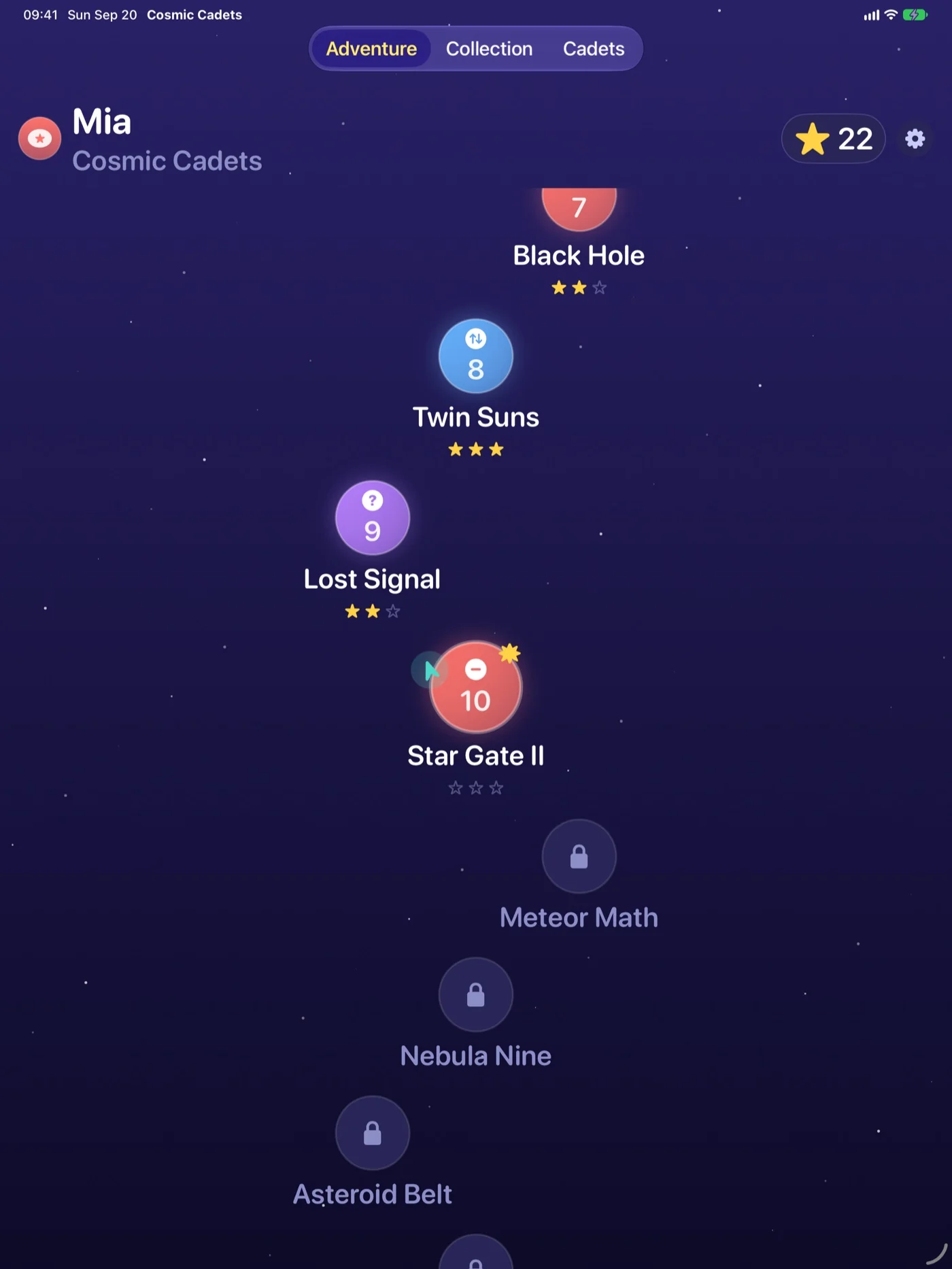
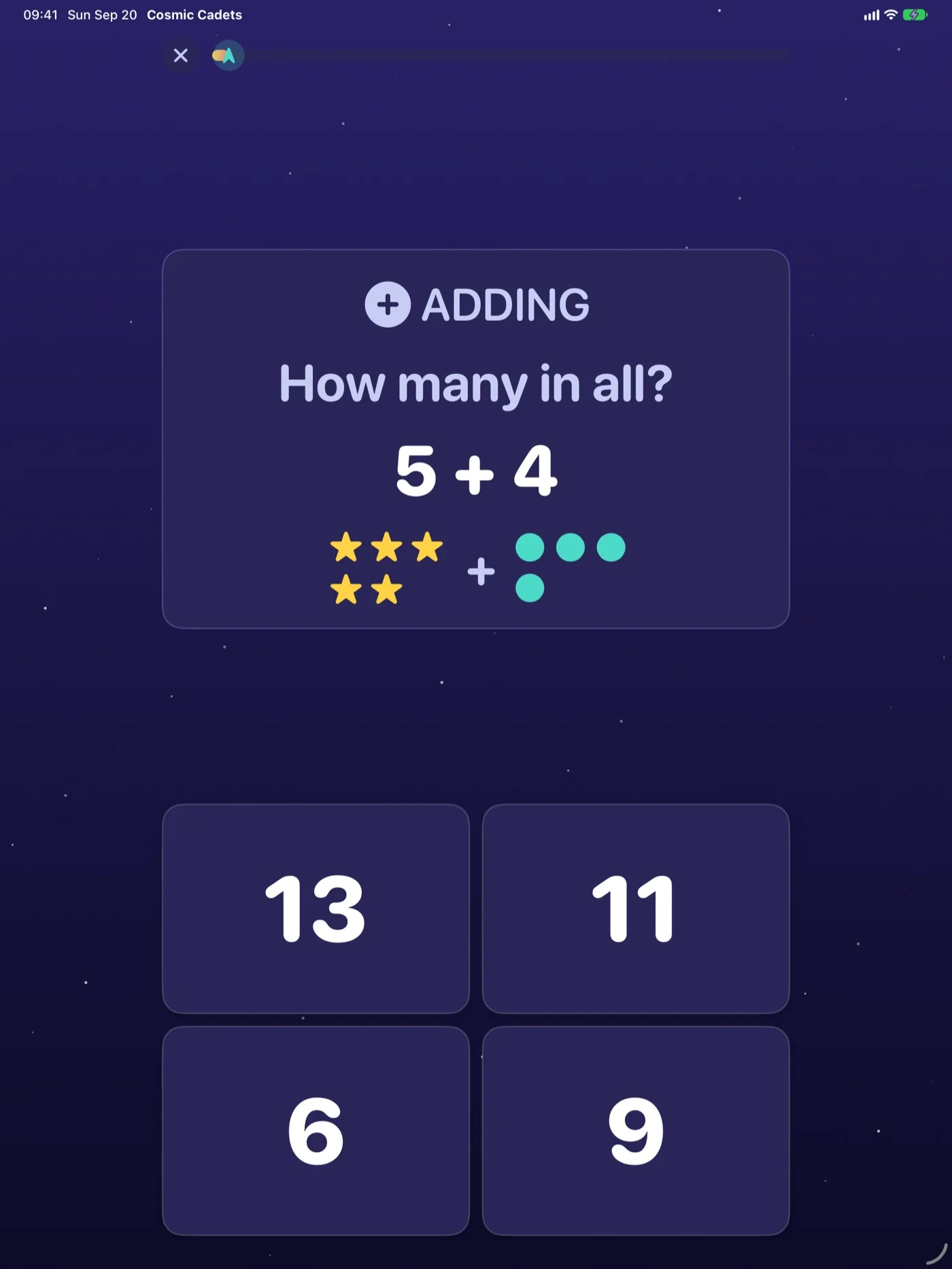
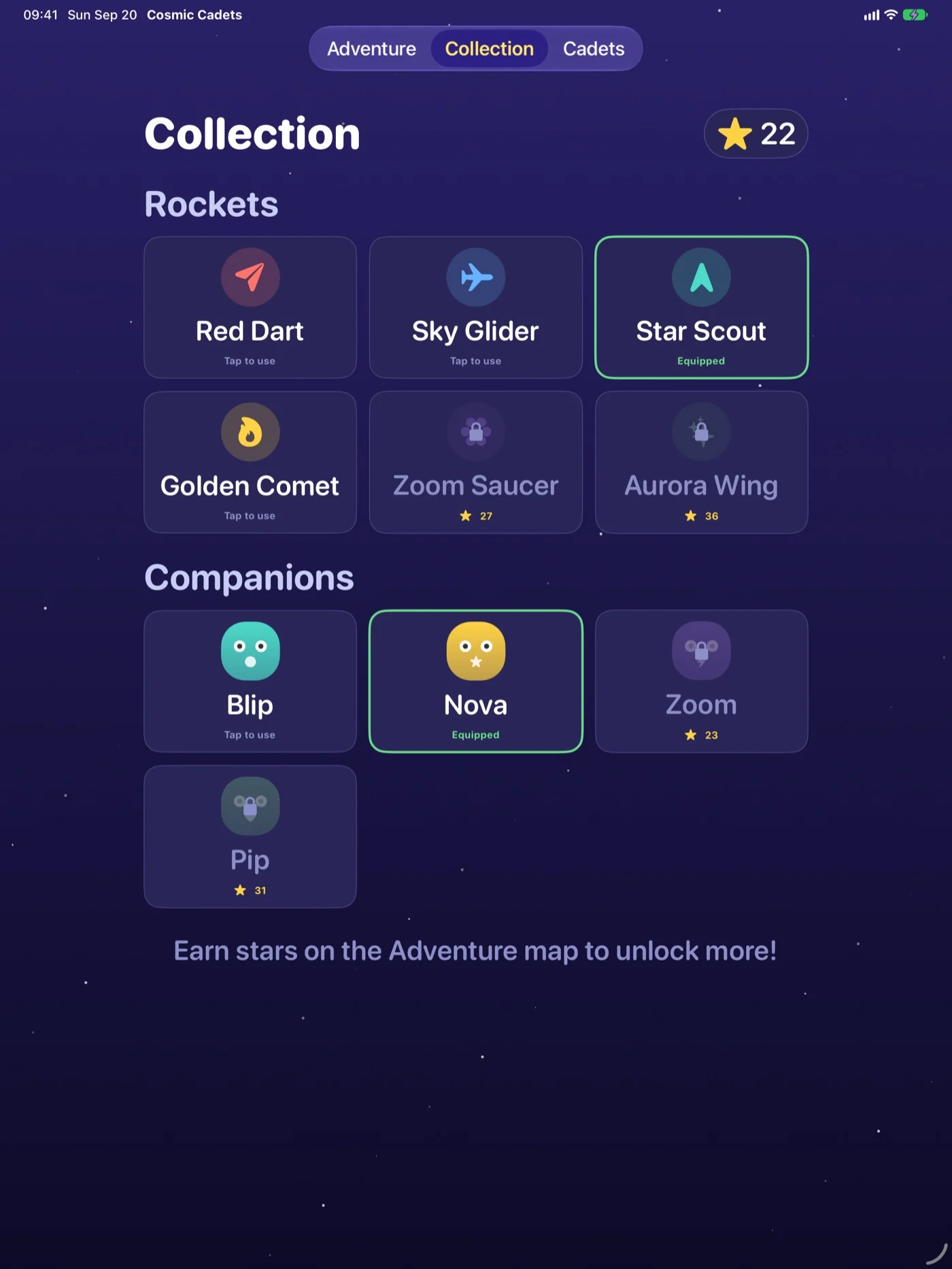
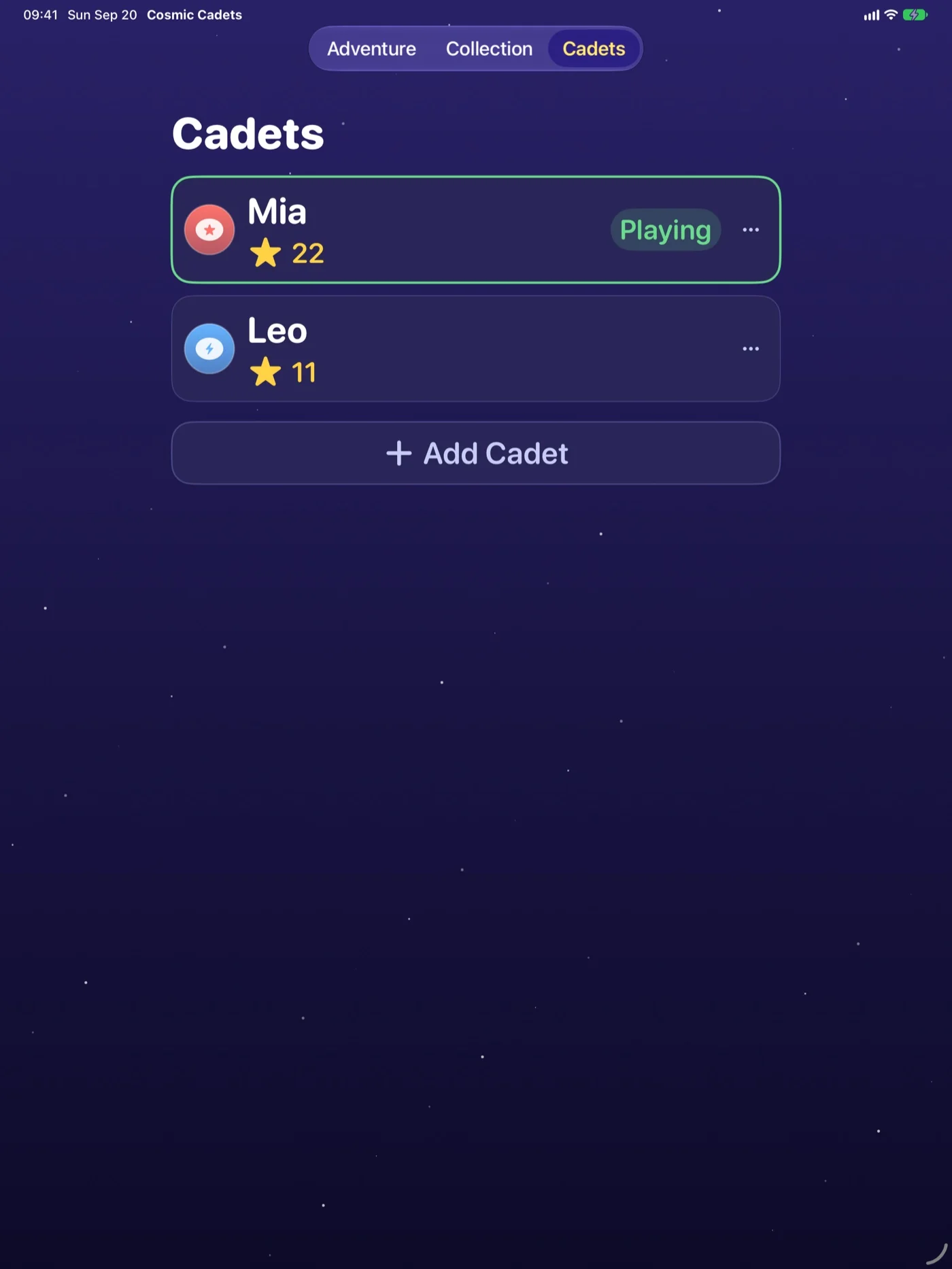
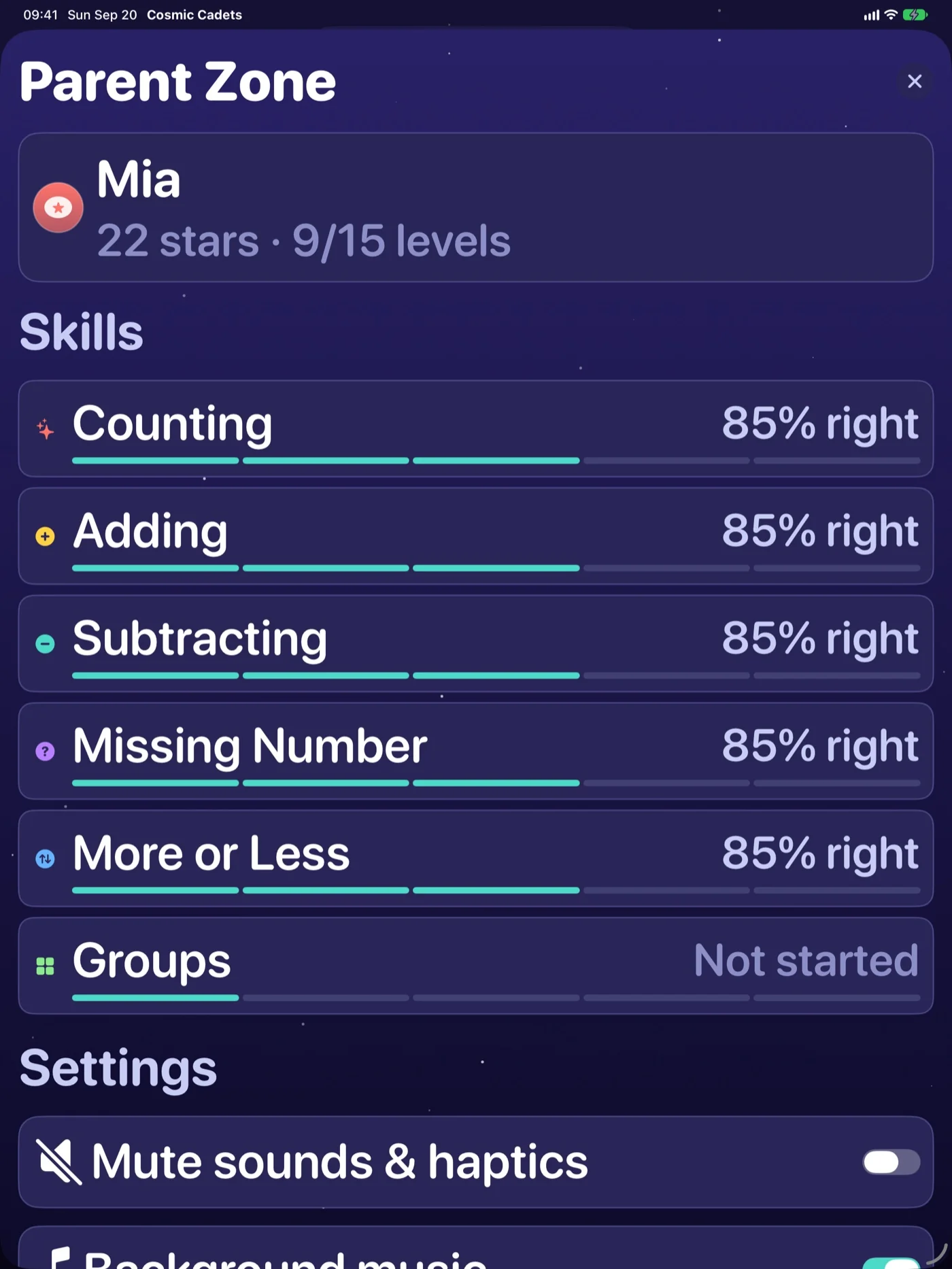
A gentle, ad-free space adventure that helps kids ages 5–8 build math confidence — counting, addition, subtraction, comparing, missing numbers, and first multiplication — across a 15-level star map. Difficulty quietly adapts to each child; earn stars to unlock rockets and alien companions, keep several kid profiles, and check progress in a math-gated Parent Zone. No ads, no purchases, no accounts, no tracking — everything stays on the device.
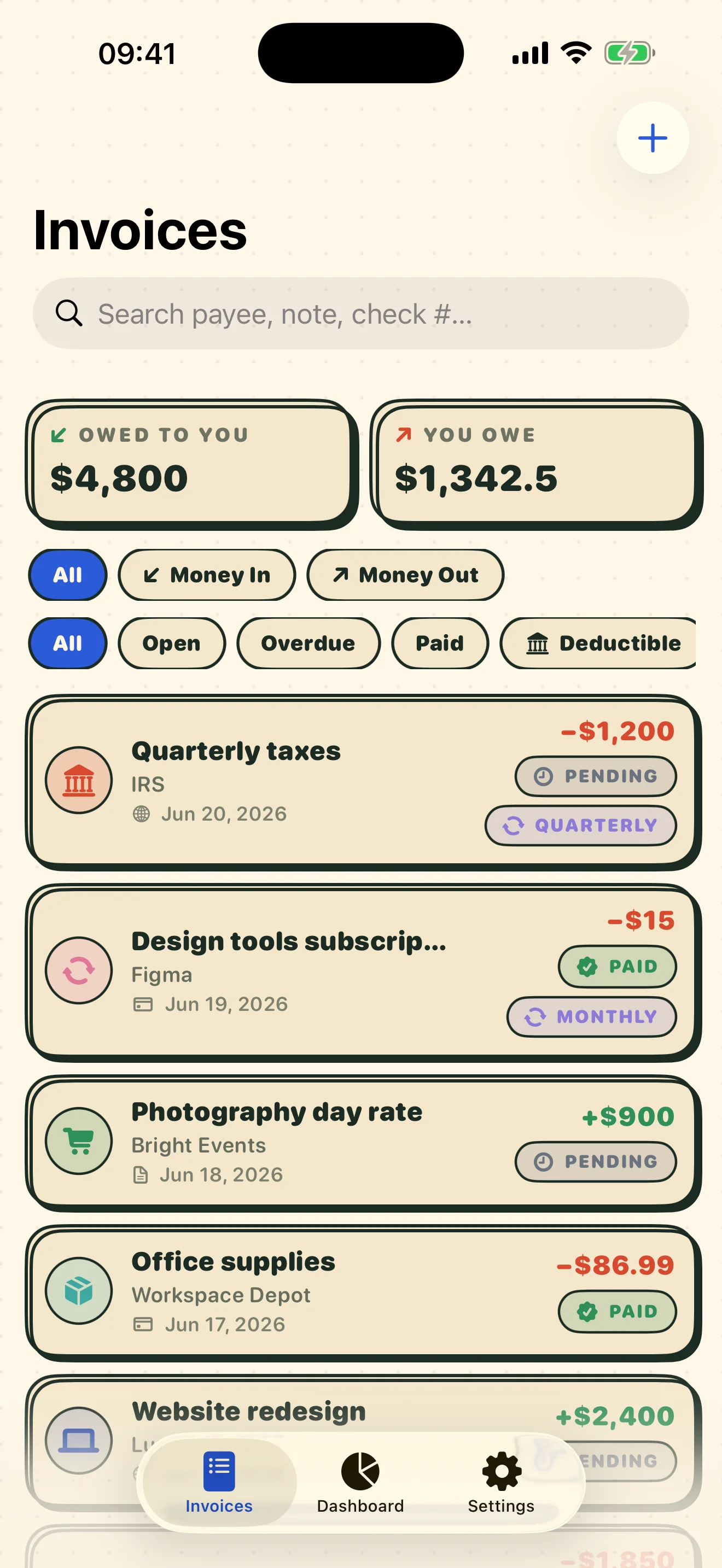
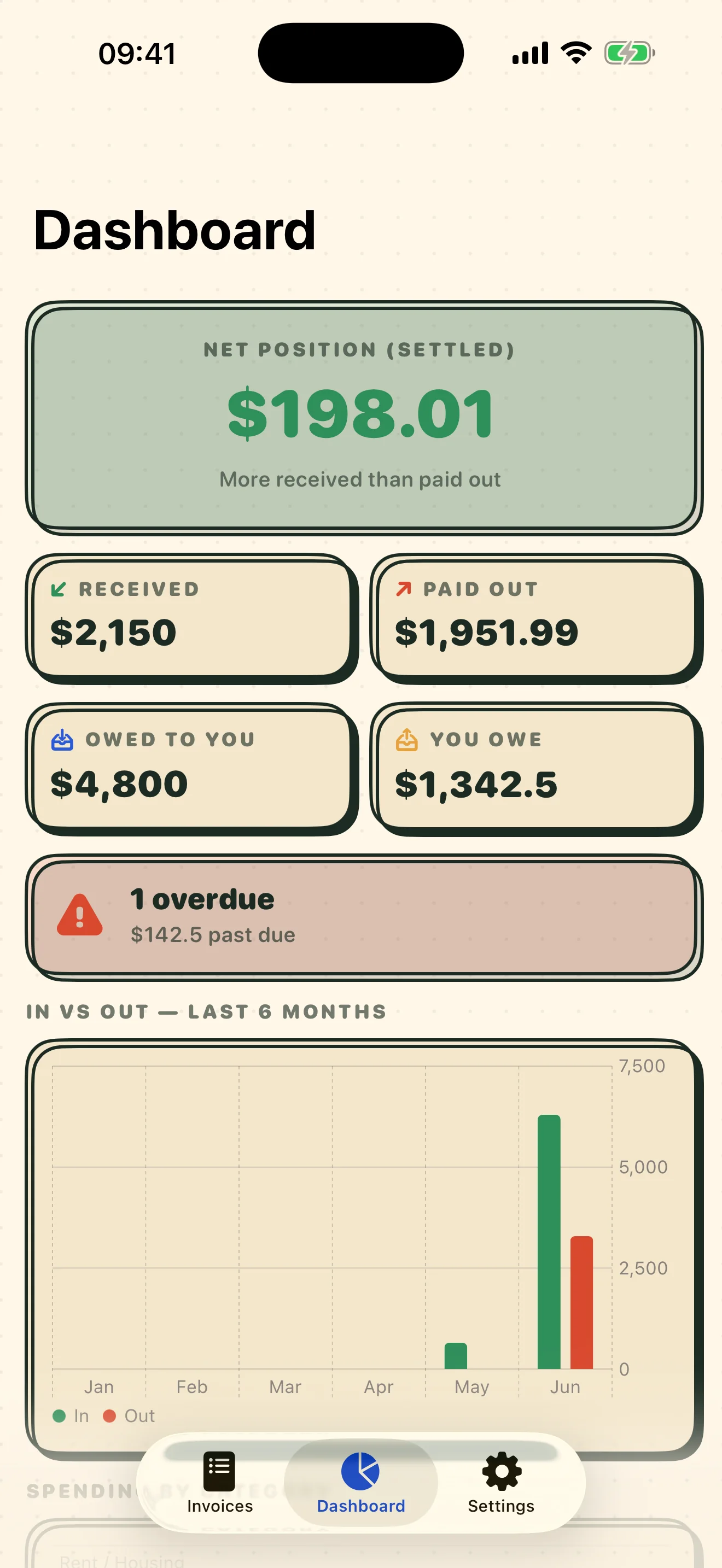
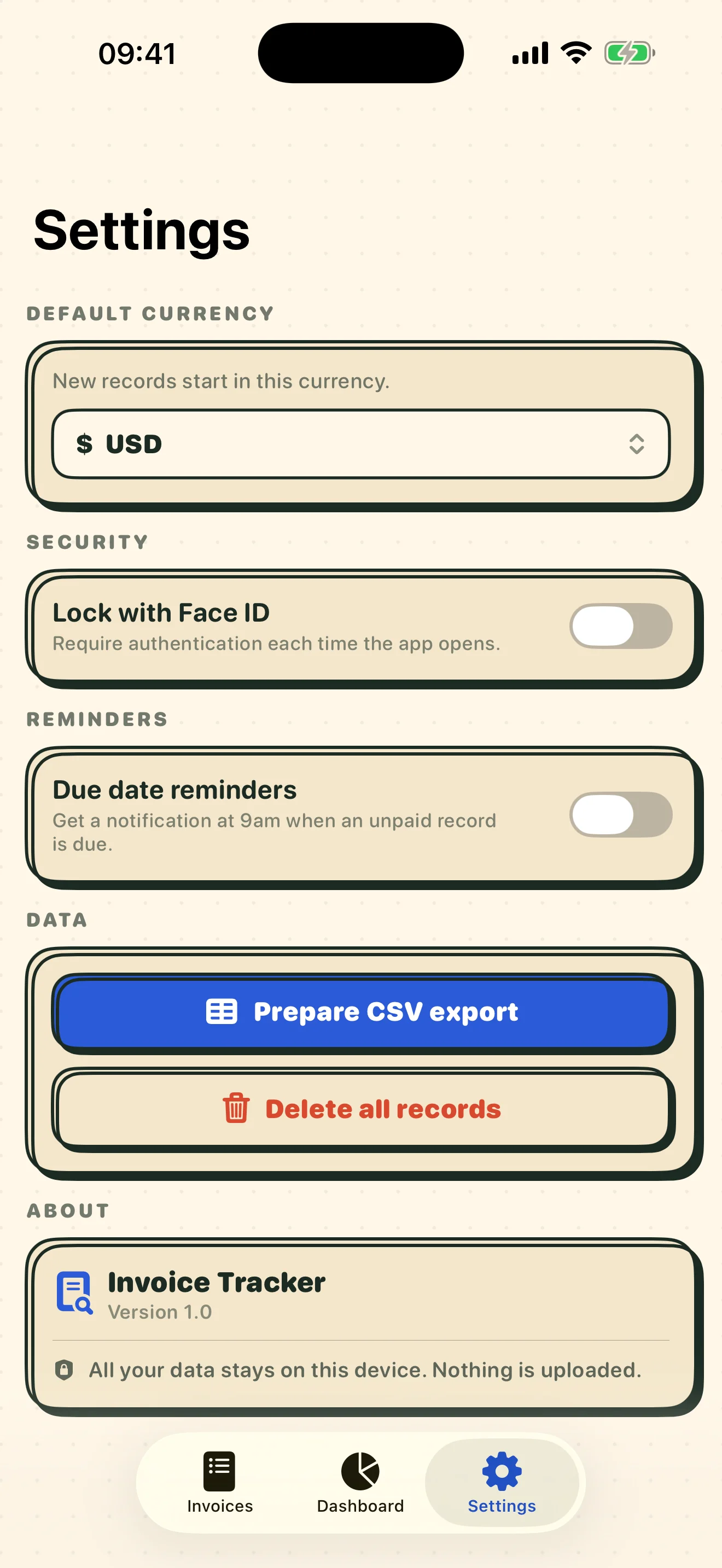
A private ledger for the money moving in and out of your life or small business — log bills you pay and invoices you're owed, each with its payment method (online or check), due dates, statuses, receipts, and optional reminders. A dashboard shows your net position and six-month charts, flags tax-deductible items, and exports everything to CSV. Universal for iPhone, iPad, and Mac. No accounts, no tracking — optional Face ID lock, and every record stays on your device.
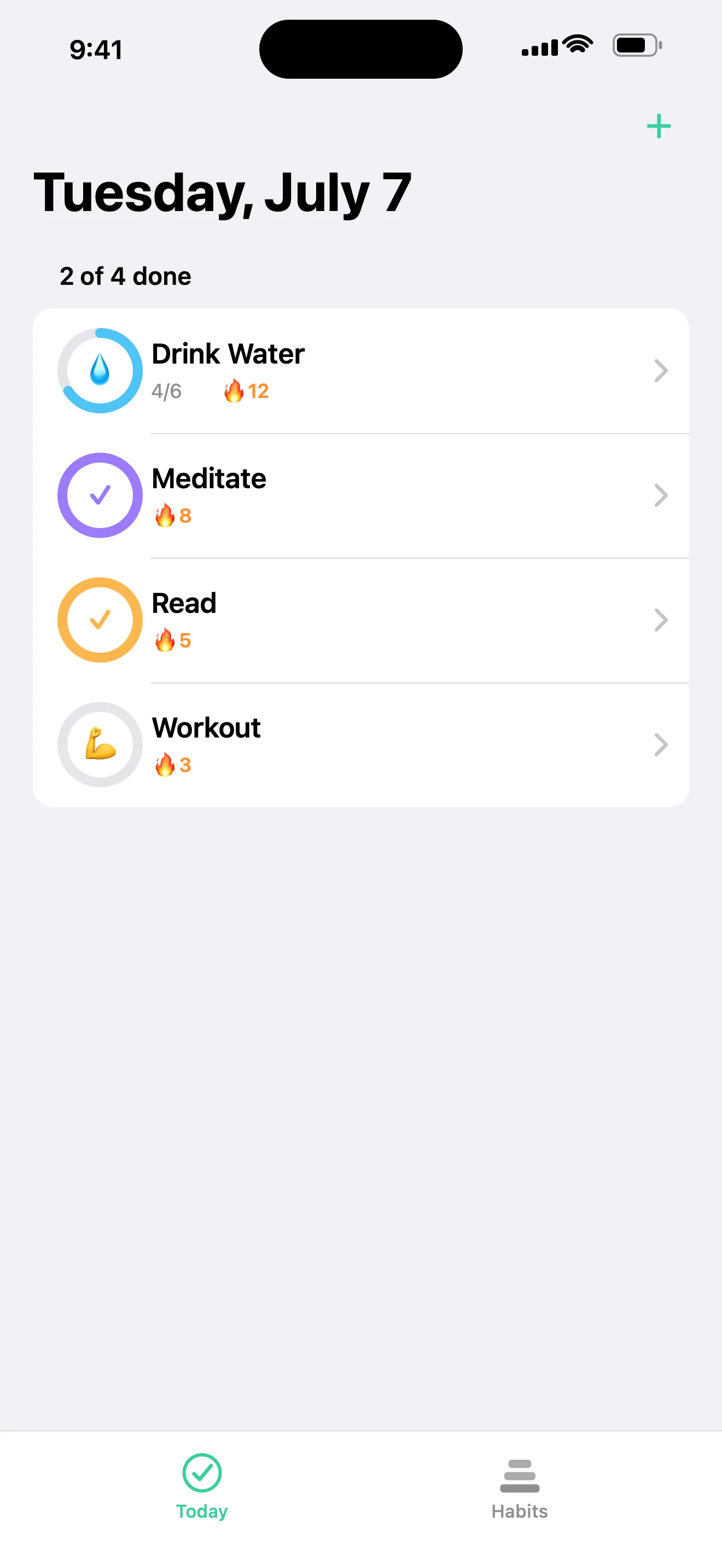
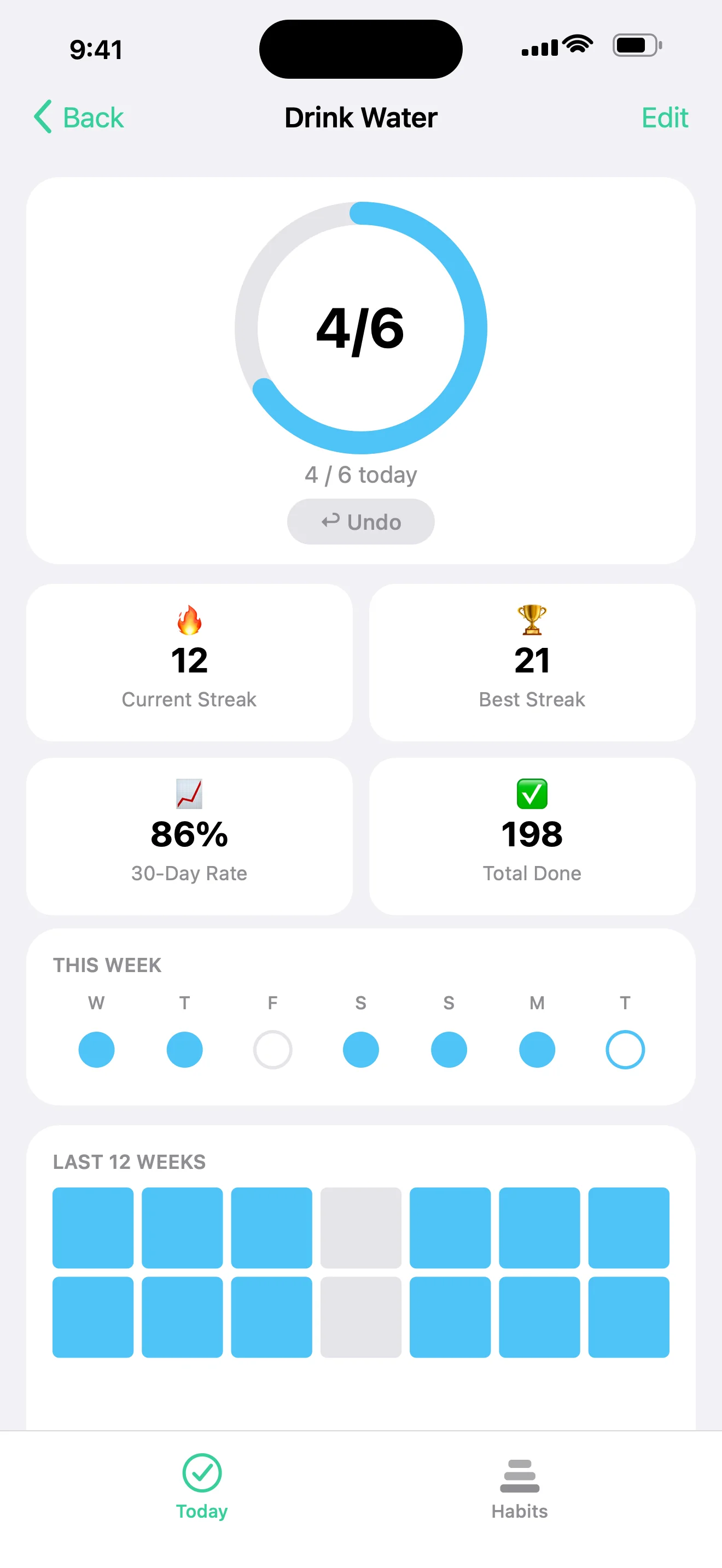
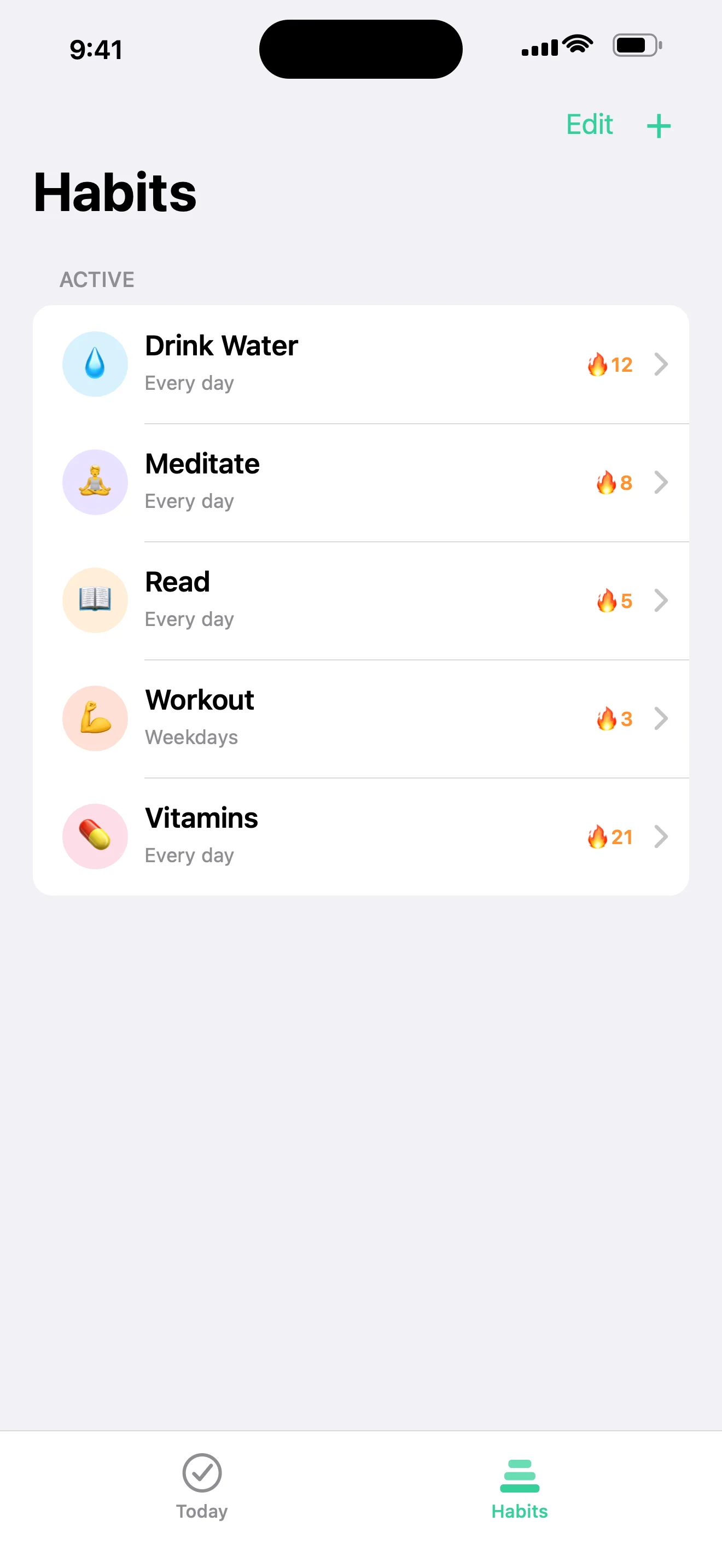
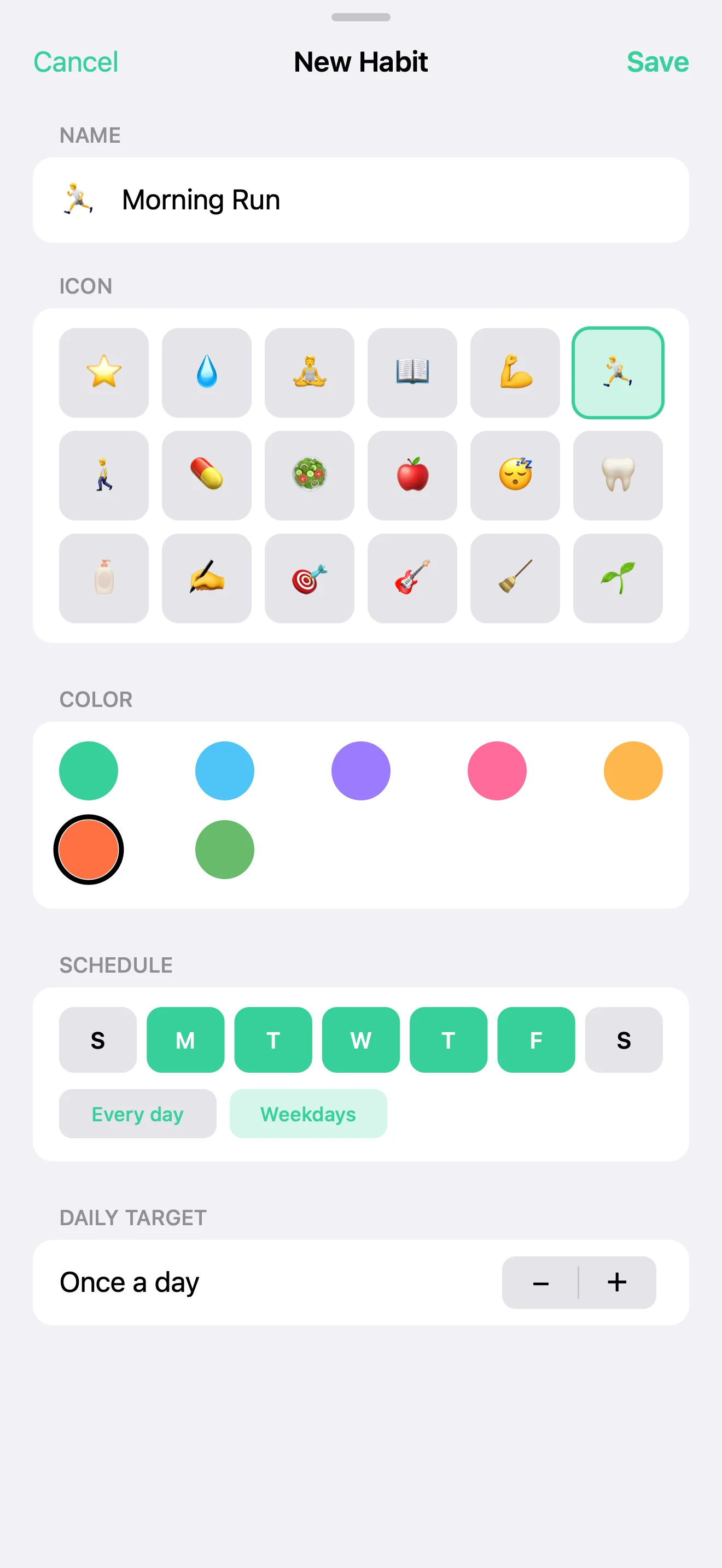
A calm habit tracker for iPhone and Apple Watch — tap a habit and its ring fills with a satisfying haptic. Add habits with an emoji, color, schedule (every day, weekdays, or custom), and a daily target; track current and best streaks, a 30-day completion rate, and a 28-day history grid. Built for the few seconds you actually have. No accounts, no ads, no tracking.
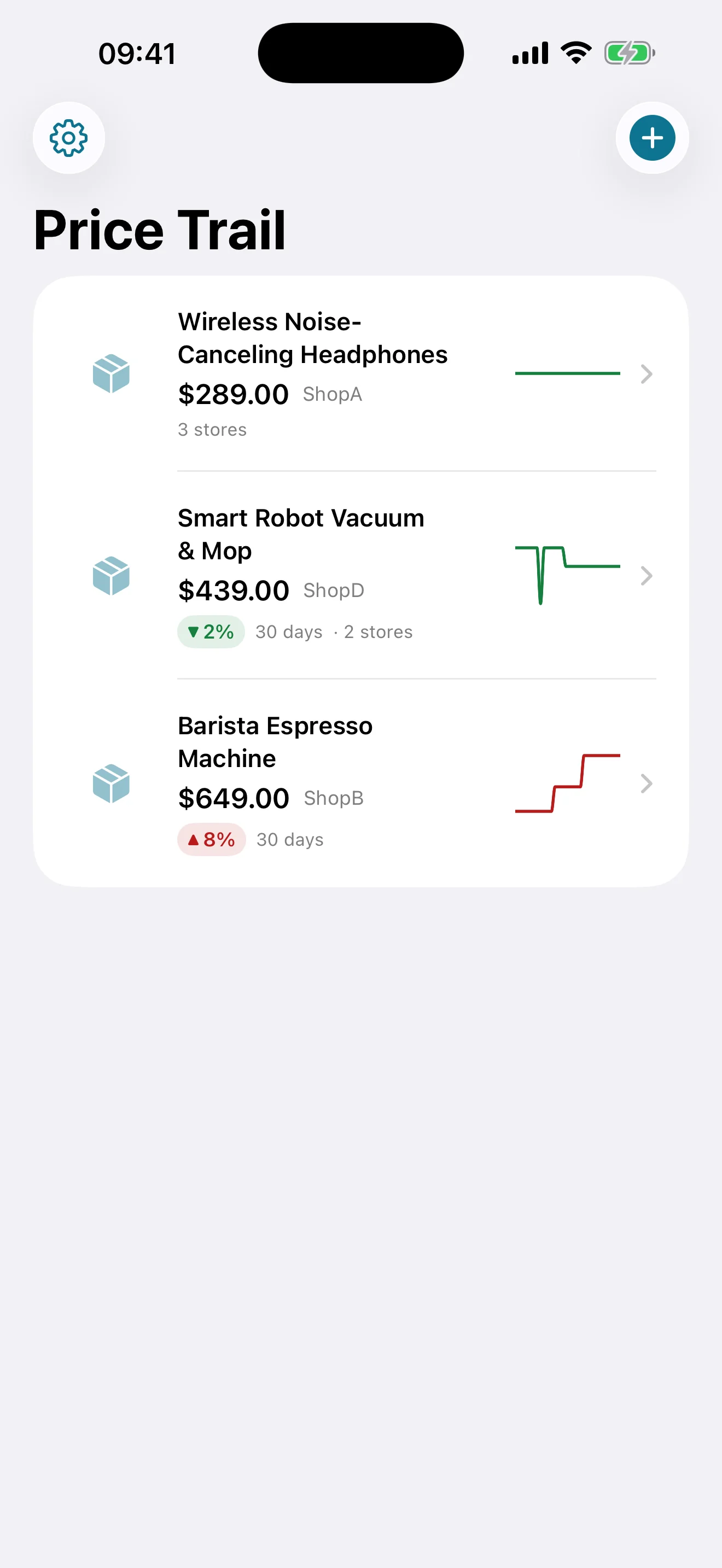
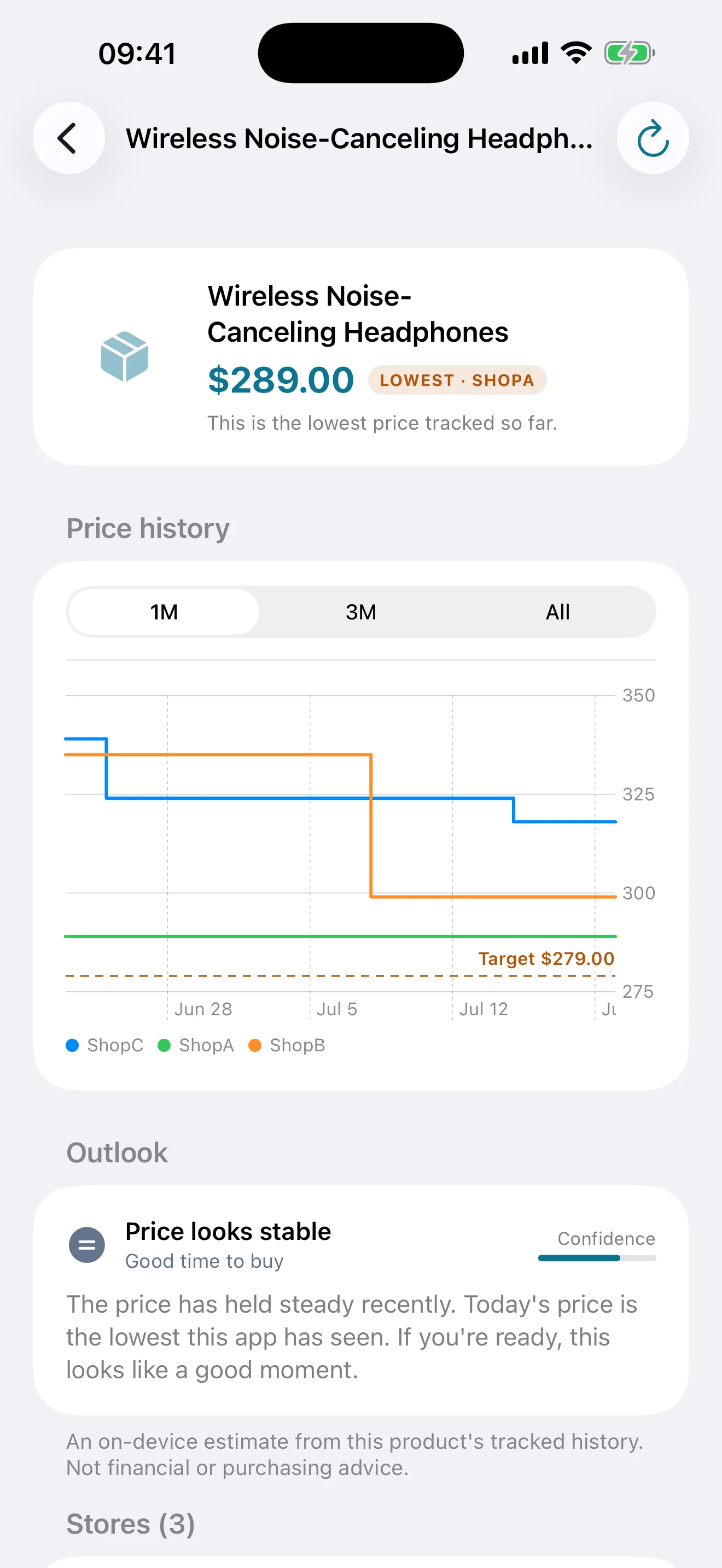
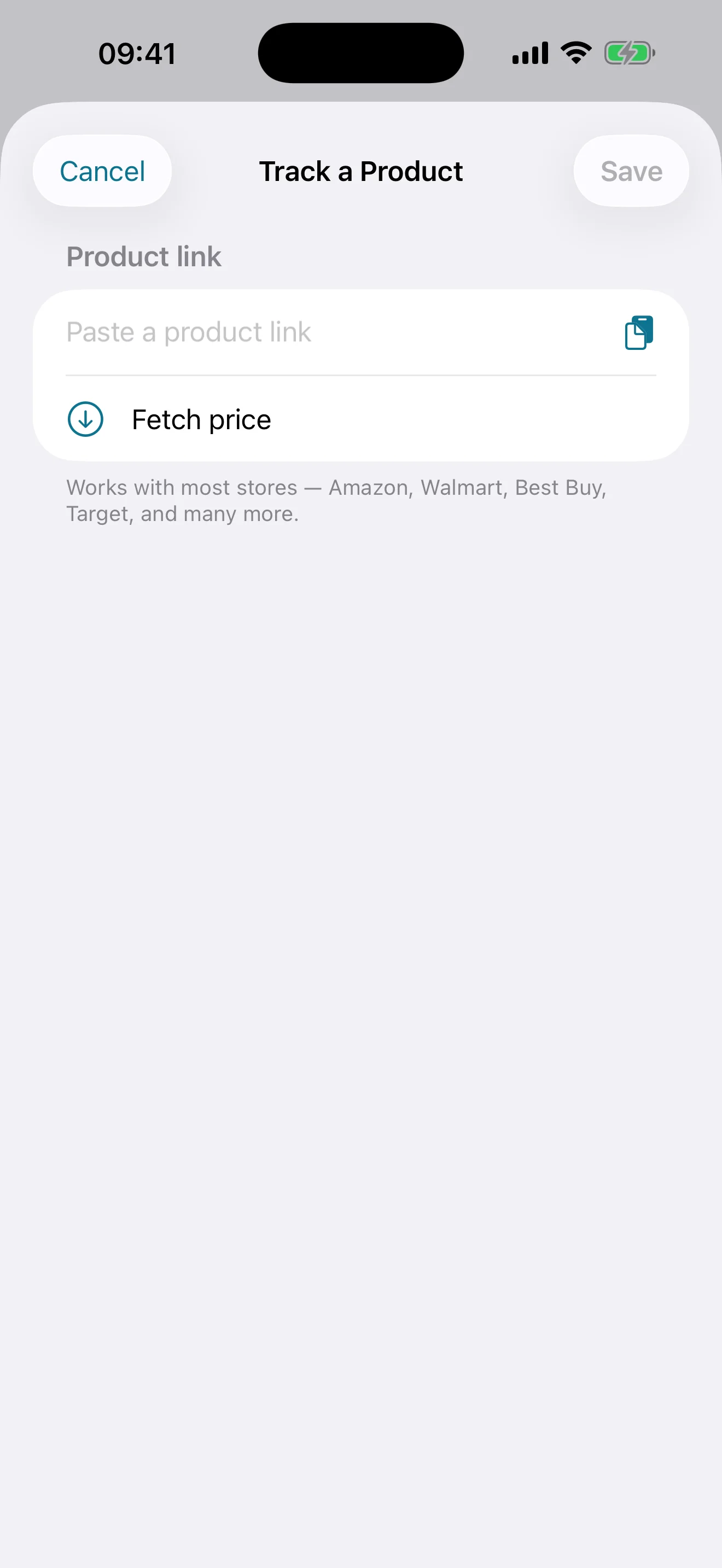
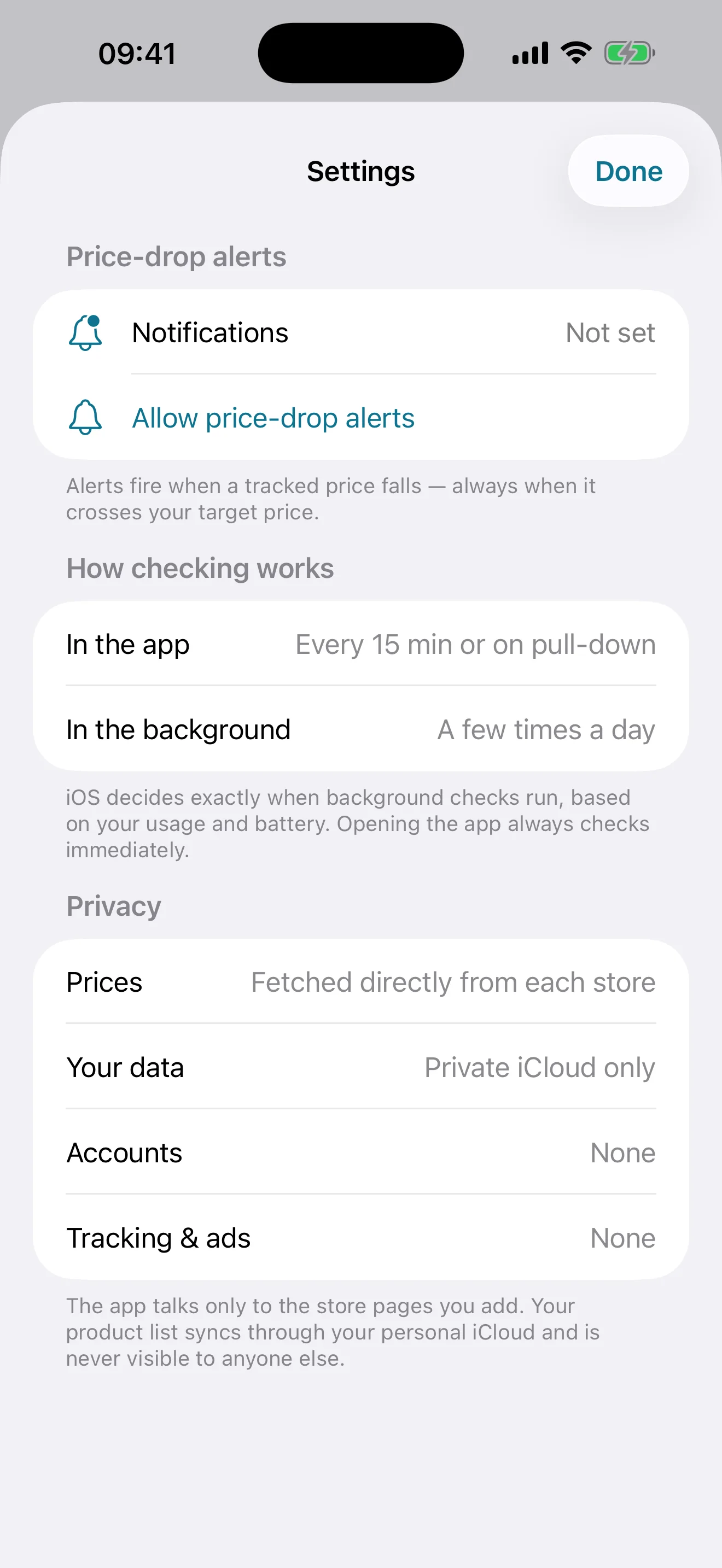
Stop refreshing product pages. Paste a product link from most online stores and Price Trail finds the name, photo, and price automatically, re-checks it in the background, and sends a local alert the moment it drops — or when it crosses your target price. Compare the same product across stores (cheapest highlighted), read the price-history chart, and get an on-device "should you wait?" outlook. Your list syncs between iPhone and iPad through your private iCloud. No accounts, no ads, no tracking.
A sudoku that teaches instead of answering. A live panel keeps an inventory of every technique currently available on your board — "Hidden single ×2 · Pointing pair ×1 · X-Wing ×1" — recomputed after each move, without saying where. Tap one to highlight the cells that make it true and read a one-sentence reason; placing the digit stays your call. Eleven techniques from naked singles to Swordfish, difficulty graded by the hardest technique a puzzle actually requires rather than by clue count, and every puzzle verified to have exactly one solution and to be solvable without guessing. Real two-column layout on iPad. Free, offline, no ads, no accounts, no tracking.